Text → image · Uncensored
ImageUncensored
Art Universe XL
Art Universe XL — a SDXL community checkpoint on the Sogni Supernet, in 2 versions.
No GPU. No setup. Cancel anytime.
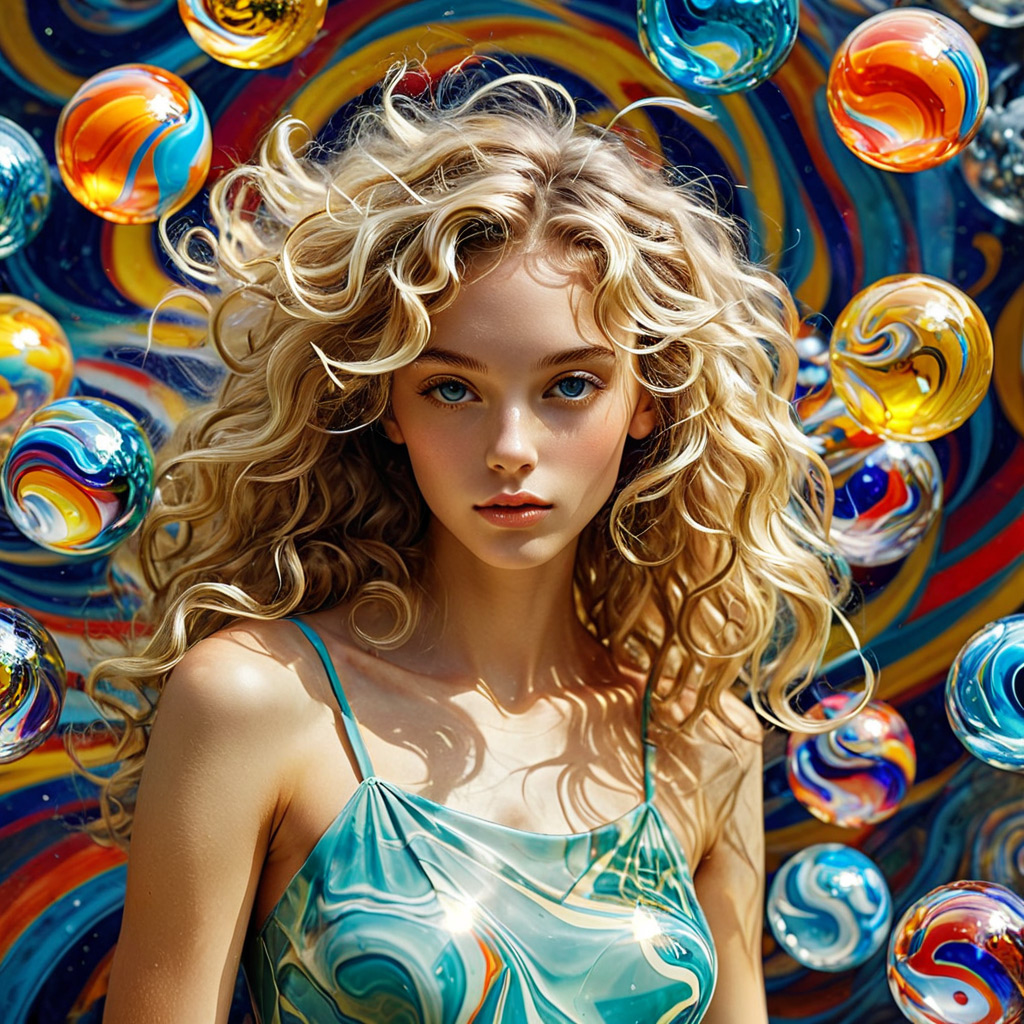
Art Universe XL — a SDXL community checkpoint on the Sogni Supernet, in 2 versions.
No GPU. No setup. Cancel anytime.
Art Universe XL is a SDXL community image model available on the Sogni Supernet — generate credit-free under fair use, no GPU or setup required. This model was created by mixing several different models and incorporating around 10 LORAs. It's an interesting model for creating images in comic or cartoon styles. A guidance level of up to 6 and a minimum of 28 steps are recommended.
It ships in 2 versions (v6, v5); pick a version below, or use the default.
Art Universe XL ships in 2 builds — same family, different speed/quality trade-offs. Pick the variant that fits, or start with the default.
| Variant | Details | From | |
|---|---|---|---|
v6coreml-artUniverse_sdxlV60 | Steps: 20 default · 2–60 | Unlimited | Create → |
v5coreml-artUniverse_sdxlV50 | Steps: 20 default · 2–60 | Unlimited | Create → |
Art Universe XL is included on every Sogni plan — generate credit-free under fair use, alongside 200+ other models. Pay-as-you-go Spark packs are also available for eligible Spark renders.
One Sogni API key reaches every model on the Supernet — call Art Universe XL with the exact model id for the variant you want.
import { SogniClient } from '@sogni-ai/sogni-client';

const client = await SogniClient.createInstance({
  appId: crypto.randomUUID(),
  apiKey: process.env.SOGNI_API_KEY,
  network: 'fast',
});

const project = await client.projects.create({
  type: 'image',
  modelId: 'coreml-artUniverse_sdxlV50',
  positivePrompt: 'a slothicorn surfing a wave of liquid paint, studio lighting',
  numberOfMedia: 1,
});

const [url] = await project.waitForCompletion();
console.log(url); // result link — download within 24h
# coreml-artUniverse_sdxlV50 is addressable by id via the JavaScript SDK (see the JavaScript tab).
# The REST workflow API routes this family through its flagship alias instead:
curl https://api.sogni.ai/v1/creative-agent/workflows \
-H "Content-Type: application/json" \
-H "Authorization: Bearer $SOGNI_API_KEY" \
-d '{
"input": {
"title": "First render",
"steps": [{
"id": "step1",
"toolName": "generate_image",
"arguments": { "prompt": "a slothicorn surfing a wave of liquid paint, studio lighting" }
}]
},
"confirm_cost": true
}' Example uses coreml-artUniverse_sdxlV50. Use any exact model id from the Variants table above. Full reference at docs.sogni.ai.
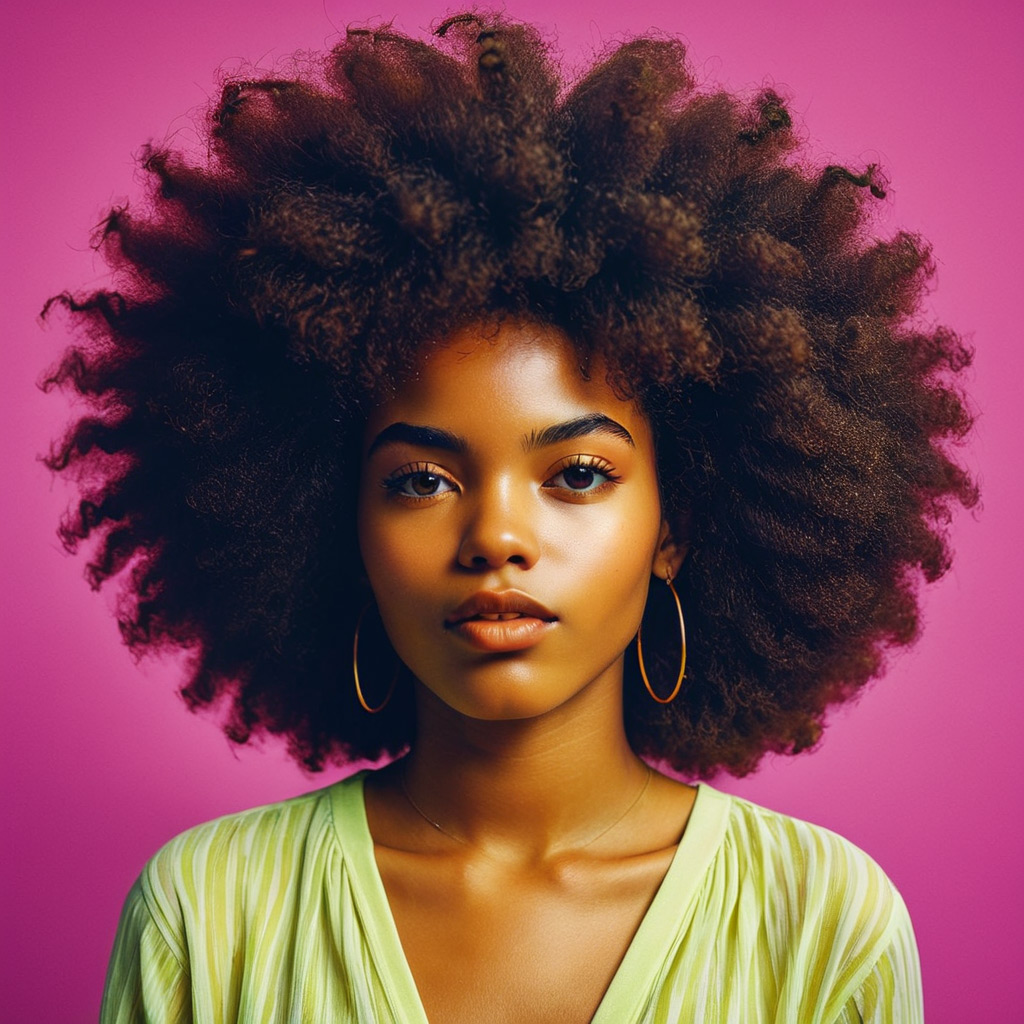
Real generations from Sogni. Hit Use prompt to open the app with Art Universe XL selected and the full prompt preloaded.
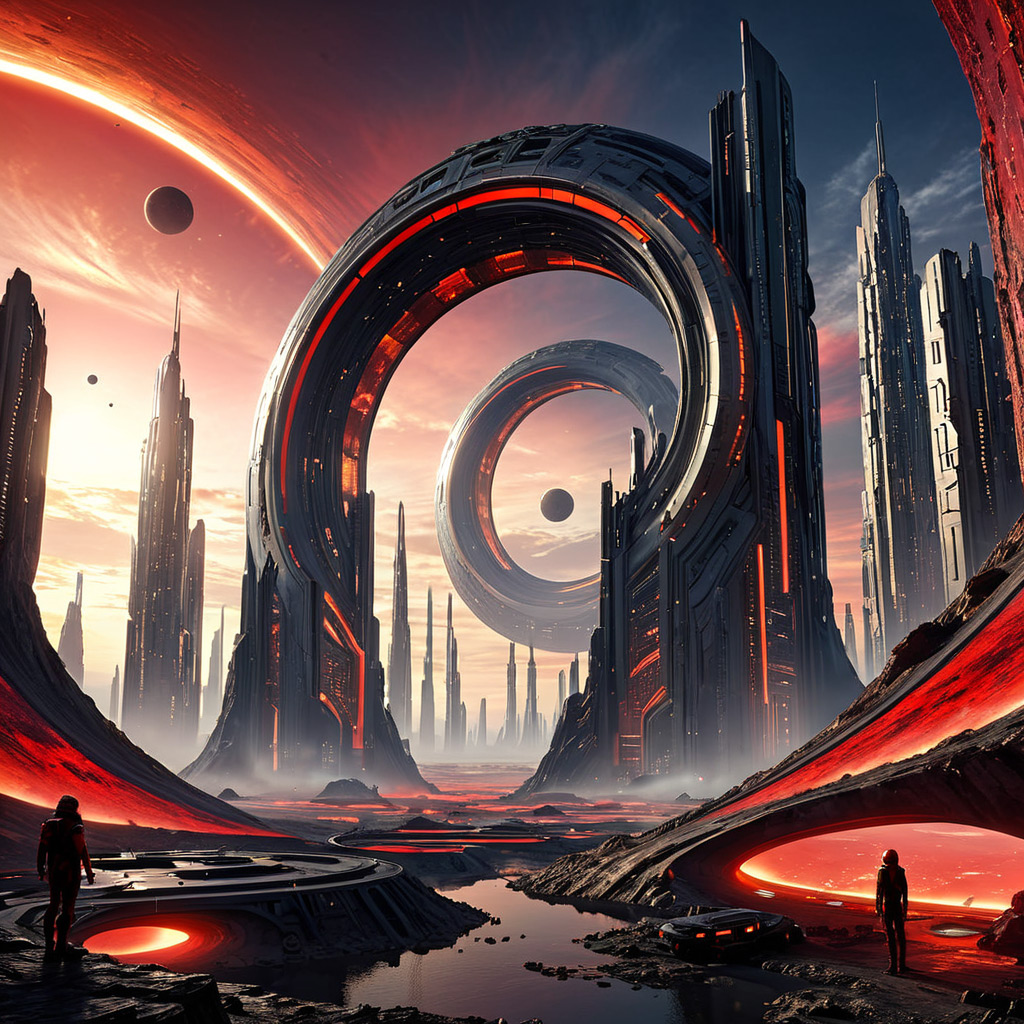
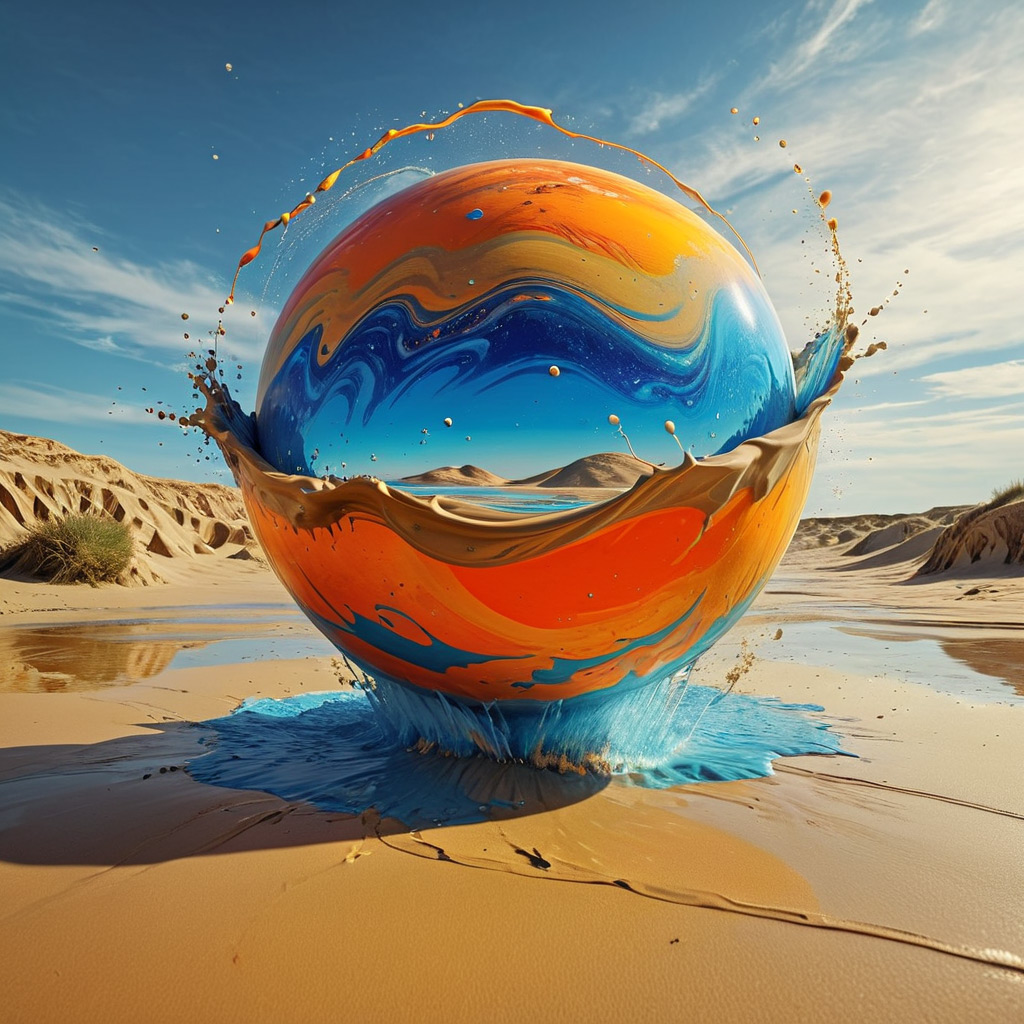

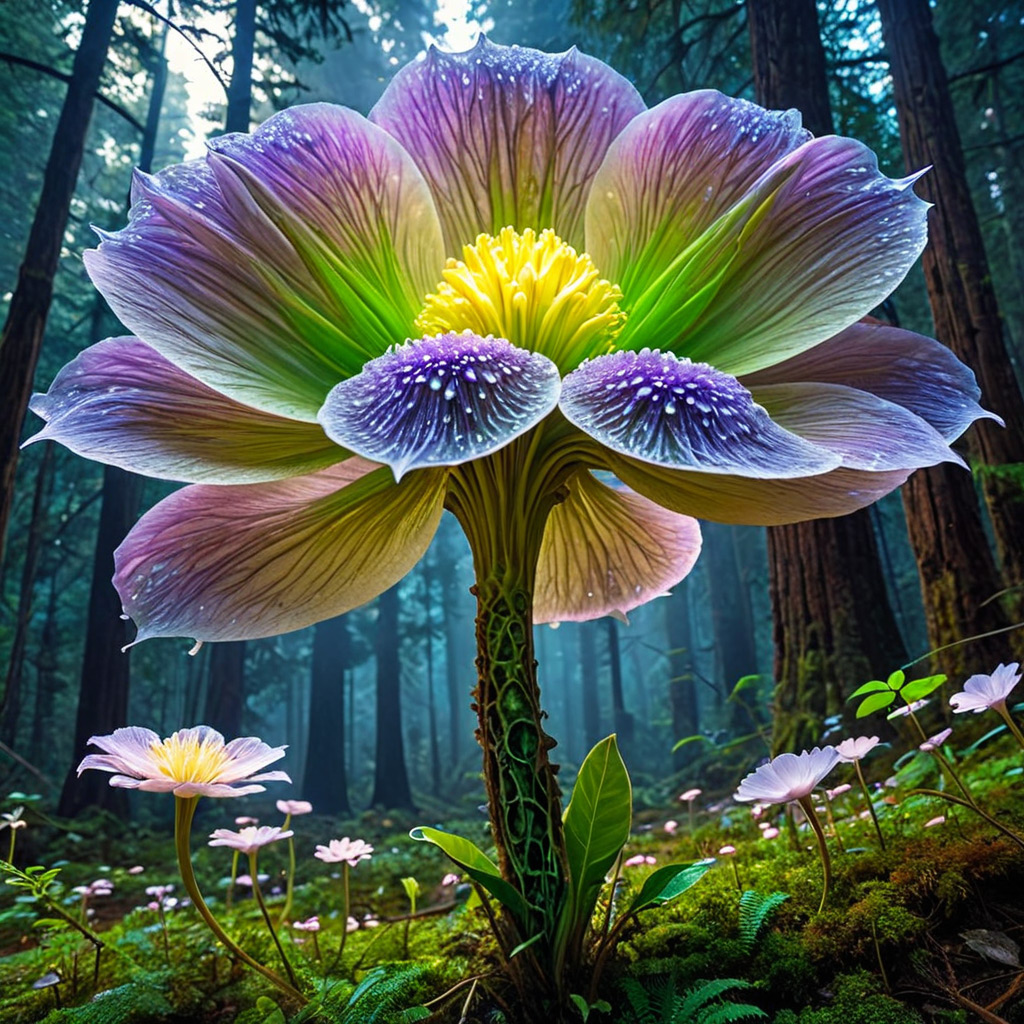
Use a flat monthly plan for credit-free fair-use generation, or buy Spark packs when pay-as-you-go fits better. Both run on the same creator-owned GPU network.
One flat price in the app. Generate under fair use without a per-image meter.
Image, video, music, and language models in one workspace and one API key.
Prefer pay-as-you-go? Call Art Universe XL by id and pay with Spark packs.
Runs on a decentralized GPU network where workers share subscription revenue.
Art Universe XL is a SDXL community image model available on the Sogni Supernet — generate credit-free under fair use, no GPU or setup required. This model was created by mixing several different models and incorporating around 10 LORAs. It's an interesting model for creating images in comic or cartoon styles. A guidance level of up to 6 and a minimum of 28 steps are recommended.
Art Universe XL is included under fair use on Sogni subscription plans. Pay-as-you-go Spark packs are also available for eligible Spark renders.
Create instantly in the Sogni app, or call the Sogni API with model id coreml-artUniverse_sdxlV50.
No. Art Universe XL runs on the Sogni Supernet — a decentralized network of creator GPUs — with no local install or graphics card required.
Sogni is built with privacy and creative freedom in mind. Your work remains your own, and inference runs through the Sogni Supernet, a decentralized network of creator GPUs, instead of requiring local hardware or a separate model host. Use is still governed by Sogni's Privacy Policy and Terms of Use.
Create in the app, or build with the API. Your call.