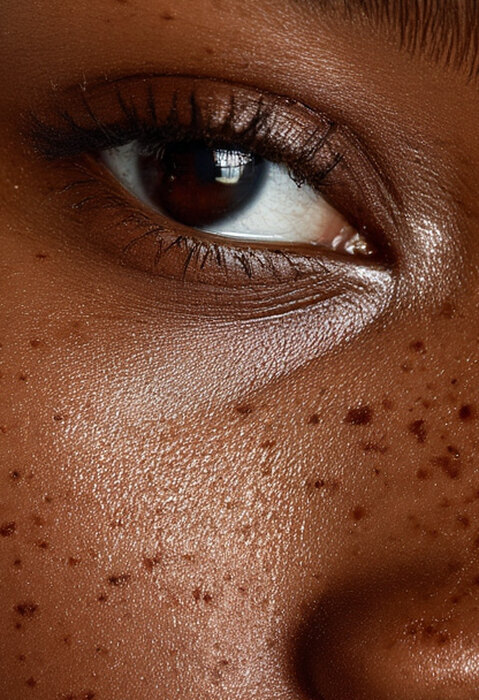
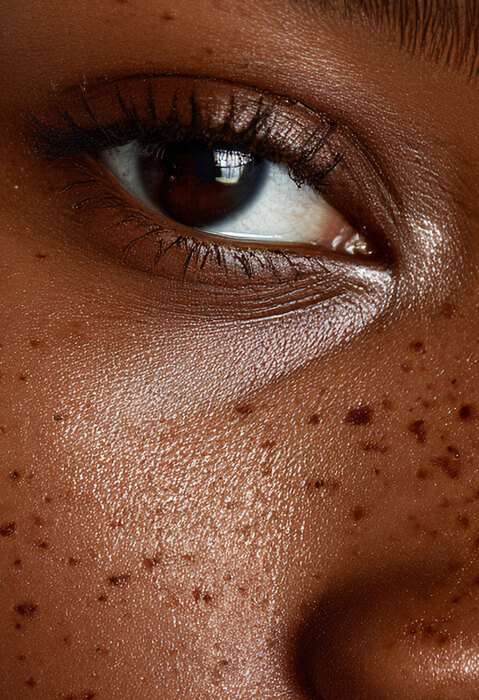
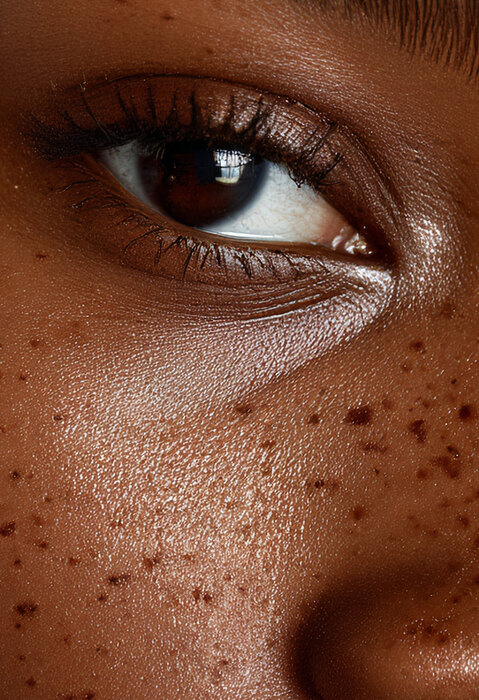
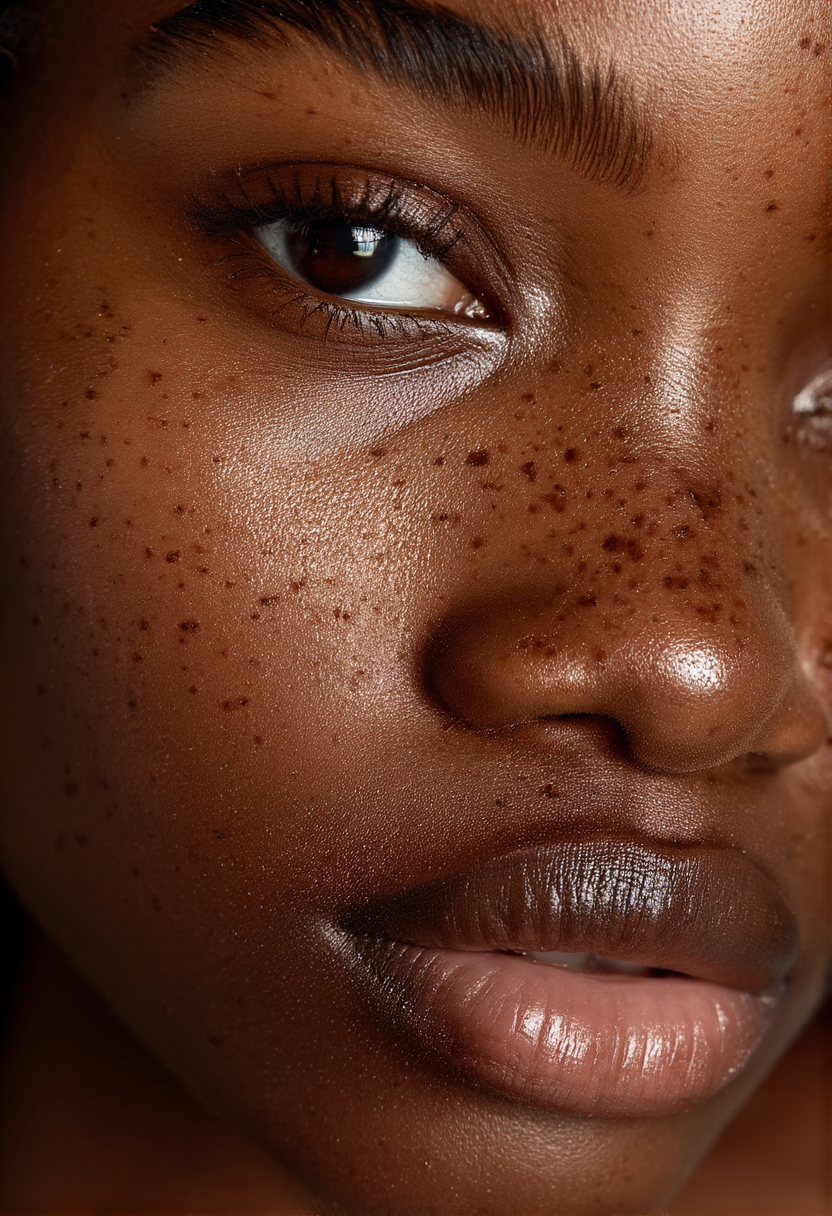
RTX VSR is the faithful upscaler in Sogni's image toolkit. It enlarges one existing image while preserving its identity, composition, colors, and aspect ratio. It is promptless and deterministic, so use it after the creative work is finished.
Choose 2×, 3×, or 4× for a relative enlargement, 7,680px for the 8K profile, or 15,360px for the 16K maximum. The other edge is calculated automatically and both edges are aligned to eight pixels. Outputs above 7,680px use JPEG.
832×1216original Sogni still
5248×7664actual 8K result
10,504×15,352actual 16K result
Use it from an agent or API
Sogni Chat and the Creative Agent route pure resolution requests to upscale_image. Attach one source image and ask for 8K or 16K, or submit the exact tool arguments in a durable workflow.
Use targetLongestEdge: 7680 for 8K. The hosted tool also accepts scale: 2, 3, or 4. See the complete upscaling guide.
Native-pixel evidence
Inspect the actual pixels
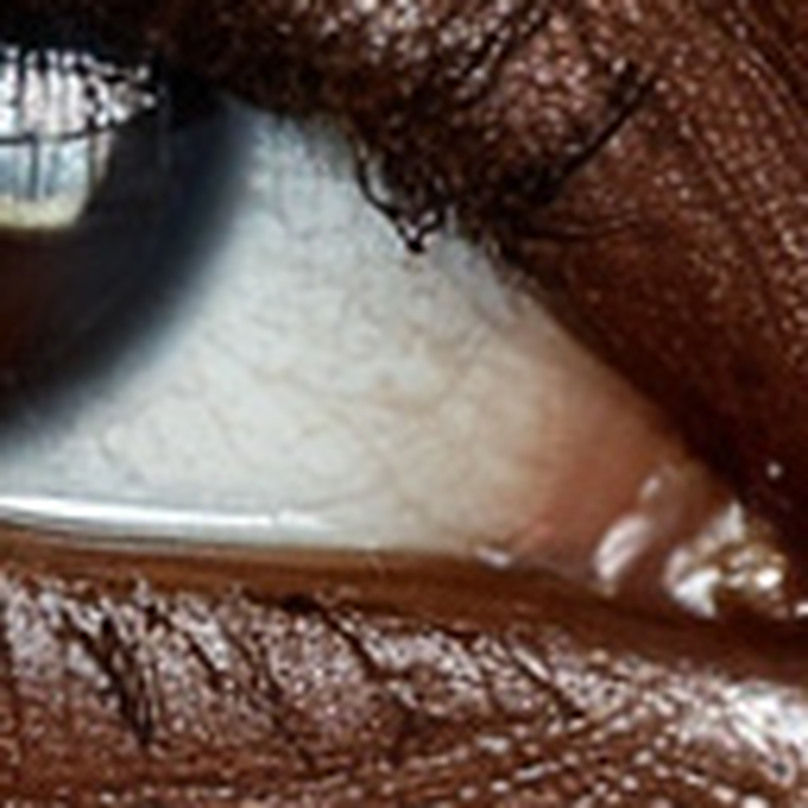
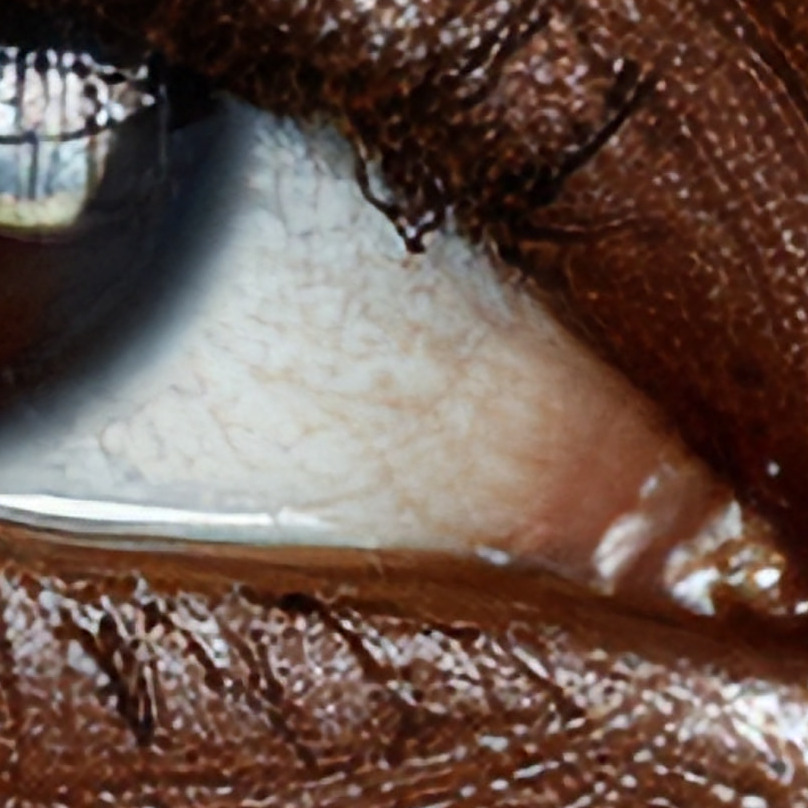
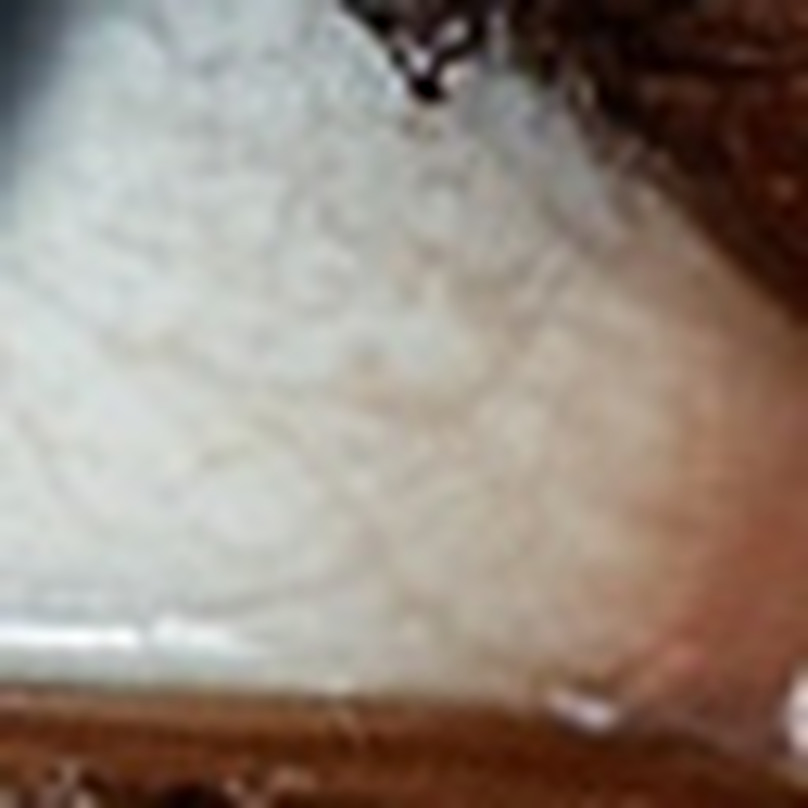
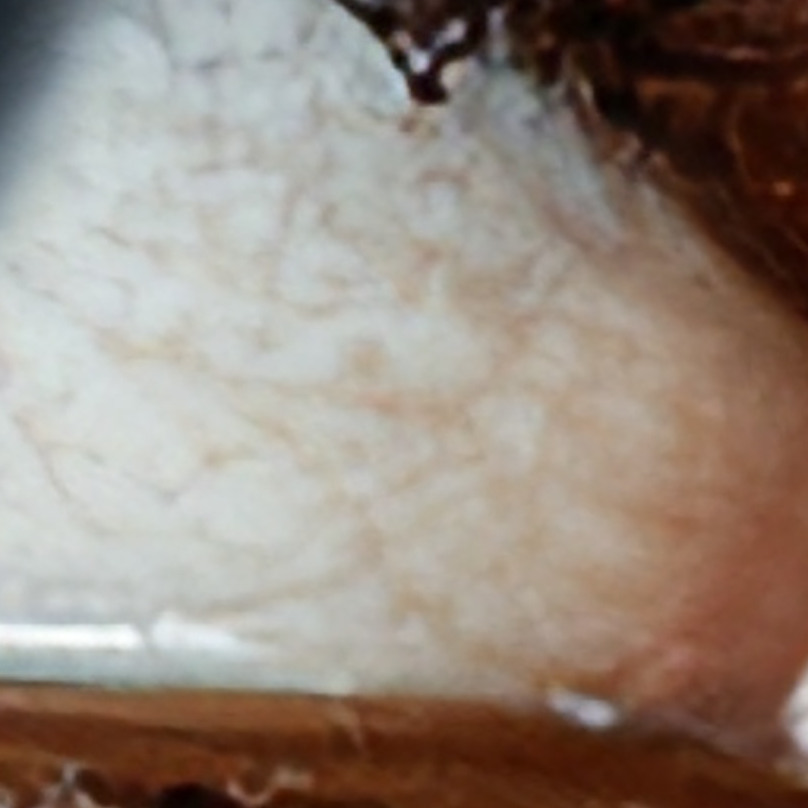
Large images look similar when they are fitted to a screen. These matched 100% crops show what RTX VSR reconstructs at output resolution. Start with the source map so you know exactly where each crop came from, then drag each wipe between a high-quality resize and the actual RTX VSR output.
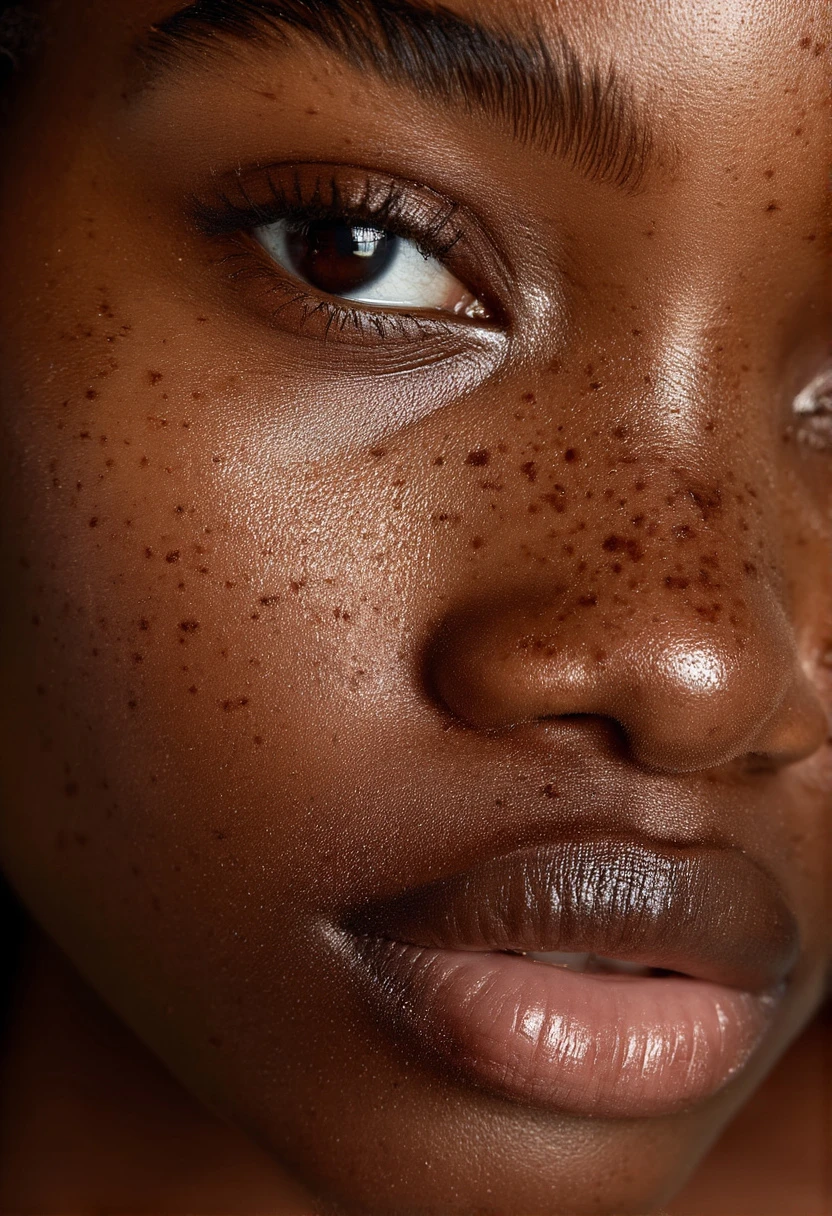
Complete 832×1,216 source · boxes are drawn at their exact coordinates
Start with the whole image
The evidence comes from the lower-right sclera
The green 128×128 box feeds the 8K comparison. The amber 64×64 box is nested inside it for the 16K comparison. Both stay centered on the vessel-rich sclera beside the tear duct, where ordinary resizing loses the branching lines and wet-lid boundary.
Complete 1,024×1,024 source · exact 128×128 crop marked in green
Hard-edge test
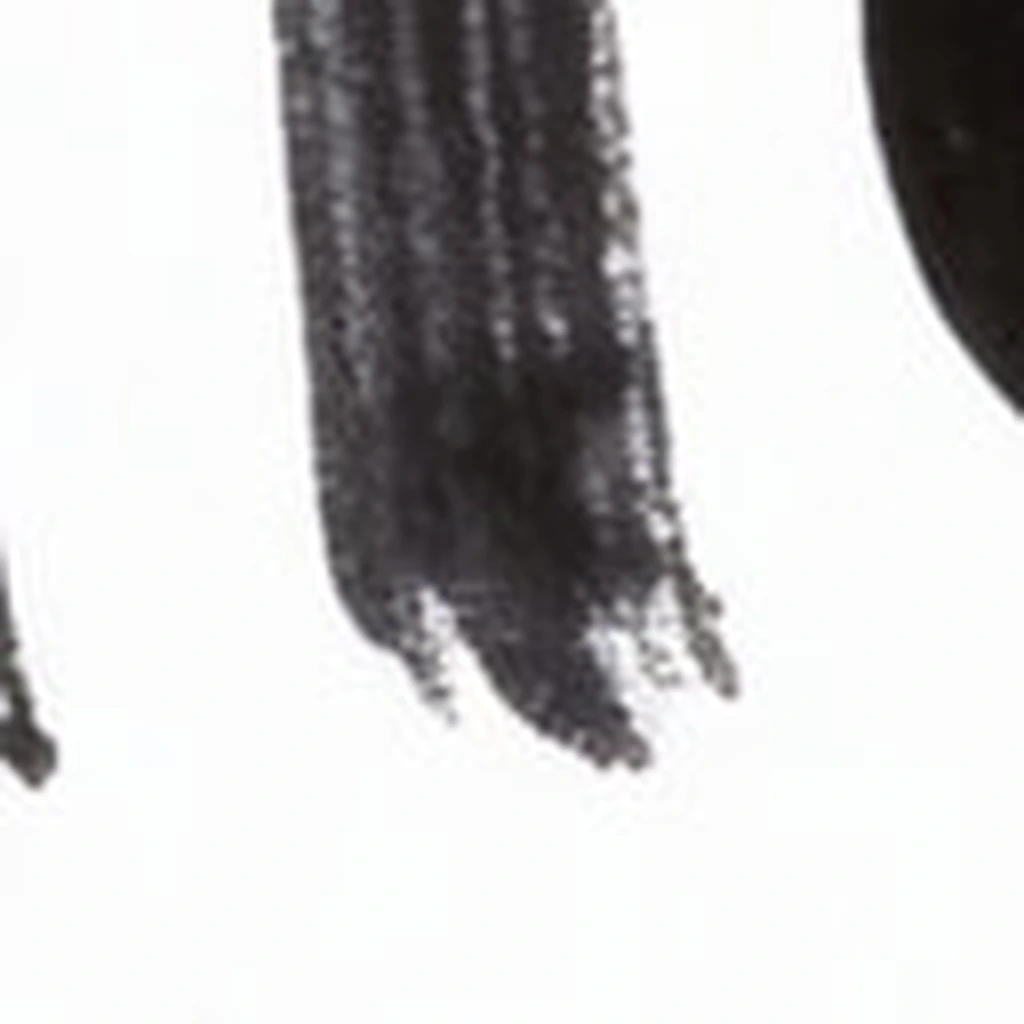
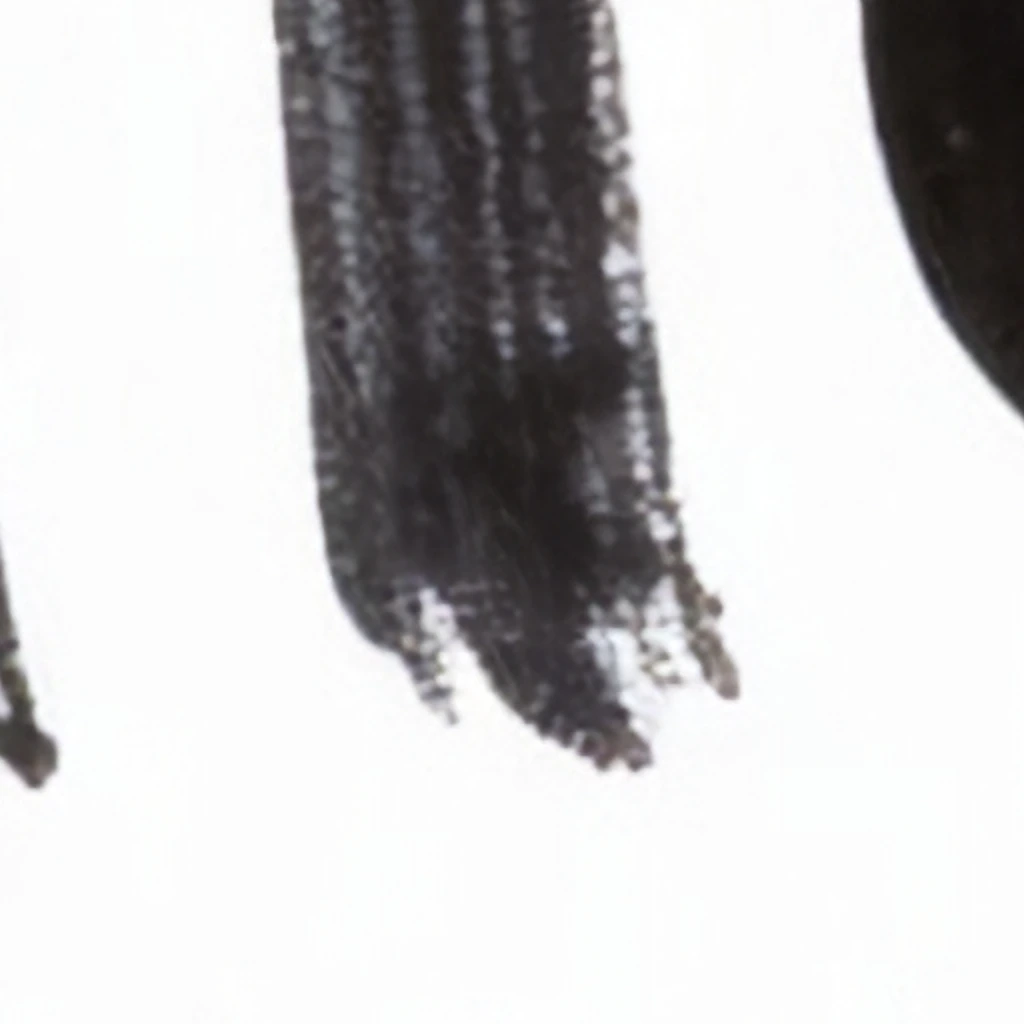
Brush strokes at 8× scale
The marked source region is the bottom of the second “l” in Hello, where the brush lifts and the stroke breaks into separate bristle tracks. The left side stretches those 128×128 pixels to 1,024×1,024; the right side is the corresponding native crop from the 8,192×8,192 RTX VSR output.
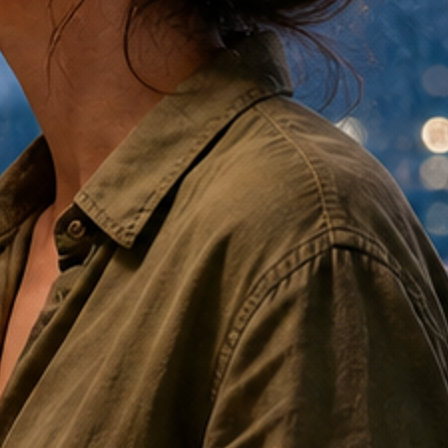
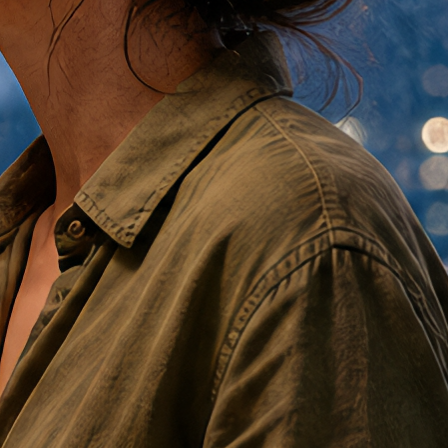
Fabric is where an ordinary enlargement gives itself away. A weave is finer than the pixels describing it, so interpolation has nothing to work from and hands back a smooth gradient. Both halves below are 448×448 pixels cut from the same coordinates: high-quality bicubic resampling on the left, the RTX VSR output at the identical size on the right.
The weave and the stitch line are not sharper in the reconstruction — they are present. Note what did not move: the fold falls the same way, the seam sits in the same place, and the color is unchanged.
16K is wasted as a fitted browser thumbnail. Its value is the pixel budget left for a large print, a tight client crop, or both. This portrait's actual 16K-profile output is 10,504×15,352—roughly 159 times as many pixels as the 832×1,216 source.
This is not a new composition or a generative repaint. It is the approved portrait reconstructed as a file large enough for print production, archival masters, and deep inspection.
Crop latitude
Crop away half of each edge and you still have 5,252×7,676.
That center crop is 40.3 MP—approximately the complete 8K result. A 16K master lets an art director reframe aggressively without dropping back to screen-sized pixels.
That is this portrait. The profile's own ceiling is square: a 1:1 source returns 15,360×15,360—235,929,600 pixels, or 236 MP, which prints 51.2 inches (4 ft 3 in) on a side at 300 PPI. Most image models hand you about a megapixel to start with.
300 PPI · close viewing35.0 × 51.2 in88.9 × 130.0 cm
Fine-art and photographic output intended to hold up under close inspection.
240 PPI · wall art43.8 × 64.0 in111.2 × 162.5 cm
Large framed work with strong detail at a normal room viewing distance.
150 PPI · display scale70.0 × 102.3 in177.9 × 260.0 cm
Oversized display and signage viewed from farther away—more than 8.5 feet tall.
These are direct calculations from this 10,504×15,352 file before bleed or trim. PPI is the image's pixel density on paper; printer DPI describes the output device and is not the same measurement. Confirm substrate, sharpening, color profile, bleed, and delivery PPI with the print provider before final production.
The files themselves
Download the full-size samples
Every crop on this page comes from one render — an 832×1,216 portrait generated on Sogni with Chroma v48 Detail — and the two RTX VSR reconstructions of it. All three files are published in full, so you can judge the pixels in your own viewer rather than ours.
Original render832 × 1,216JPEG · 544 KB
The Chroma v48 Detail still that every comparison here is cut from.
The files are served from the launch write-up on the Sogni blog. Large files: the 16K master is 14.2 MB and 161 megapixels, so give it a moment and open it in something that can pan at 100%.
When to use it
Finished image in, faithful larger image out
◎
Composition locked
Framing, identity, edges, and clothing return as they went in. No new objects, no reinterpretation.
✧
Cleaner, not repainted
Built for compressed video, so blocking and ringing are reduced on the way up rather than magnified, and edges sharpen naturally—without inventing a pore.
1→2
Stacks after a creative pass
Want detail the frame never had? Run a creative or detail upscaler first, then RTX VSR to reach print size without a model having further opinions.
Use Sogni Create, Chat, the public Creative Agent, or hosted workflows.
⚡
Supernet powered
NVIDIA RTX workers supply the hardware. No local GPU or setup required.
Pricing
Covered by Unlimited, or pay as you go
RTX VSR is a standard Supernet model, not one of the metered frontier partner models. A Sogni Unlimited subscription covers your upscales under fair use, and pay-as-you-go Premium Spark covers them without a subscription.
Sogni Unlimited
$20 / mo$199/yr billed annually · Pro is $50/mo or $498/yr
Fair-use Supernet rendering with no credit counting. 8K and 16K upscales are included along with the rest of the hosted catalog.
An upscale is billed on the output size you ask for, so a 16K job costs more Spark than a 2× enlargement of the same image. Sogni Create and Sogni Chat show the estimate before the job runs, and the Spark calculator prices any model against the current packs.
FAQ
NVIDIA RTX VSR on Sogni
What does 16K mean?
16K is the profile name. Sogni fits the source inside a 15,360px longest-edge box, preserves its aspect ratio, and aligns both output edges to eight pixels.
How large can this 16K portrait print?
Its actual 10,504×15,352 file maps to 35.0×51.2 inches at 300 PPI, 43.8×64.0 inches at 240 PPI, or 70.0×102.3 inches at 150 PPI before bleed and trim. Choose the density with the print provider based on medium and viewing distance.
What does an RTX VSR upscale cost?
It is covered by a Sogni Unlimited subscription ($20/mo or $199/yr; Unlimited Pro is $50/mo or $498/yr) under fair use, with no credit counting. Without a subscription it runs on pay-as-you-go Premium Spark, and Spark Packs start at $1.99. The Spark estimate scales with the output size you request and is shown before the job runs. See the pricing breakdown ↑
Is this a generative image edit?
No. RTX VSR is a promptless deterministic reconstruction path. Use Creative Enhance, restoration, or image editing when you want the content repainted or changed.
Why does the exact result vary from 15,360px?
The source aspect ratio is preserved and both dimensions use an 8px alignment. A portrait or landscape result may therefore land just below the profile's longest-edge ceiling.
Where can I inspect the output at full detail?
Use the 100% crop links above to inspect native output pixels. The linked Sogni Engineering article adds more source and upscaled examples, interactive comparisons, and the test methodology.
Make the image bigger. Keep it yours.
Upscale in Sogni Create or ask for it naturally in Sogni Chat.