Text → image · Uncensored
ImageNewUncensored
MOSS-Image
Uncensored image generation with 8-step and standard presets, English and Chinese prompts, and experimental layout control.
No GPU. No setup. Cancel anytime.
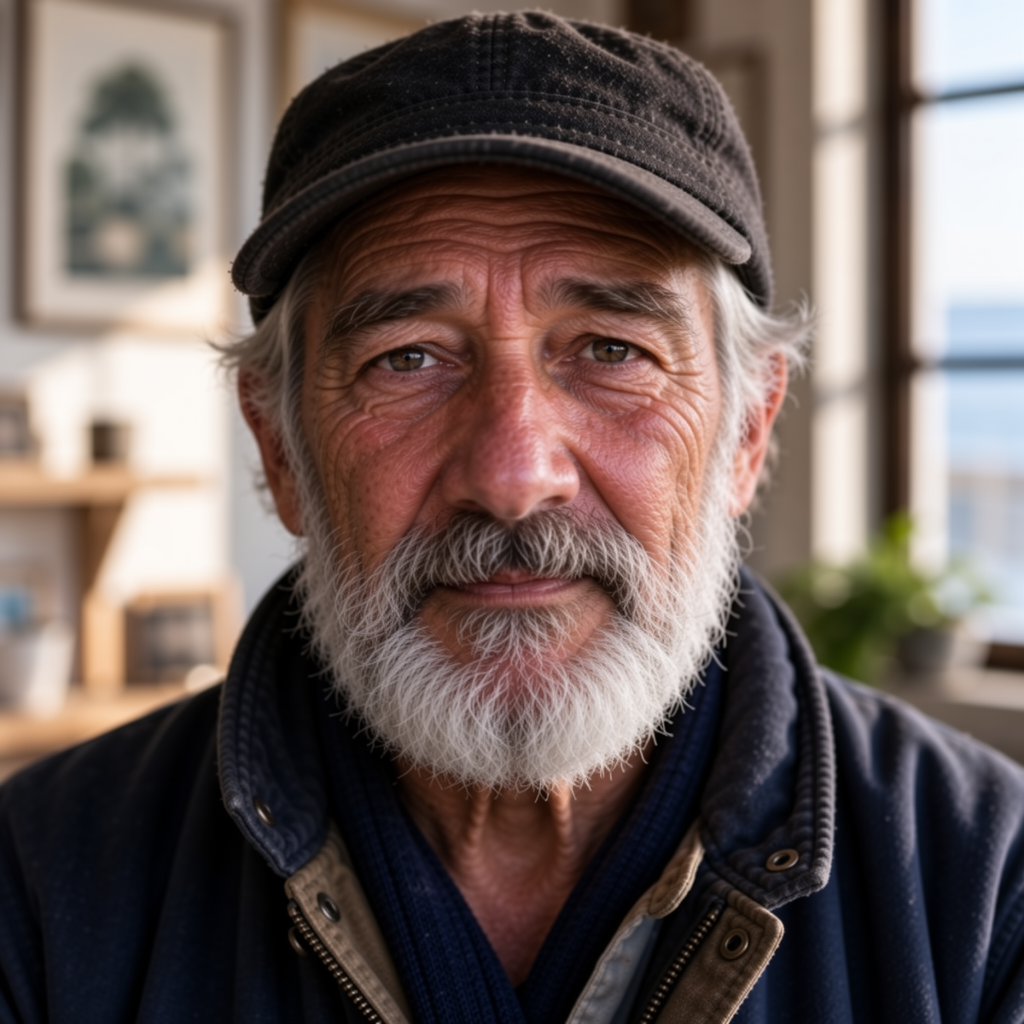
Uncensored image generation with 8-step and standard presets, English and Chinese prompts, and experimental layout control.
No GPU. No setup. Cancel anytime.
MOSS-Image SFT is OpenMOSS’s 5-billion-parameter text-to-image model. Describe a scene in English or Chinese, use tag prompts, or supply an experimental JSON layout to guide object placement and writing.
Choose the 8-step DMD preset for fast iteration at guidance 1, or standard SFT at 50 steps and guidance 3. Both use Euler sampling and SGM Uniform, starting at 1024 × 1024.
Import compatible Personal LoRAs through My LoRAs and use them on either preset. The 8-step preset applies personal adapters after its built-in DMD adapter.
Both MOSS presets are uncensored, supporting private mature-theme creativity alongside everyday image generation.
Both presets generate from text and accept compatible Personal LoRAs. Select 8-Step DMD for quick iteration or Standard SFT for the full sampling recipe.
| Variant | Details | From | |
|---|---|---|---|
Standard SFT · 50 steps Qualitymoss_image_sft_int8_convrot | Input: Captions · tags · experimental JSON layouts Resolution: 512–2048 px · multiples of 16 Steps: 50 default · 50–100 Guidance: 3 default · 3–6 | 8.86 Spark · $0.044 | Create → |
8-Step DMD Fastmoss_image_sft_dmd8_int8_convrot | Input: Captions · tags · experimental JSON layouts Resolution: 512–2048 px · multiples of 16 Steps: 8 · fixed Guidance: 1 · fixed | 1.25 Spark · $0.0063 | Create → |
Use pay-as-you-go Spark packs for each render (1 Spark = $0.005), or choose a flat-rate Sogni plan for credit-free fair-use generation in the app.
| Variant / configuration | Spark | USD |
|---|---|---|
| Standard SFT · 50 steps · 1024 × 1024 · 50 steps | 8.86 Spark | $0.044 |
| Standard SFT · 50 steps · 2048 × 2048 · 50 steps | 48.4 Spark | $0.24 |
| 8-Step DMD · 1024 × 1024 · 8 steps | 1.25 Spark | $0.0063 |
| 8-Step DMD · 2048 × 2048 · 8 steps | 5.46 Spark | $0.027 |
One Sogni API key reaches every model on the Supernet — call MOSS-Image with the exact model id for the variant you want.
import { SogniClient } from '@sogni-ai/sogni-client';

const client = await SogniClient.createInstance({
  appId: crypto.randomUUID(),
  apiKey: process.env.SOGNI_API_KEY,
  network: 'fast',
});

const project = await client.projects.create({
  type: 'image',
  modelId: 'moss_image_sft_dmd8_int8_convrot',
  positivePrompt: 'a slothicorn surfing a wave of liquid paint, studio lighting',
  numberOfMedia: 1,
});

const [url] = await project.waitForCompletion();
console.log(url); // result link — download within 24h
curl https://api.sogni.ai/v1/creative-agent/workflows \
-H "Content-Type: application/json" \
-H "Authorization: Bearer $SOGNI_API_KEY" \
-d '{
"input": {
"title": "First render",
"steps": [{
"id": "step1",
"toolName": "generate_image",
"arguments": { "prompt": "a slothicorn surfing a wave of liquid paint, studio lighting", "model": "moss-image-8step" }
}]
},
"confirm_cost": true
}' Example uses moss_image_sft_dmd8_int8_convrot. Use any exact model id from the Variants table above. Full reference at docs.sogni.ai.
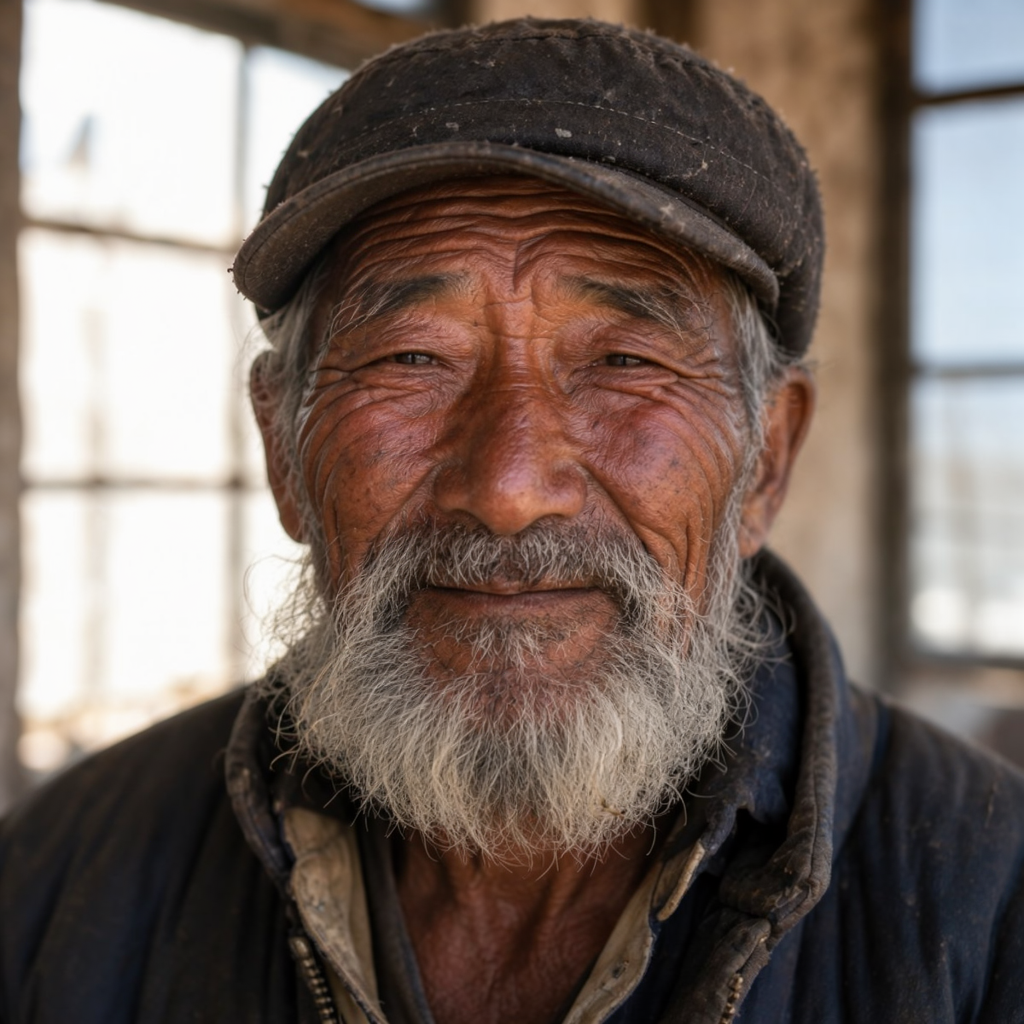
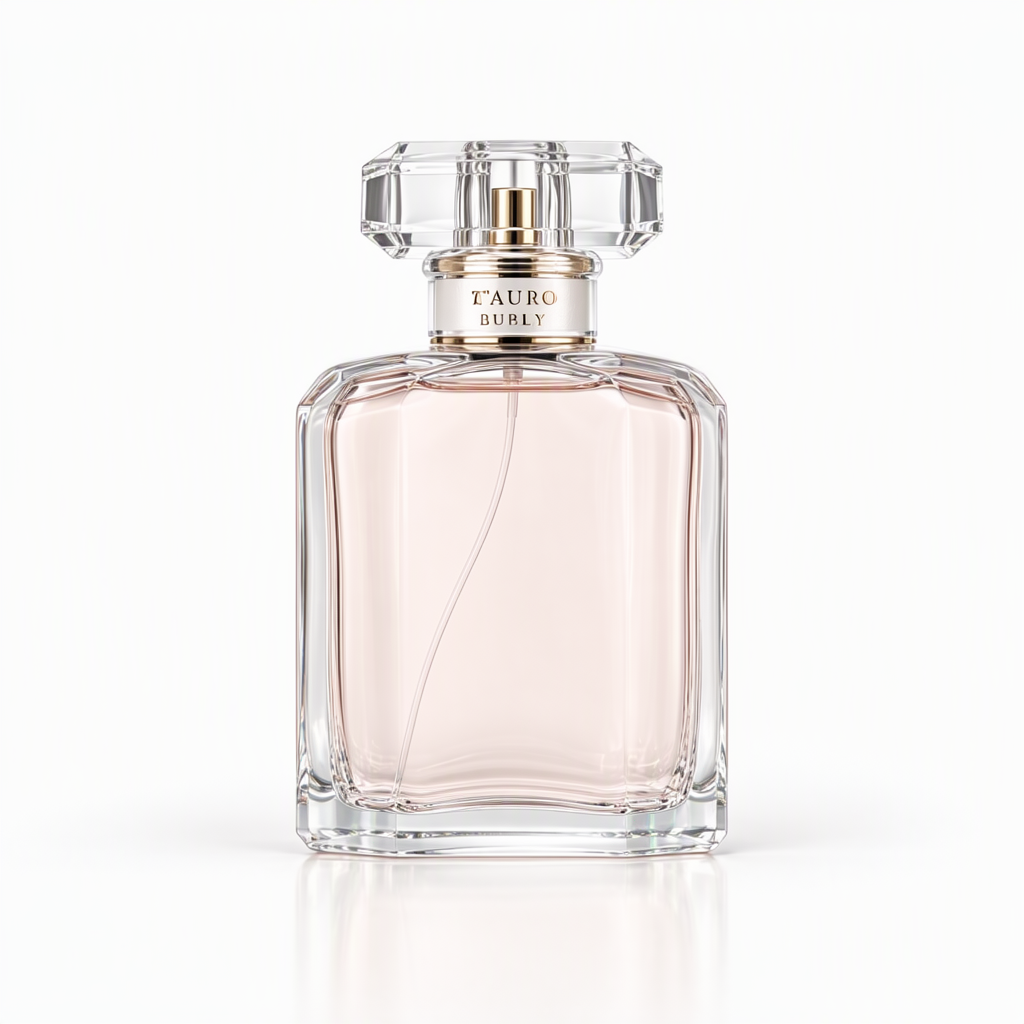
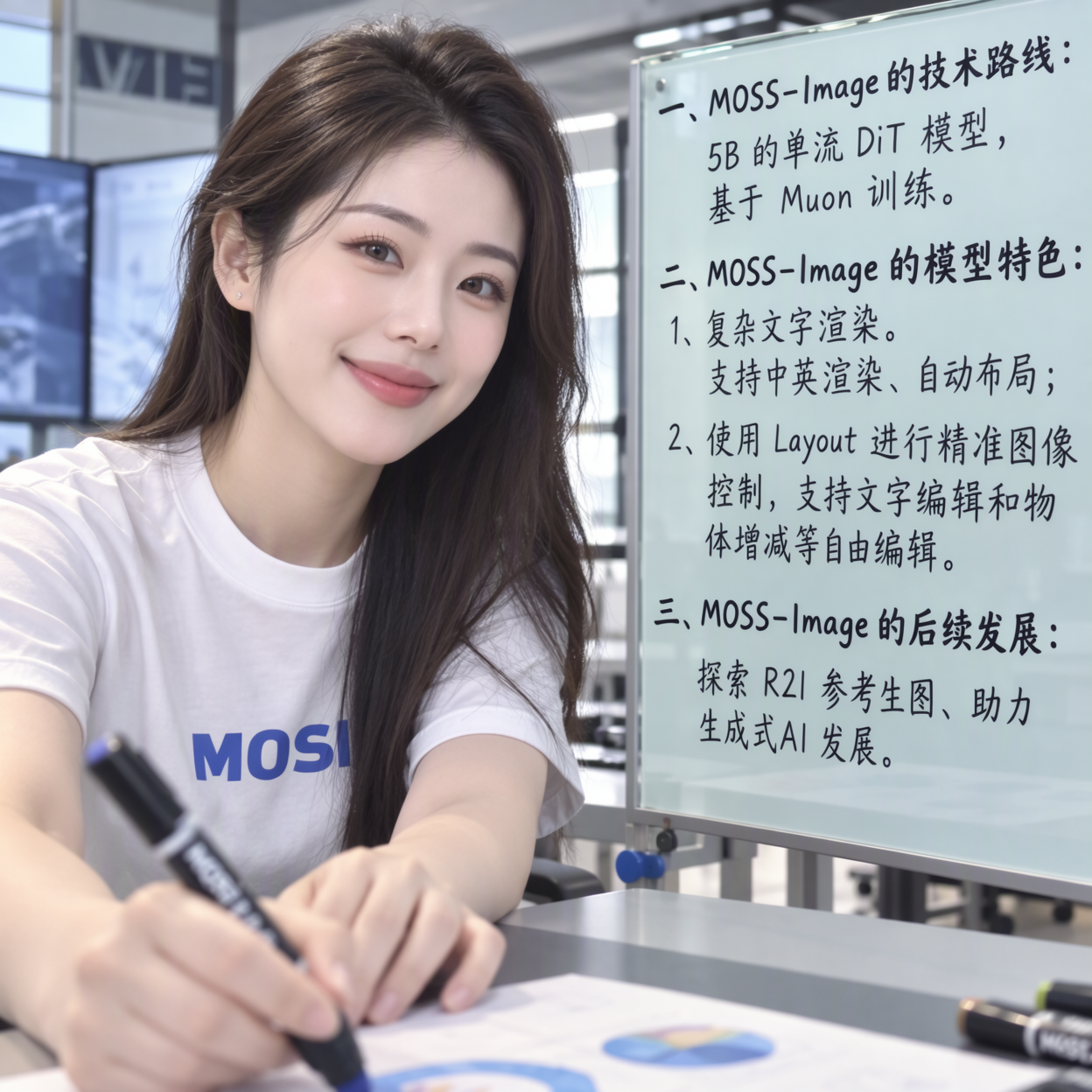
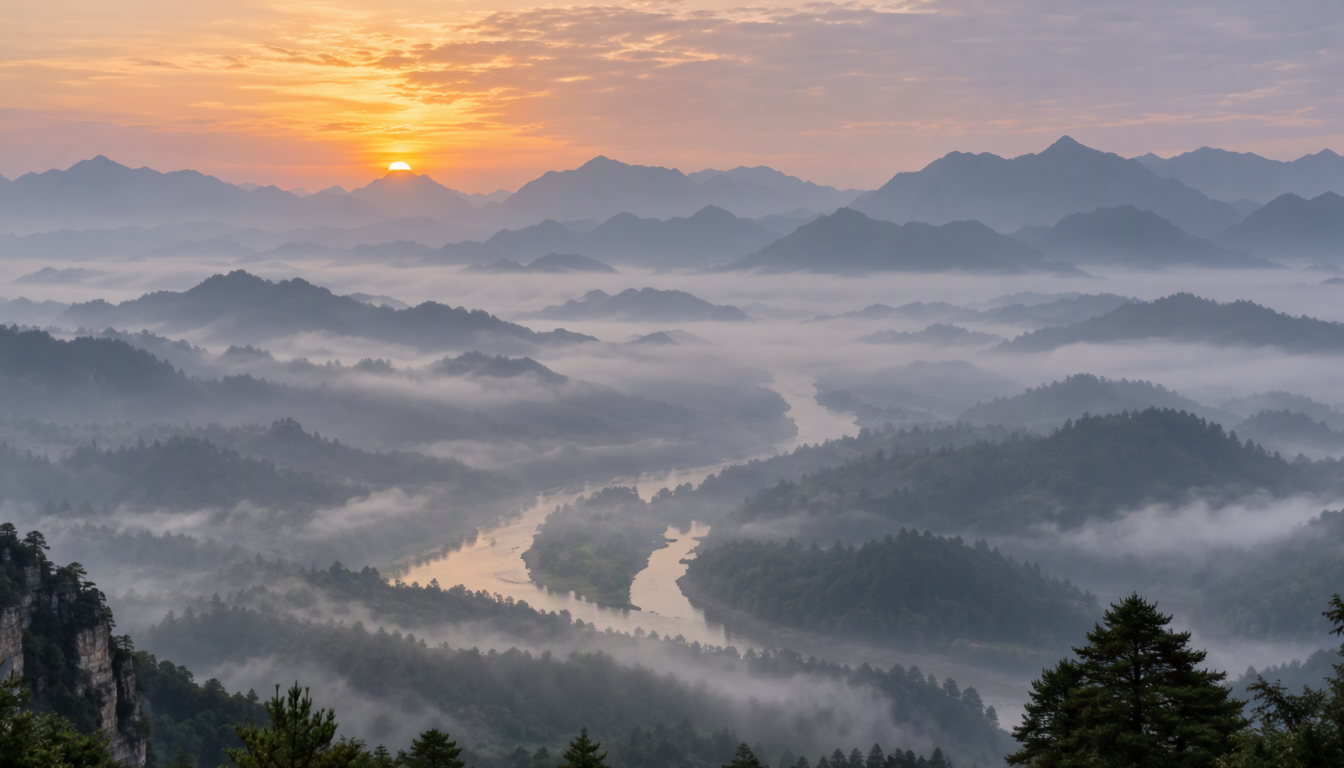
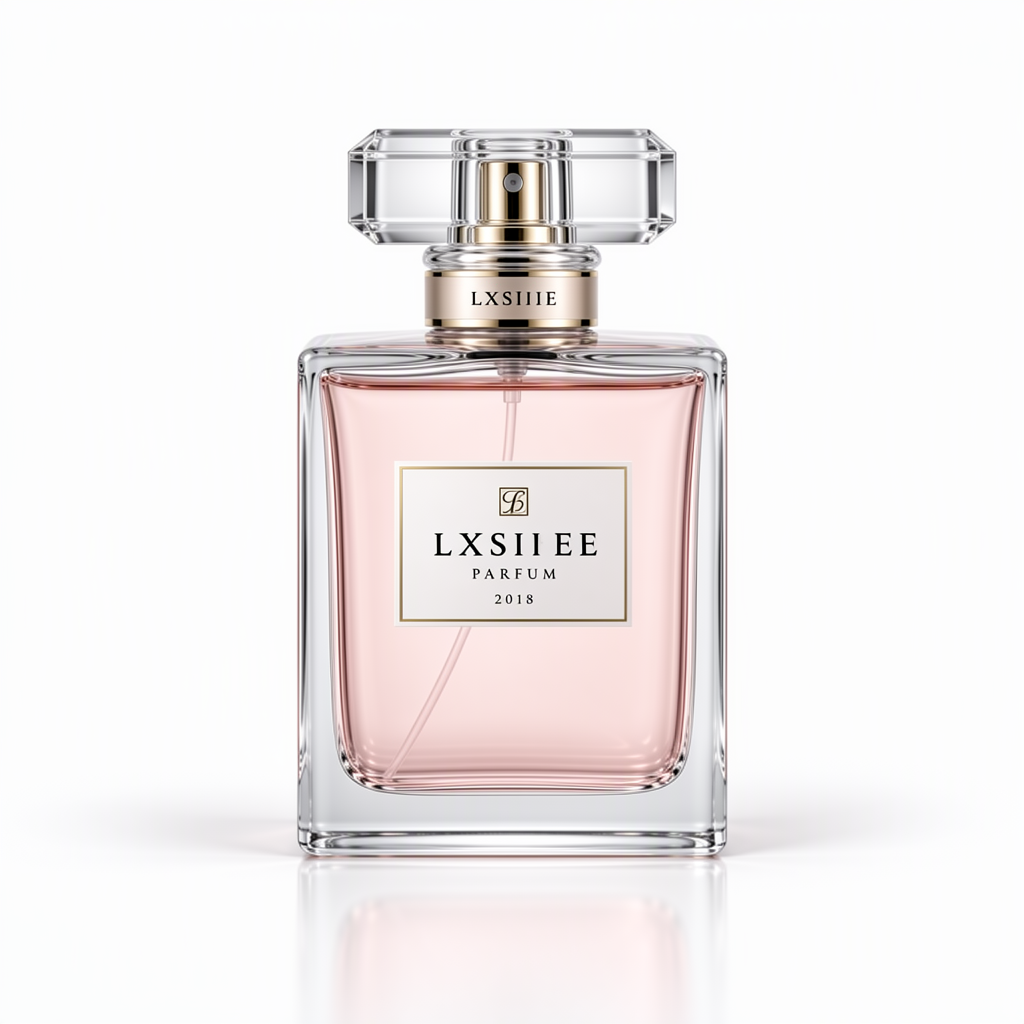
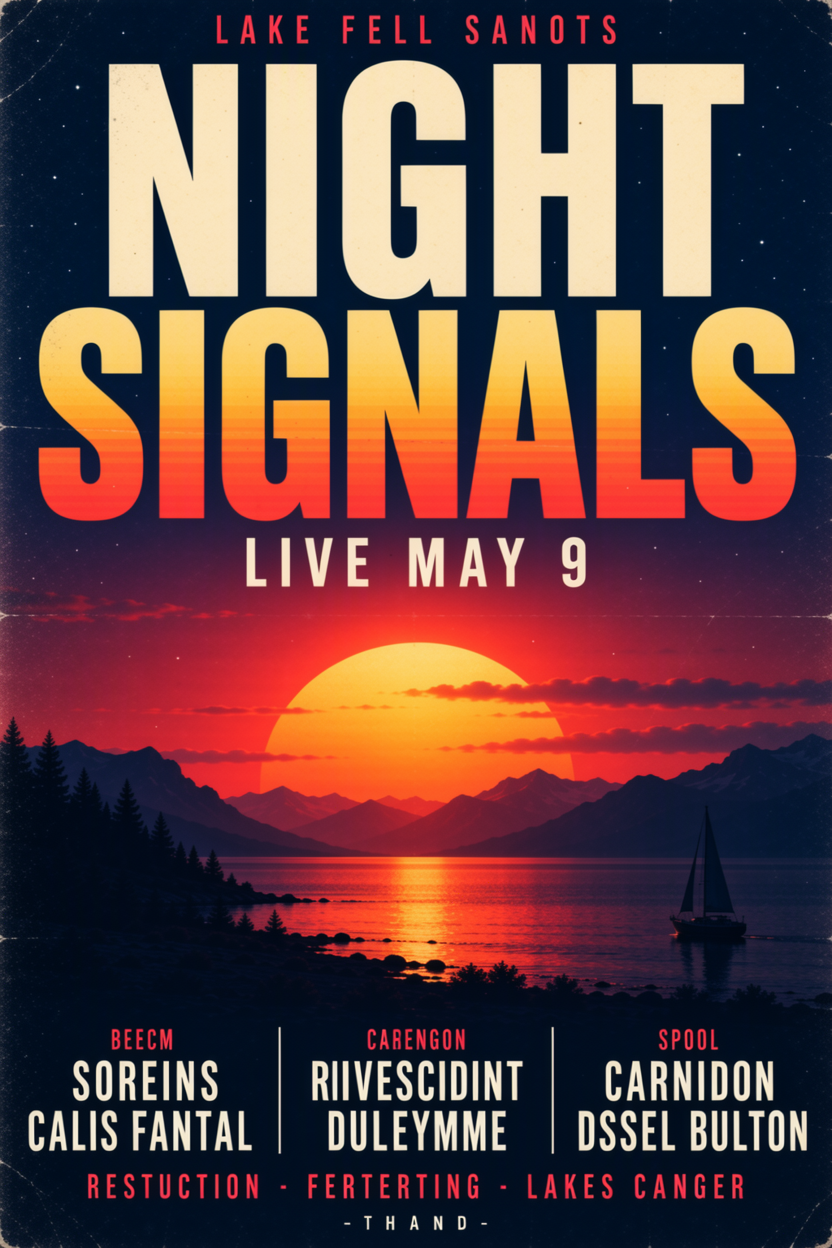
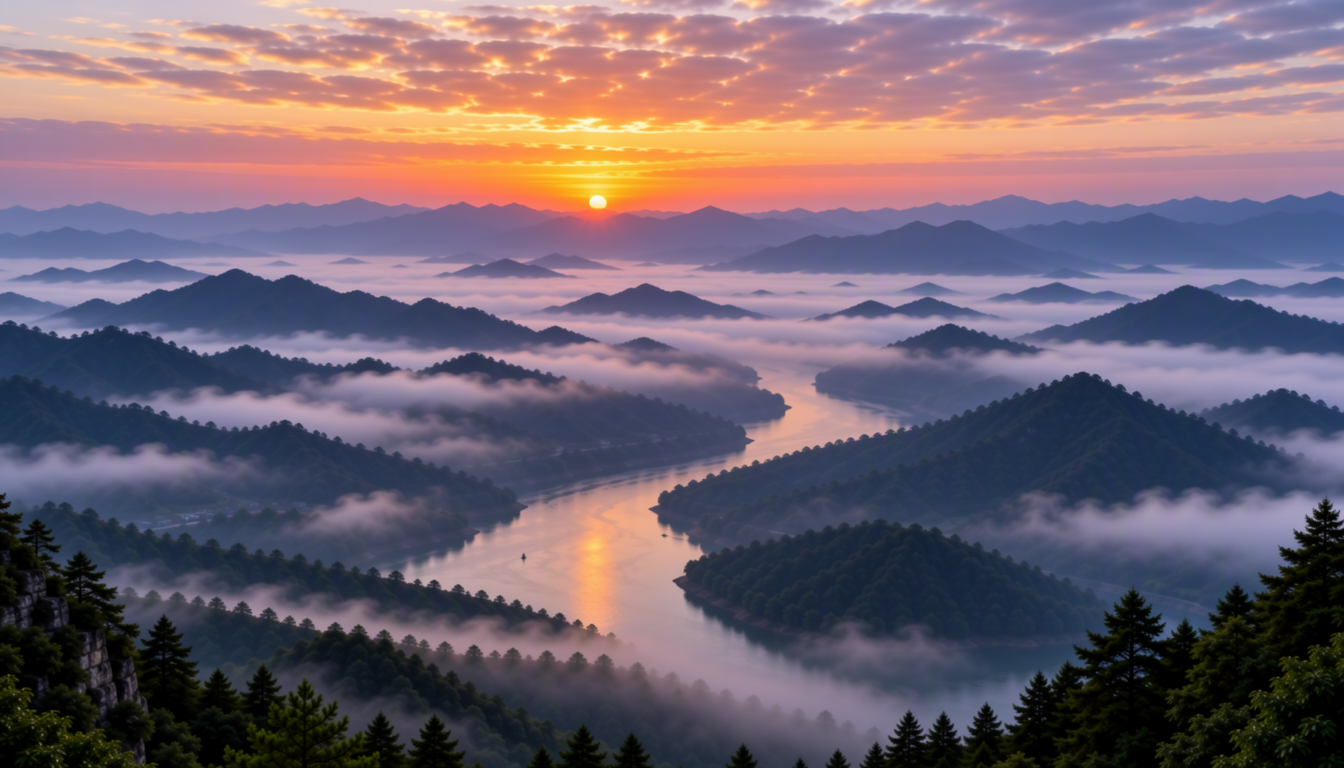
Original generations from the standard and 8-step presets. Each card names its preset; Use prompt opens that preset in Sogni Studio. Check small text and fine gradients in your own results.


Use a flat monthly plan for credit-free fair-use generation, or buy Spark packs when pay-as-you-go fits better. Both run on the same creator-owned GPU network.
One flat price in the app. Generate under fair use without a per-image meter.
Image, video, music, and language models in one workspace and one API key.
Prefer pay-as-you-go? Call MOSS-Image by id and pay with Spark packs.
Runs on a decentralized GPU network where workers share subscription revenue.
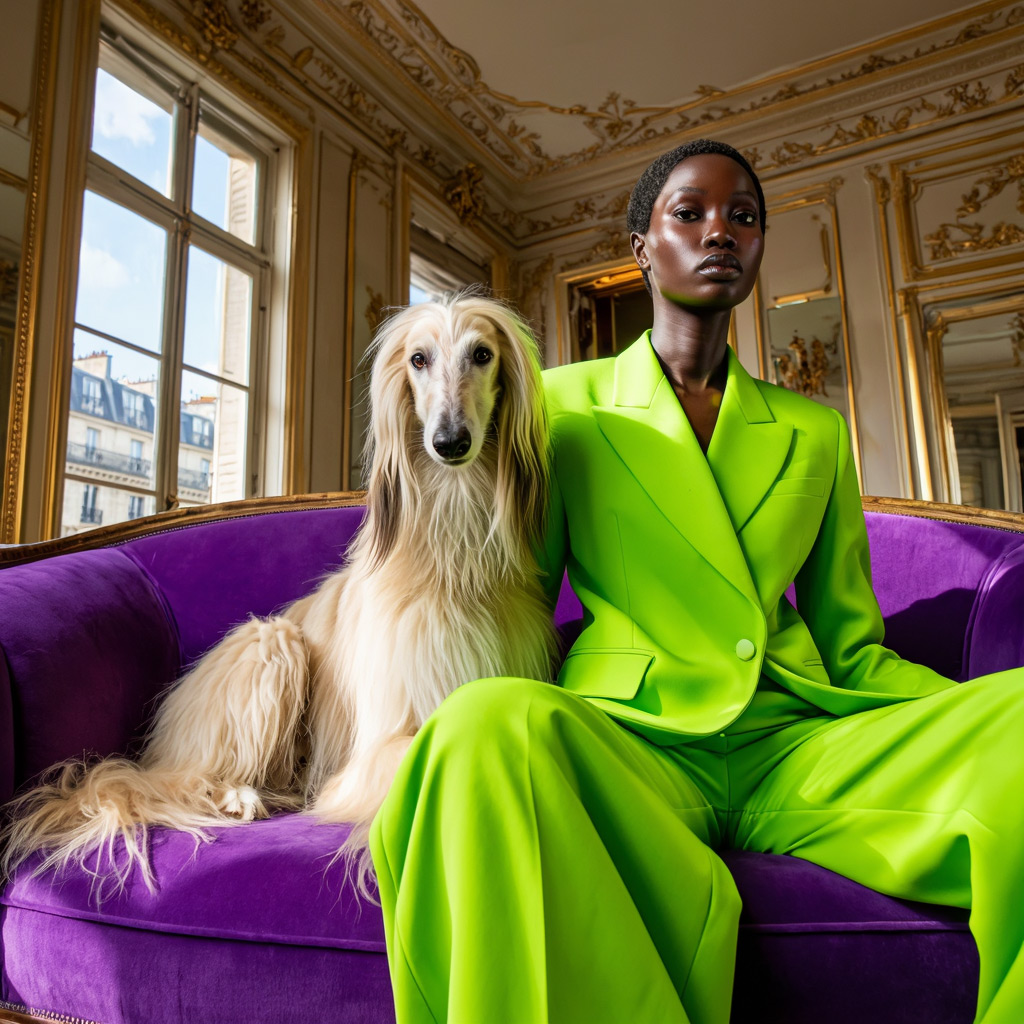 ImageUncensored Z-Image The full-step sibling of Turbo — same model line, maximum detail. from 4.00 Spark · $0.02
 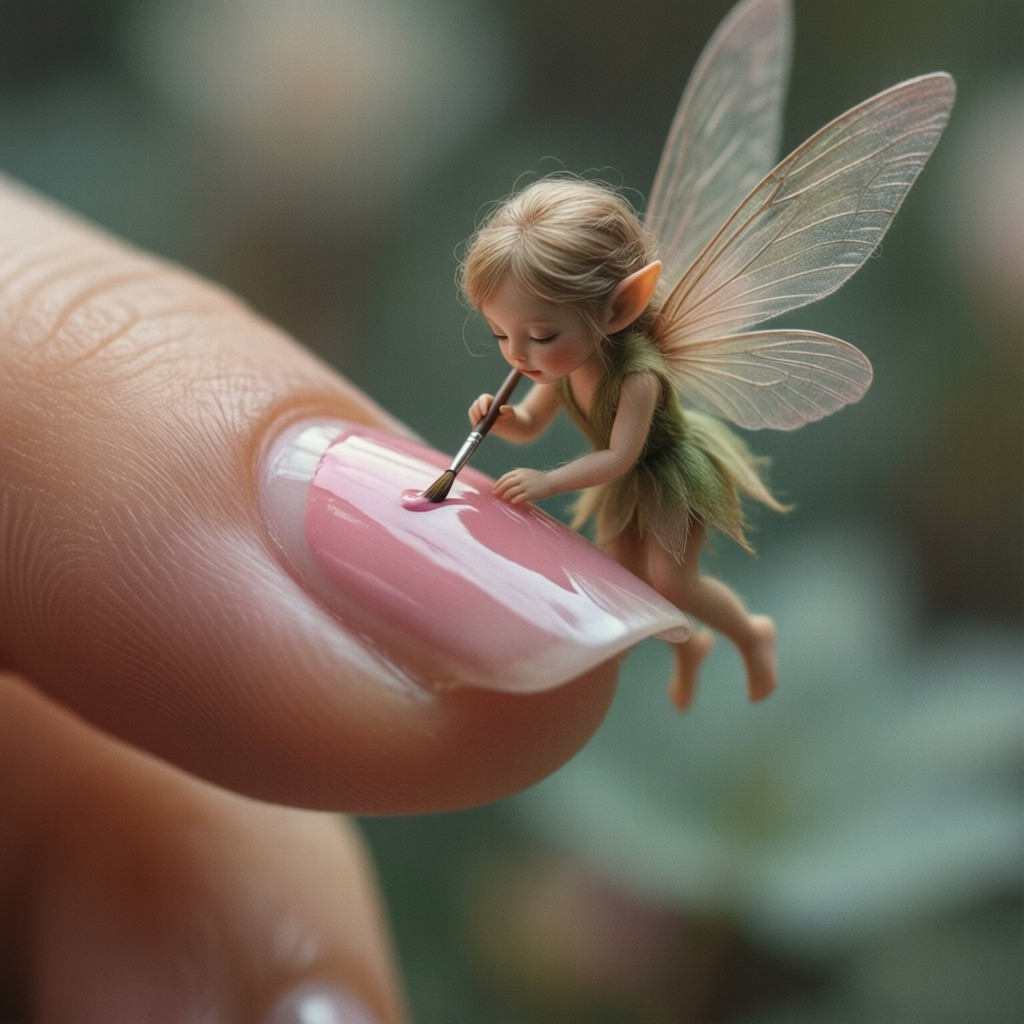 Image Qwen Image 2512 Qwen’s image flagship — exceptional at rendering legible text. from 4.15 Spark · $0.021
 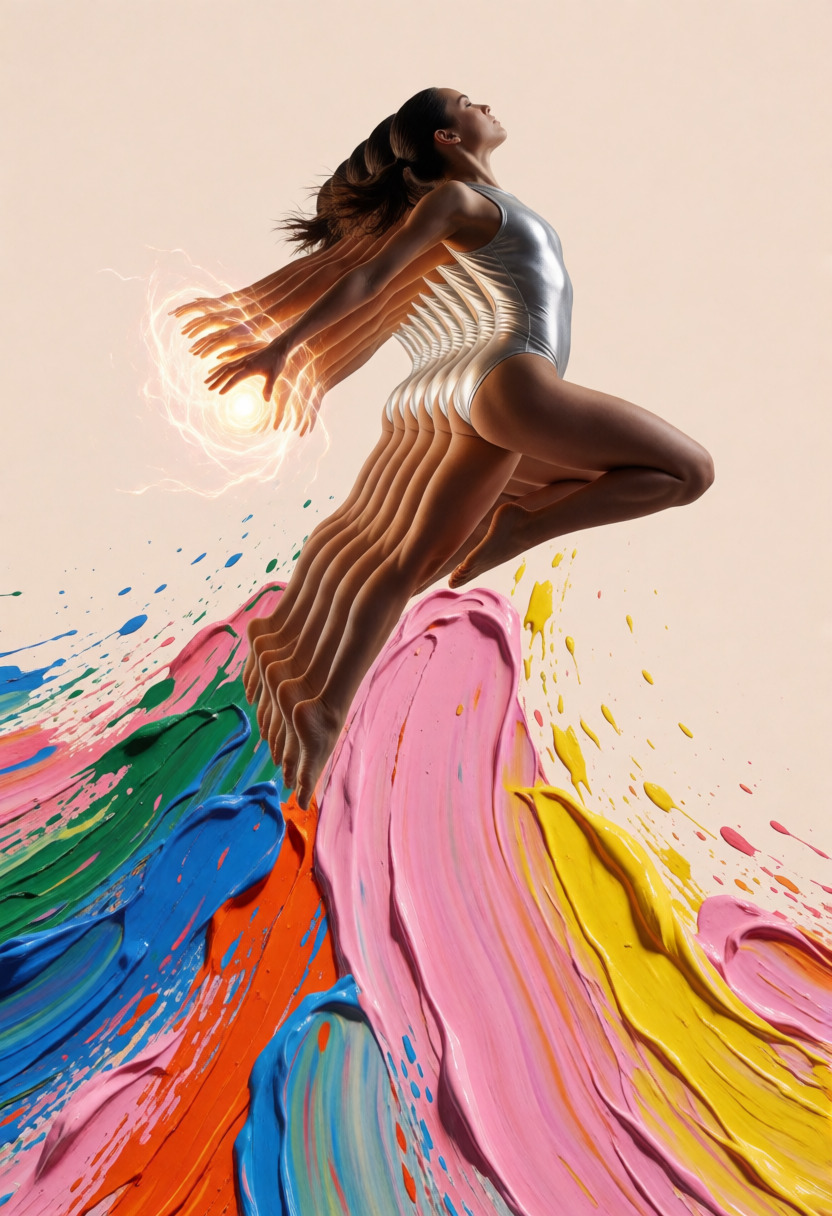 ImageFastUncensored Krea 2 Turbo Open-source few-step image generation with sharp photoreal detail, image-to-image support, and standard Spark pricing. from 1.22 Spark · $0.006
 SFT stands for supervised fine-tuned.
This release accepts text only. Changing a JSON layout produces a new image. For edits that must preserve a photographed person or object, choose a model with reference-image support.
Start at 1024 × 1024 with the 8-Step preset: 8 steps, guidance 1, Euler and SGM Uniform. For Standard SFT, use 50 steps and guidance 3. Leave the negative prompt empty initially.
Send the whole JSON layout as the positive prompt. The author’s format uses summary, items, bbox_format yxyx and bbox_coord_space abs_centralized. Boxes are pixel coordinates relative to the canvas center. Layout control is experimental; check the composition and every rendered word.
Choose MOSS-Image 8-Step in Sogni Studio. It uses the lodestones DMD adapter at strength 1 with exactly 8 steps and guidance 1. Its direct model ID is moss_image_sft_dmd8_int8_convrot; the hosted tool selector is moss-image-8step. Check the quote for that preset before rendering.
Import a compatible adapter through My LoRAs, then select the ready entry on either MOSS preset. Personal adapters are shared across the two presets; on 8-Step, they apply after the built-in DMD adapter.
Yes. Both the standard SFT and 8-Step DMD presets are uncensored and support private mature-theme creativity.
Sogni is built with privacy and creative freedom in mind. Your work remains your own, and inference runs through the Sogni Supernet, a decentralized network of creator GPUs, instead of requiring local hardware or a separate model host. Use is still governed by Sogni's Privacy Policy and Terms of Use.
Create in the app, or build with the API. Your call.