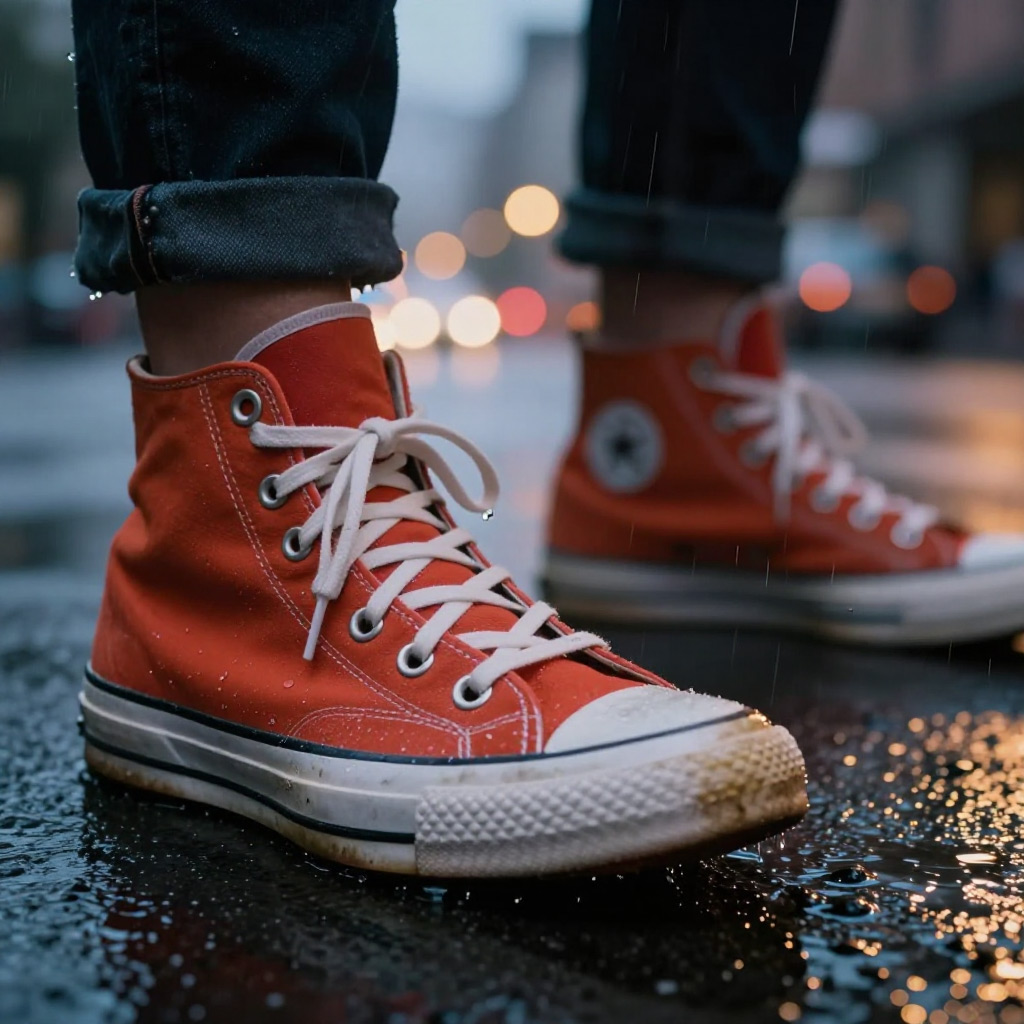
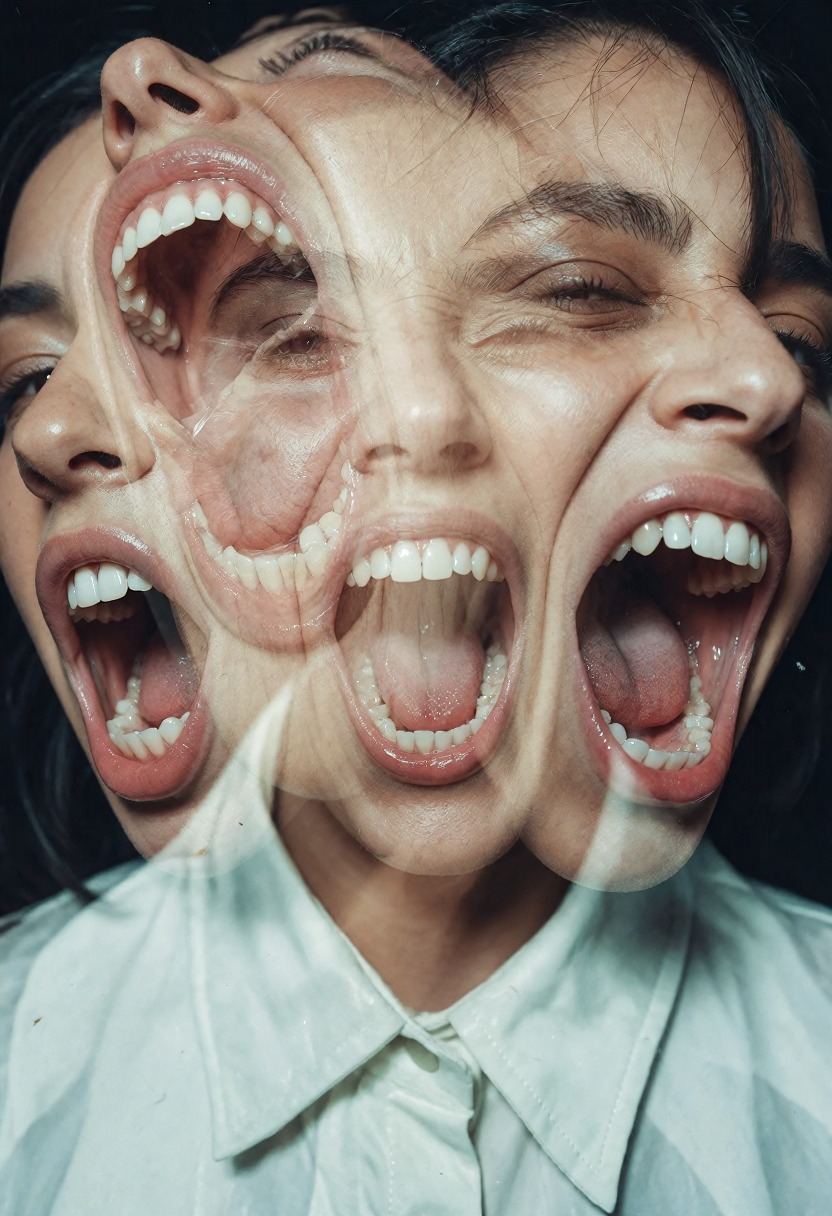
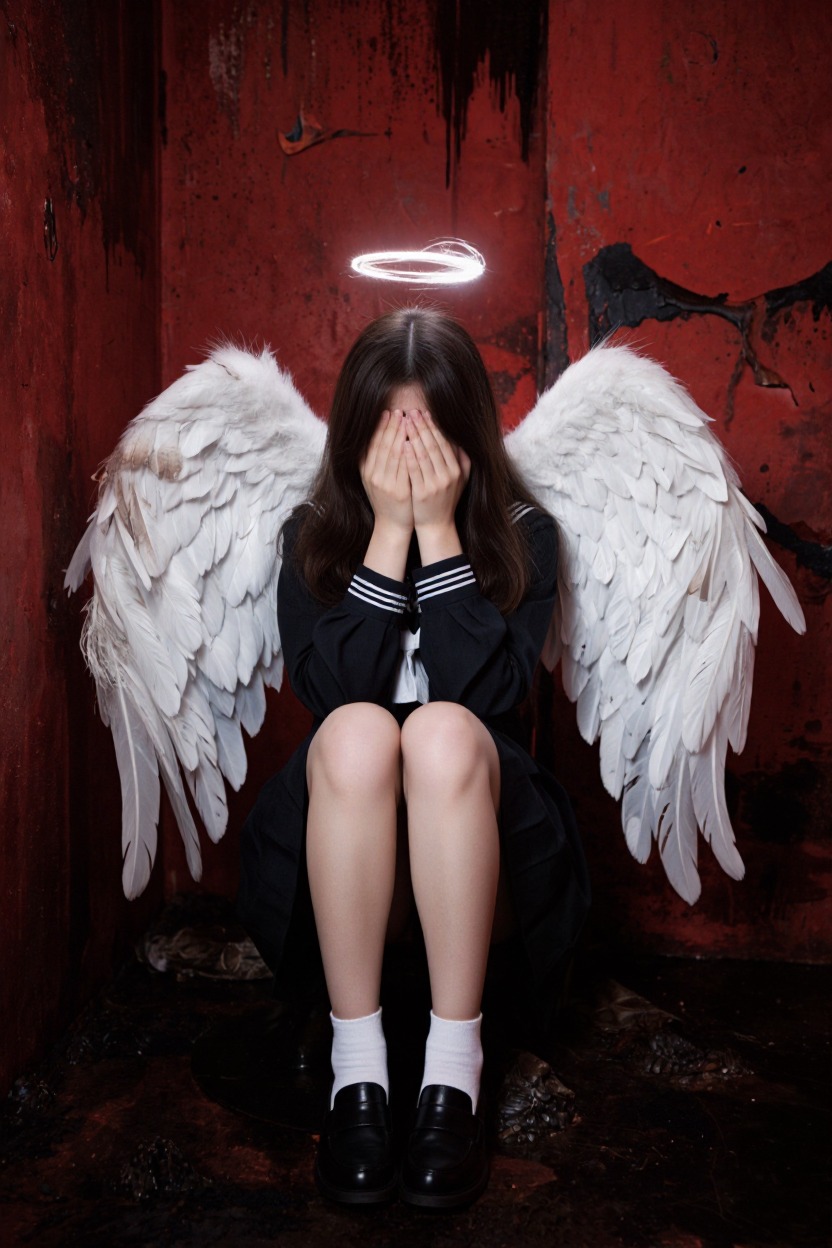
Krea 2 Turbo is an open-source, distilled few-step version of Krea 2, tuned for fast text-to-image and image-to-image generation with a clean, contemporary look. On Sogni it runs in the browser and through the API on the fast network, so you get rapid iteration without renting hardware or managing nodes.
Use it for quick rounds of photoreal portraits, product studies, editorial scenes, and bold graphic concepts. It is a standard open model on Sogni, not a Premium Spark or restricted partner model.
Krea 2 LoRAs
Sogni offers 22 community LoRAs across every supported Krea 2 workflow with no local download or ComfyUI setup. Open any LoRA below for its canonical description, recommended strength, safe examples, compatible models, and creator attribution.
You can stack up to eight LoRAs on one render. Start inside the recommended band and use the lowest strength that produces the effect you want.
Bakes in the post-processing pass the author would otherwise apply by hand: film grain, softened edges, and a muted, moody grade that pulls saturation down and cools the midtones.
Emphasizes a pronounced hourglass silhouette by widening the hips while keeping the waist relatively narrow. Negative values push toward the opposite proportions. It works without special prompt phrases or companion LoRAs; use −1.5 to +1.5, with +0.7 to +1 recommended for its intended hourglass effect. The in-app LoRA Explorer includes two locked-seed strength comparisons, with the alien study first and the poolside portrait second; mature previews stay covered until the artist reveals them.
Every LoRA listed here is an unofficial community fine-tune linked to its original creator source. NSFW-capable entries are presented tactfully for search and discovery; mature examples remain hidden until a signed-in user 18 or older explicitly opts in.
Pricing
Use pay-as-you-go Spark packs for each render (1 Spark = $0.005), or choose a flat-rate Sogni plan for credit-free fair-use generation in the app.
Configuration
Spark
USD
1024 × 1024 · 4 steps
1.22 Spark
$0.006
2048 × 2048 · 4 steps (scales with pixels)
4.87 Spark
$0.024
API
One Sogni API key reaches every model on the Supernet — call Krea 2 Turbo with the exact model id.
import { SogniClient } from '@sogni-ai/sogni-client';

const client = await SogniClient.createInstance({
  appId: crypto.randomUUID(),
  apiKey: process.env.SOGNI_API_KEY,
  network: 'fast',
});

const project = await client.projects.create({
  type: 'image',
  modelId: 'krea2_turbo_fp8_scaled',
  positivePrompt: 'a slothicorn surfing a wave of liquid paint, studio lighting',
  numberOfMedia: 1,
});

const [url] = await project.waitForCompletion();
console.log(url); // result link — download within 24h
# krea2_turbo_fp8_scaled is addressable by id via the JavaScript SDK (see the JavaScript tab).
# The REST workflow API routes this family through its flagship alias instead:

curl https://api.sogni.ai/v1/creative-agent/workflows \
  -H "Content-Type: application/json" \
  -H "Authorization: Bearer $SOGNI_API_KEY" \
  -d '{
    "input": {
      "title": "First render",
      "steps": [{
        "id": "step1",
        "toolName": "generate_image",
        "arguments": { "prompt": "a slothicorn surfing a wave of liquid paint, studio lighting" }
      }]
    },
    "confirm_cost": true
  }'
Addressable by id via the JavaScript SDK; the REST workflow API routes this family through its flagship alias. Full reference at docs.sogni.ai.
Made on Sogni
See what Krea 2 Turbo makes
Real generations from Sogni. Hit Use prompt to open the app with Krea 2 Turbo selected and the full prompt preloaded.
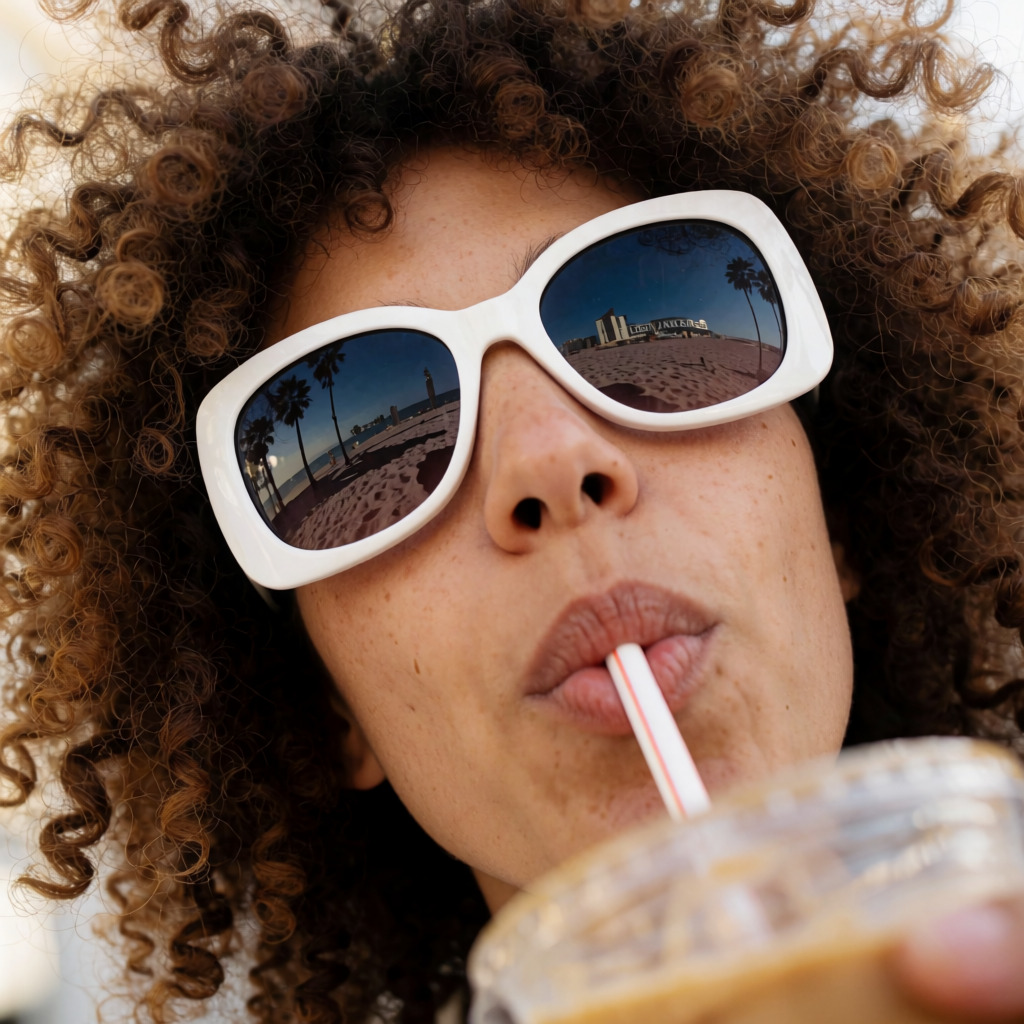
A close-up of the face of a young European woman, with a curly brown afro and large white fashionable sunglasses reflecting a Los Angeles beach. She has a nose piercing and is drinking coffee from a cup with a straw. She is looking up. The composition focuses on her face. The angle is from below. extremely exaggerated wide camera angle, exaggerated shapes. dynamic composition
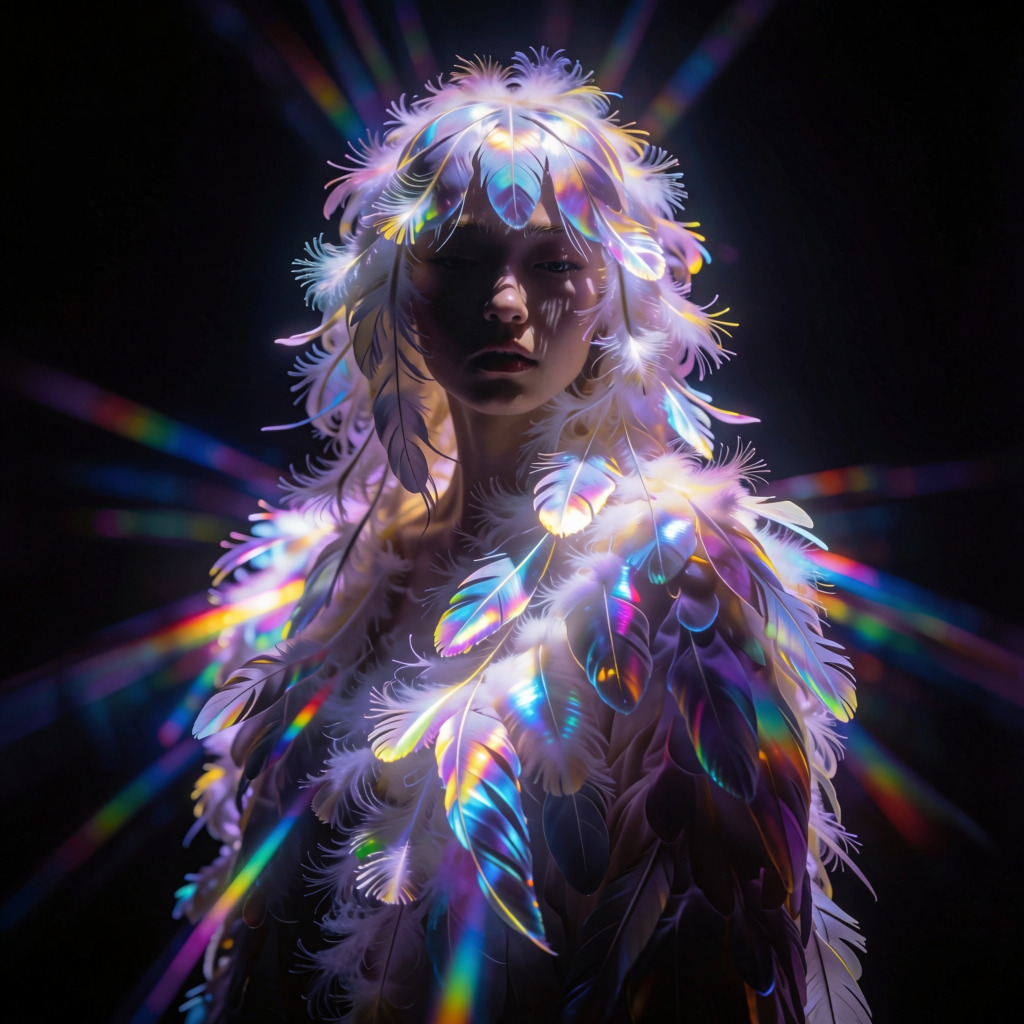
A Japanese woman angel stands centered with hair composed entirely of iridescent bird feathers catching the blinding brilliance of golden prismatic beams against an obsidian black backdrop. The radiant light fractures into rainbow-colored rays that slice across the scene, illuminating every delicate strand of downy plume like spun glass. Her form catches the high-contrast illumination while deep shadows swallow the edges of her frame. A cinematic 85mm lens captures this static pose with shallow depth of field, keeping the foreground feathers razor-sharp against the absolute black void behind her. The atmosphere hums with saturated neon violet and electric blue tones mixed with the stark white of the dazzling light source. Each feather reflects a spectrum of color like oil on water, shimmering under the intense focus of the camera lens.
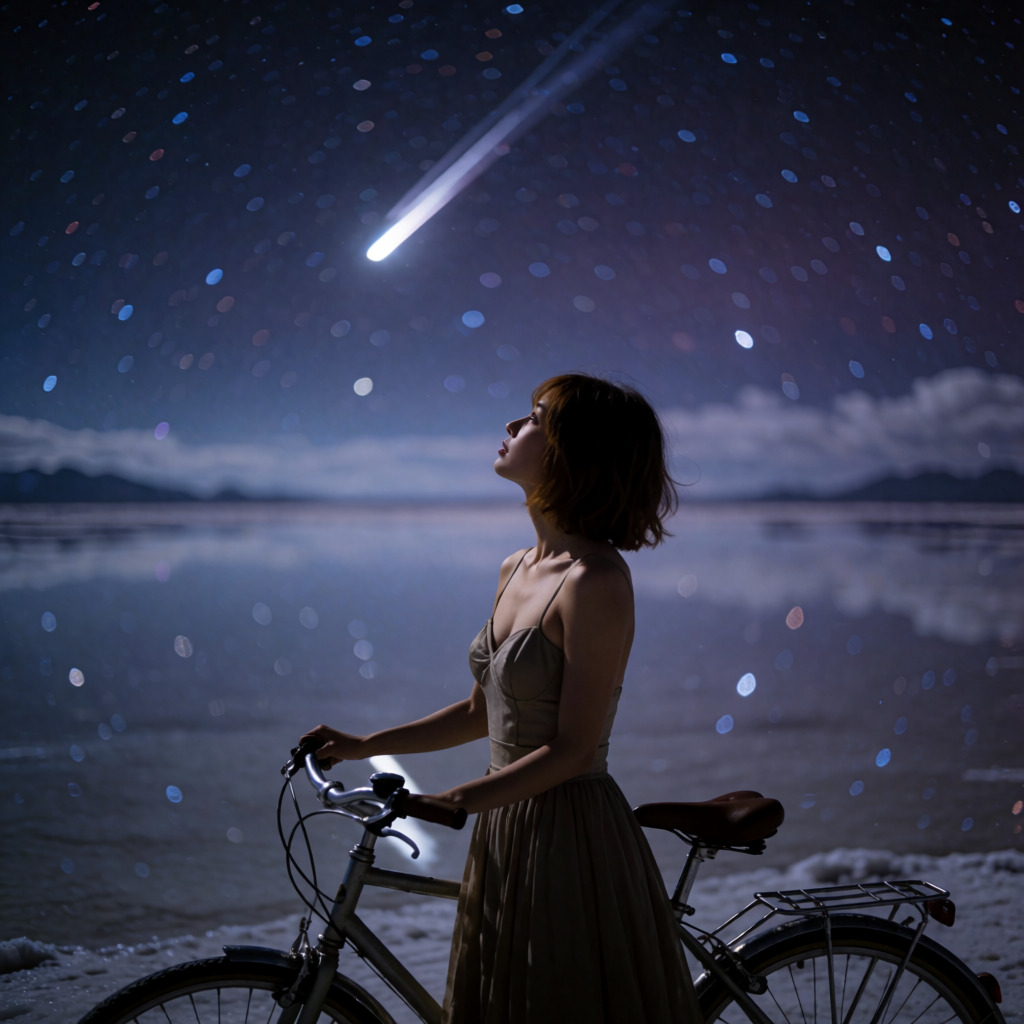
A twenty-something Japanese woman with brown short hair gazes upward under cool starlight from beside an elegant stylish bicycle, her silhouette framed by a sensual one-piece dress with a structured bodice and flowing skirt. The vast Uyuni Salt Lake stretches behind her like an endless mirror, capturing every celestial point in vivid reflection on its glassy surface where the water meets the sky. Long exposure light shifts from deep indigo to bruised violet across the dark night sky, illuminating a landscape where stars burn bright against the salt flats while a single giant meteor streaks through the upper frame leaving a ghostly trail of white fire that contrasts with the cold metallic sheen below. Rendered as a grainy 35mm film photograph with shallow depth of field and soft bokeh to emphasize the atmospheric glow and texture of the water.
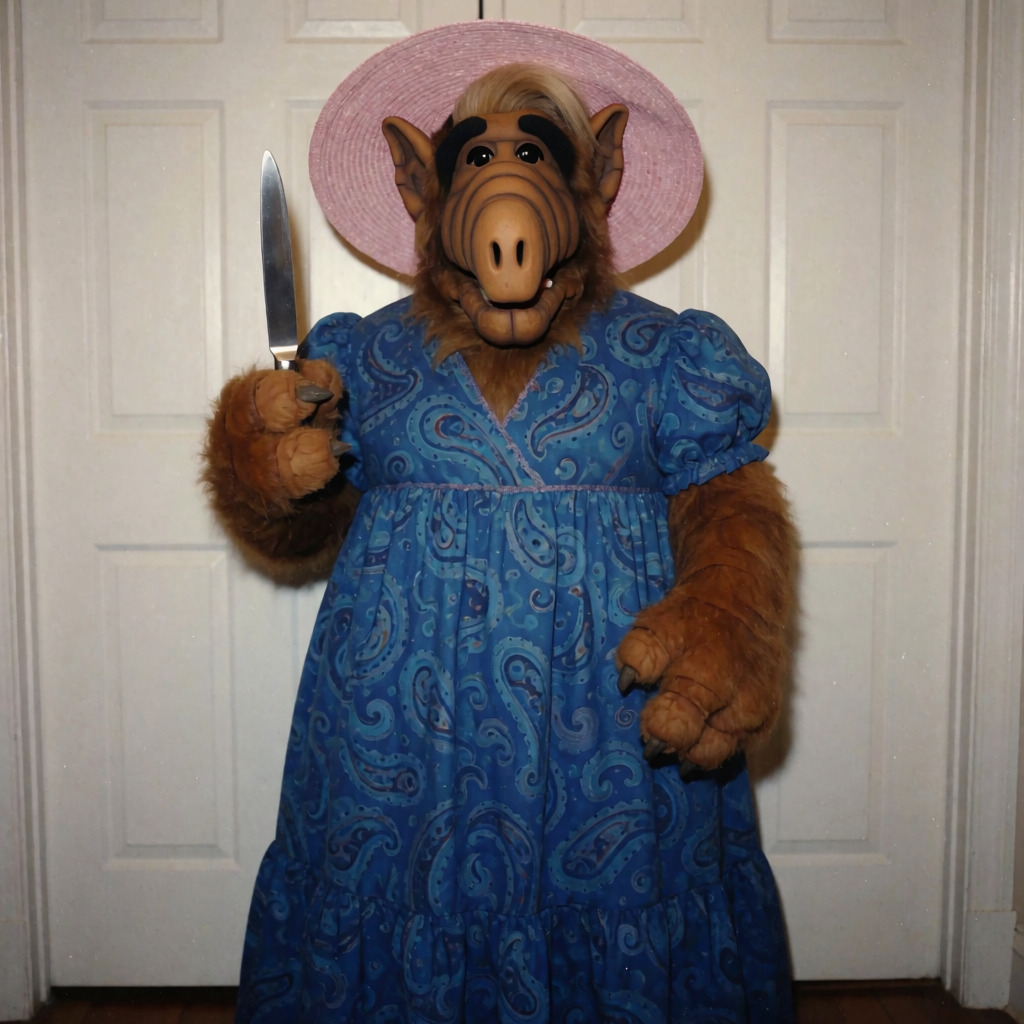
A humorous, vintage-style photograph of the iconic alien character ALF (Alien Life Form) standing indoors in front of white paneled doors. ALF is dressed in a comical human outfit: a long, blue patterned dress with a paisley or swirl design and short puffed sleeves, topped with a wide-brimmed, light pink sun hat. He is holding a silver kitchen knife upright in his right hand, posing as if threatening or ready to strike. His expression is serious and focused. The lighting is flat and typical of indoor home photography from the late 80s or early 90s. The image has a slightly grainy, low-resolution quality, enhancing its meme-like, retro aesthetic.
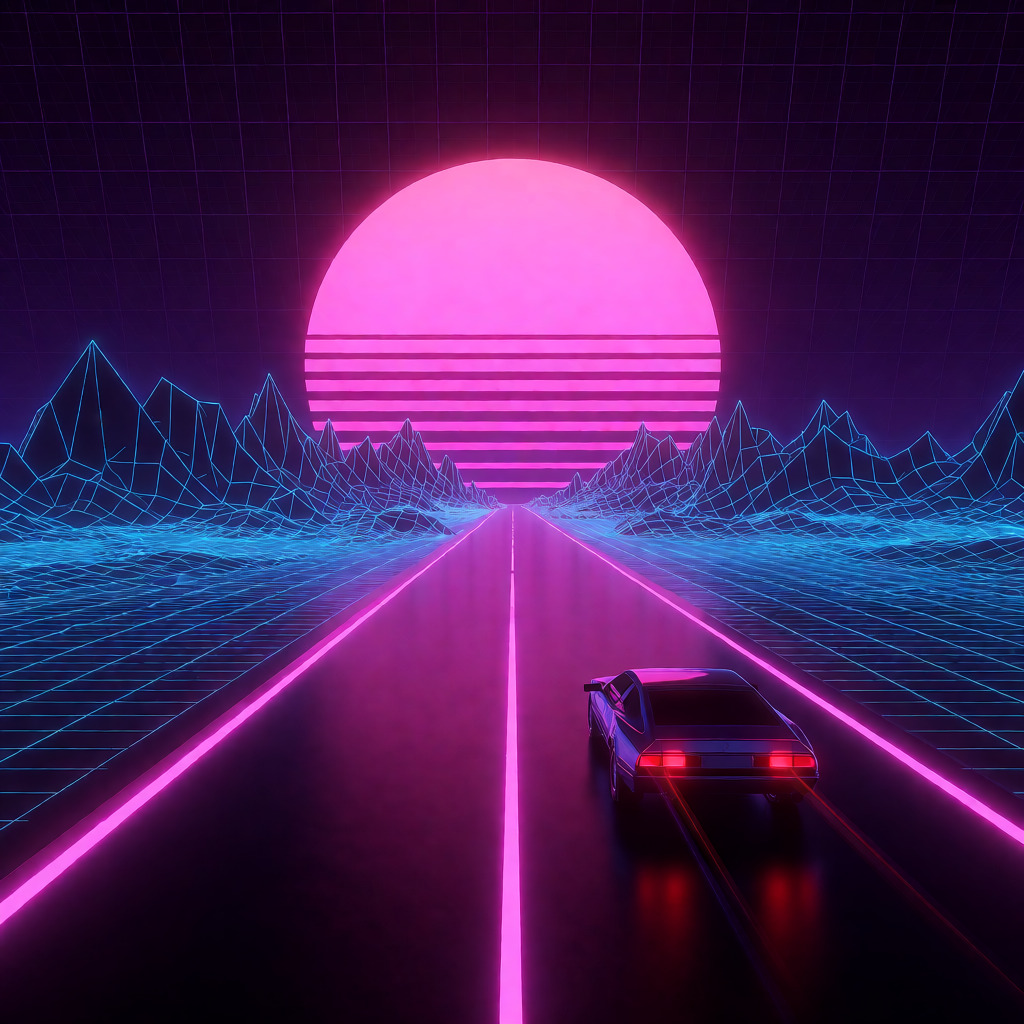
A retro synthwave highway stretching toward a glowing, wireframe mountain range. The sky is a dark purple grid, dominated by a massive, low-hanging neon pink sun with horizontal segment lines. The highway is a dark, reflective surface lined with neon magenta light strips that stretch into the horizon. A sleek, futuristic 1980s sports car is seen from behind, its red taillights leaving a faint trail of light. The overall aesthetic is clean, geometric, and vibrant.
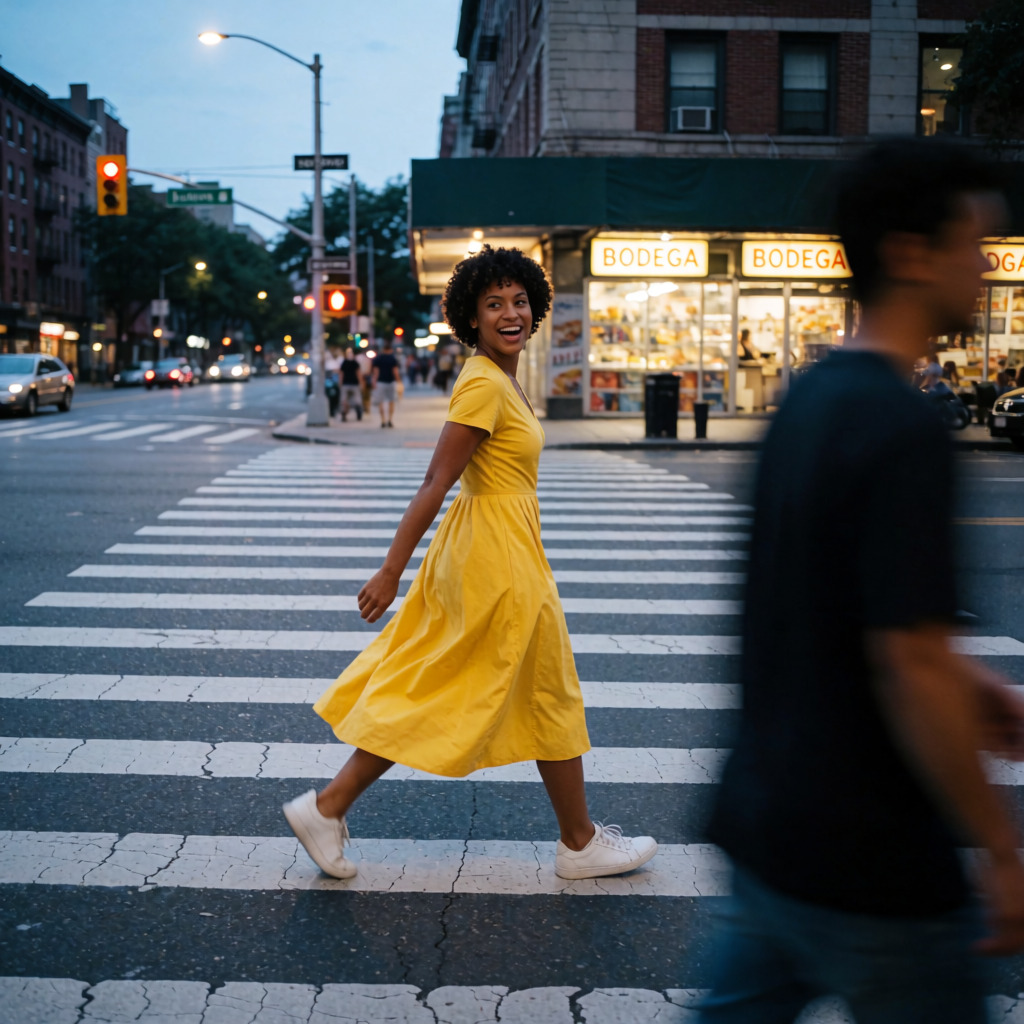
A woman in her mid-20s with a short curly afro, wearing a bright yellow midi dress and white sneakers, crossing a wide urban crosswalk during blue hour. Pose: mid-step, dress flaring slightly, looking over her shoulder with a spontaneous, joyful laugh. Style: documentary street portrait. Lighting: soft ambient city light mixed with cool twilight from above and warm storefront glow hitting her side. Composition: foreground pedestrian blurred, subject in sharp focus in mid-ground, background traffic lights and BODEGA signs — layered depth. 35mm lens with shallow depth of field, slight motion blur in legs.
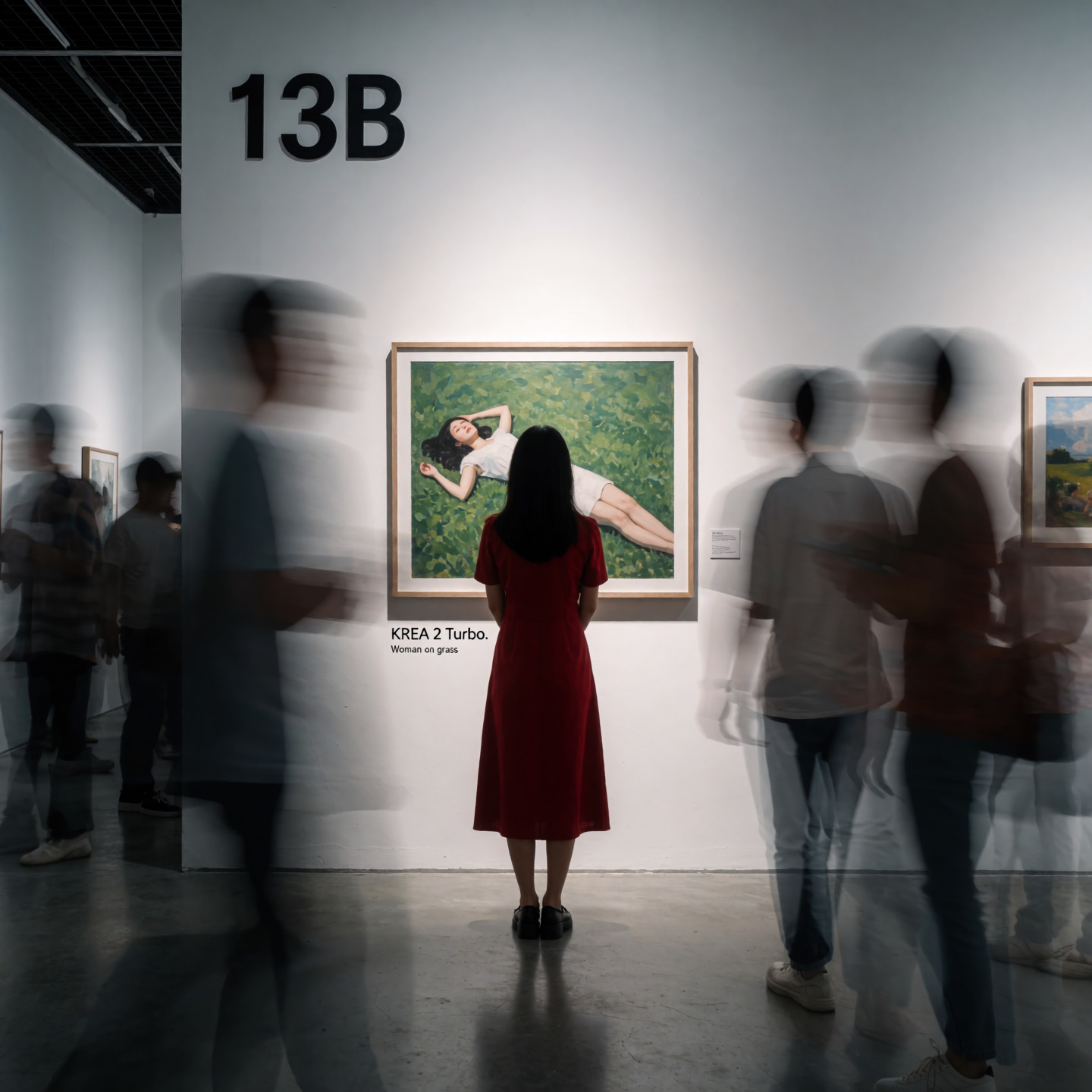
A dynamic cinematic long-exposure fine art photograph inside a contemporary white-walled art gallery room "13B". A woman in a red dress viewed from behind stands completely still in front of a framed artwork. The framed piece on the gallery wall shows a woman laying on a grass painting, and below the frame on the wall label reads "KREA 2 Turbo." in larger font and "Woman on grass" in smaller font beneath it. Other gallery visitors captured in long exposure appear as semi-transparent ghostly blurred silhouettes drifting through the foreground. Contemplative atmosphere.
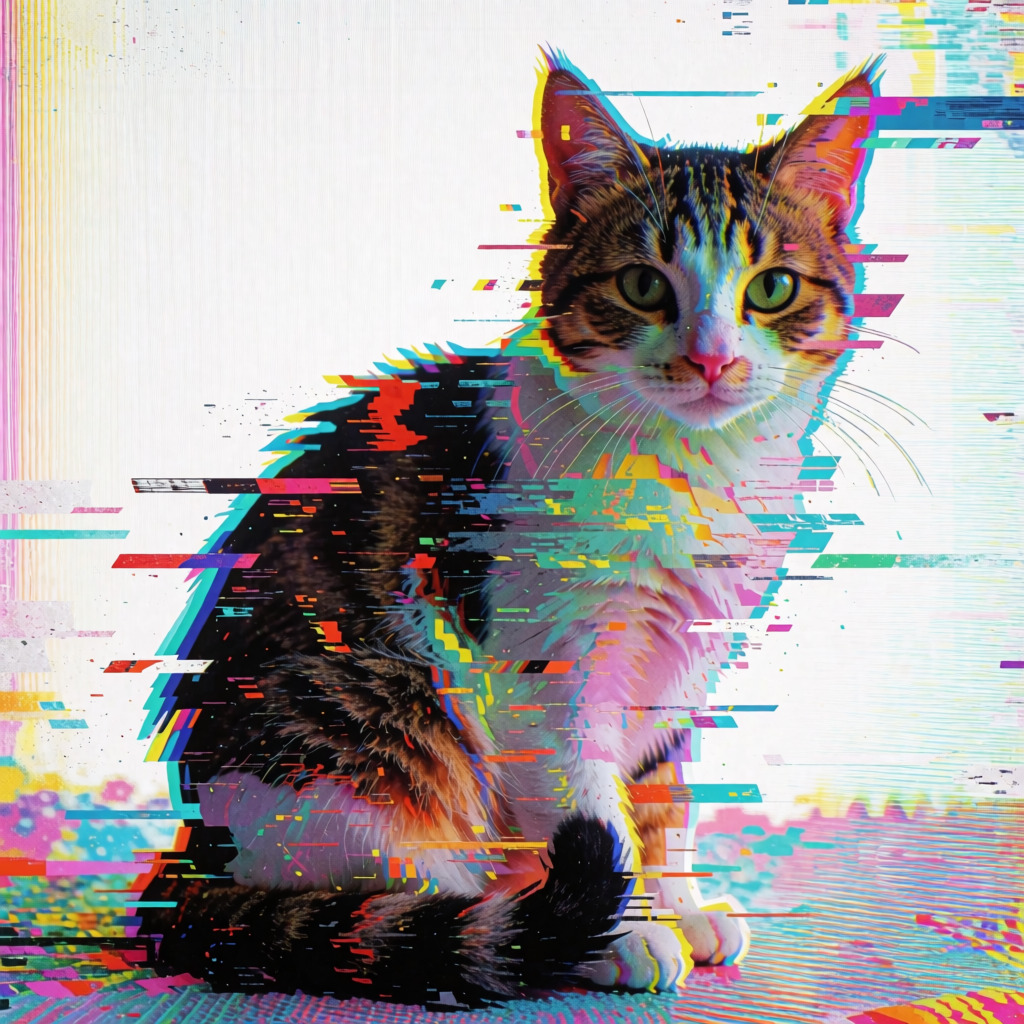
A glitched photo of a cat with digital glitch distortions, fragmented and corrupted pixels creating visual artifacts. the cat's form is partially disintegrated, with parts of its body displaced and duplicated across the frame. vibrant neon colors bleeding through static noise and data corruption effects. sitting against a glitched white background with broken scan lines and chromatic aberration, creating a warped reality aesthetic.
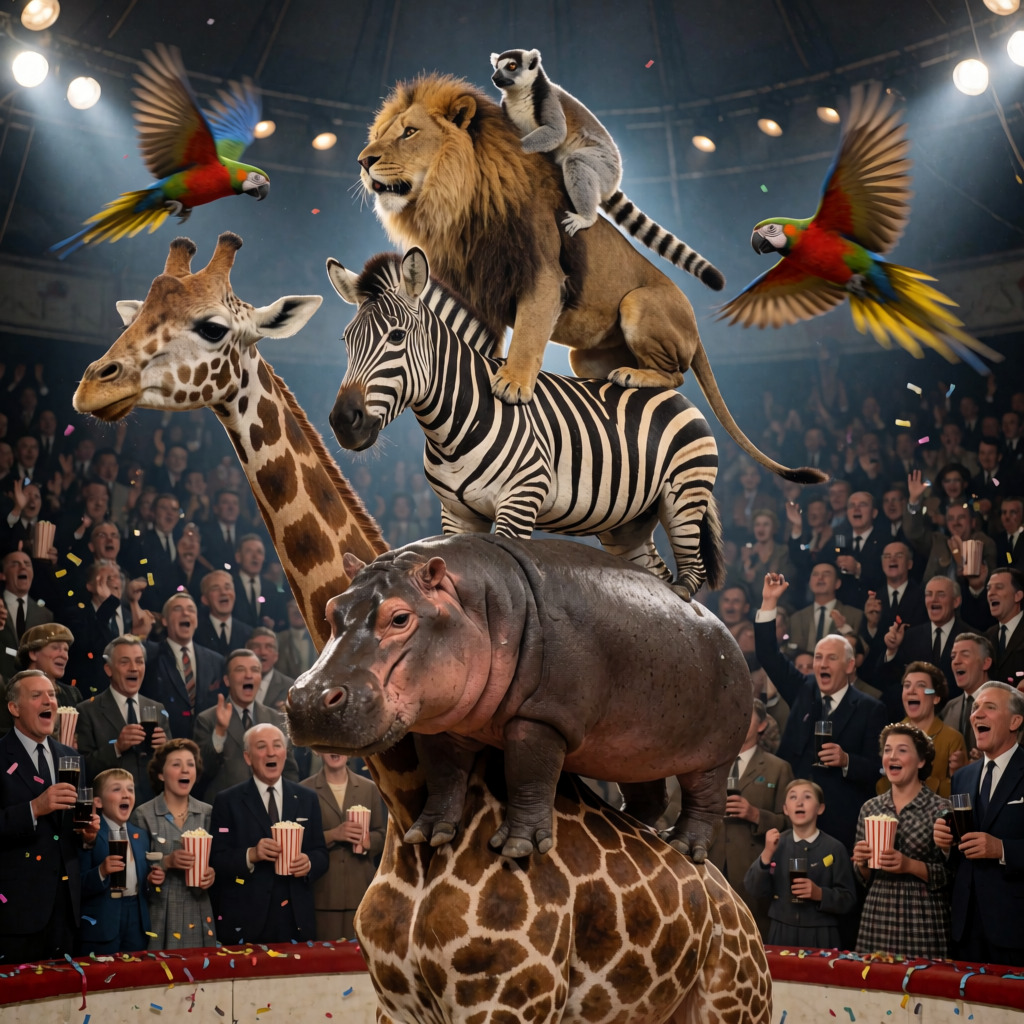
A dynamic, low-angle photograph from 1960 capturing a surreal circus act: a tired giraffe with legs buckled under its own weight stands at the base of a precarious animal tower, upon whose back a hippopotamus stands, then a zebra, then a lion, and finally a relaxed lemur perched atop the lion's shoulders — all balancing precariously as if about to collapse; two parrots fly swiftly past the camera in mid-air, their wings blurred by motion; the background is a packed circus arena filled with cheering spectators — men, women, old, young, and children — many holding popcorn, glasses of Coca-Cola, and confetti, their faces animated with excitement; bright, theatrical circus lighting illuminates the animals from above and the front, casting sharp highlights and deep shadows that emphasize the tension and scale of the scene; the composition centers squarely on the stacked animals, framed tightly from below to amplify their precariousness and grandeur, with the crowd and flying parrots adding depth and energy to the chaotic yet harmonious balance.
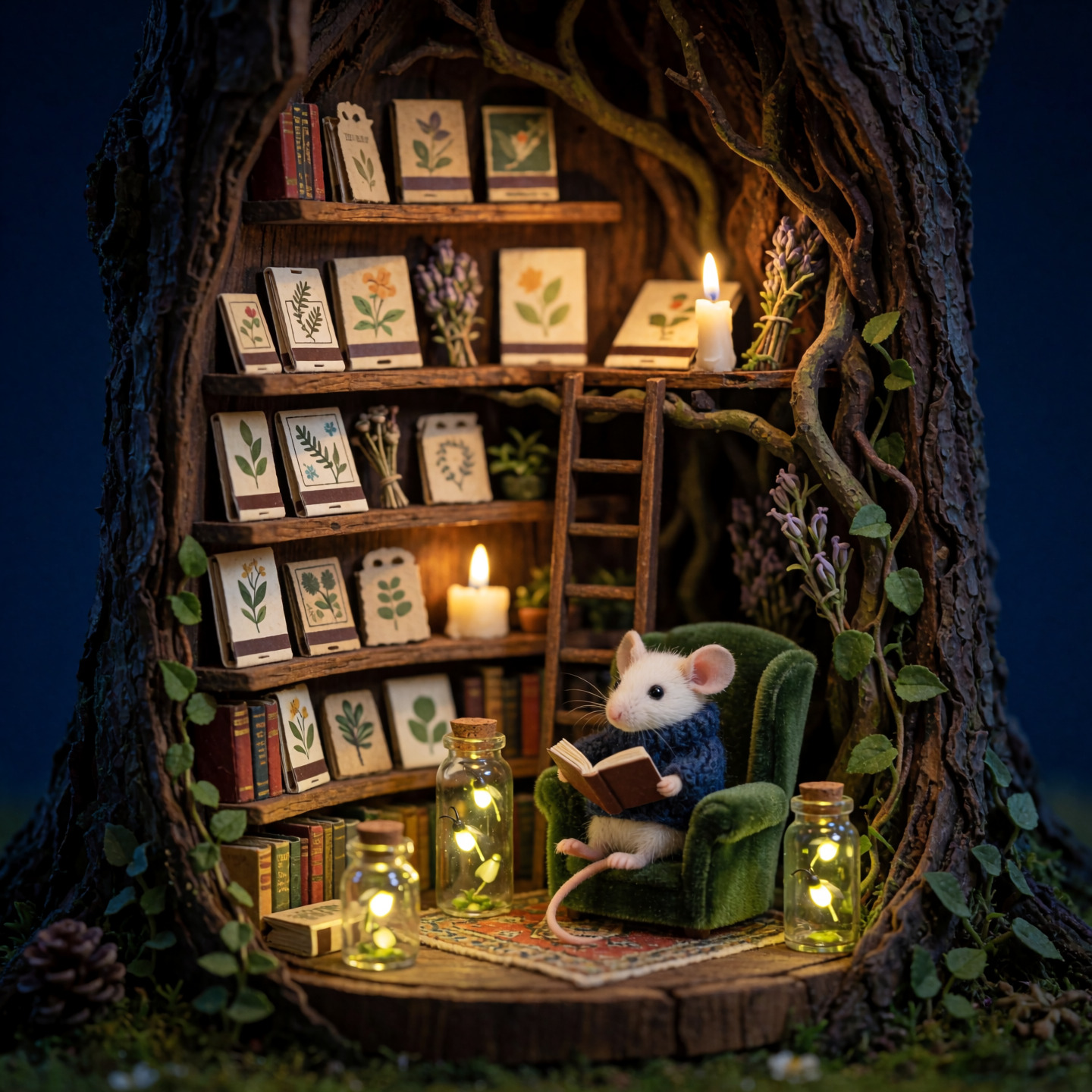
A magical nighttime cross-section diorama of a mouse's private library inside a hollow willow tree. A tiny white mouse in a navy hand-knit sweater reads quietly in a plush forest-green velvet armchair, illuminated by several glowing fireflies floating inside delicate glass jars. Curving wooden bookshelves are filled with matchbook-sized volumes, tiny botanical journals, seed packets, dried herbs, and miniature climbing vines. A small ladder leads to an upper reading loft beneath roots and twisting branches. Deep midnight blue exterior, warm candlelit interior, enchanting handcrafted miniature realism, cinematic soft focus.
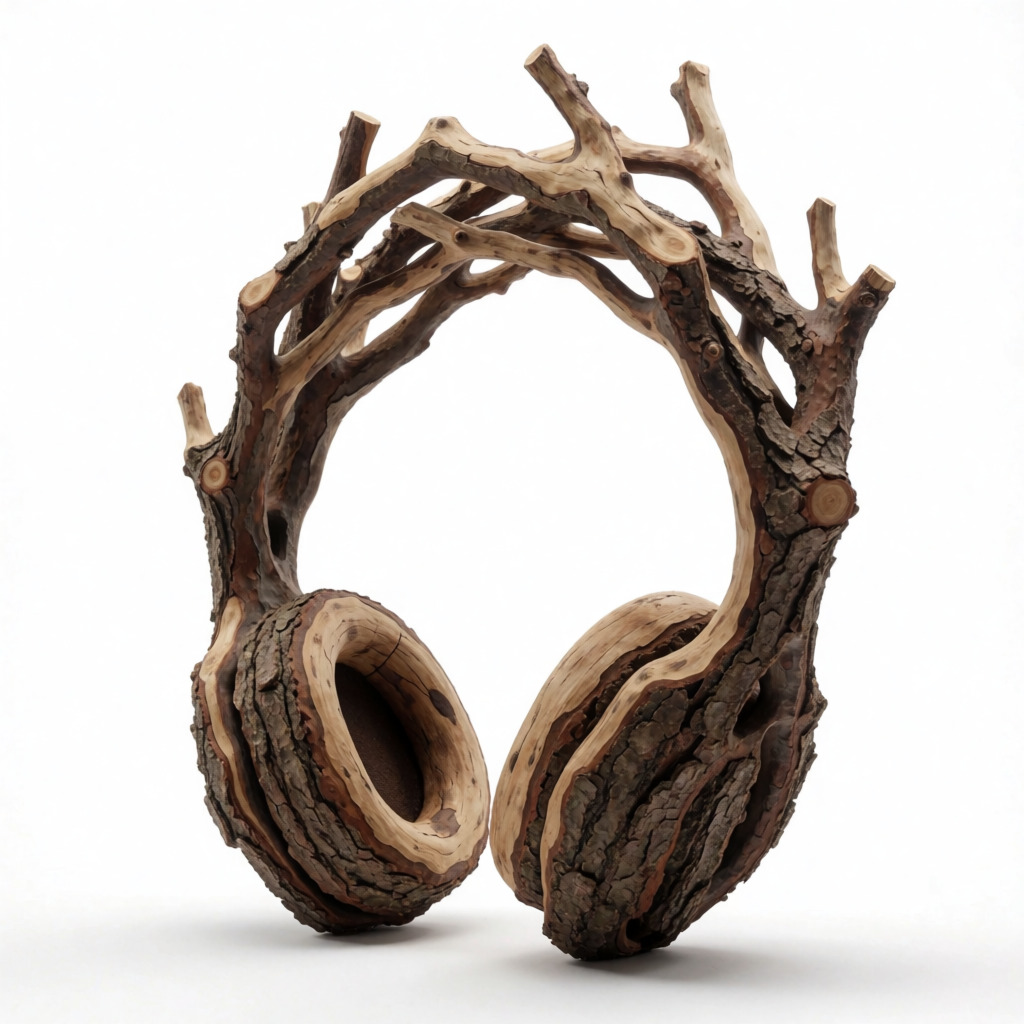
product design, sculptural headphones made from a single piece of raw natural branch wood with bark, extending upward into irregular branching limbs, branches seamlessly supporting the shade, organic asymmetrical silhouette, pure white seamless background, ultra realistic, high quality textures, soft studio lighting
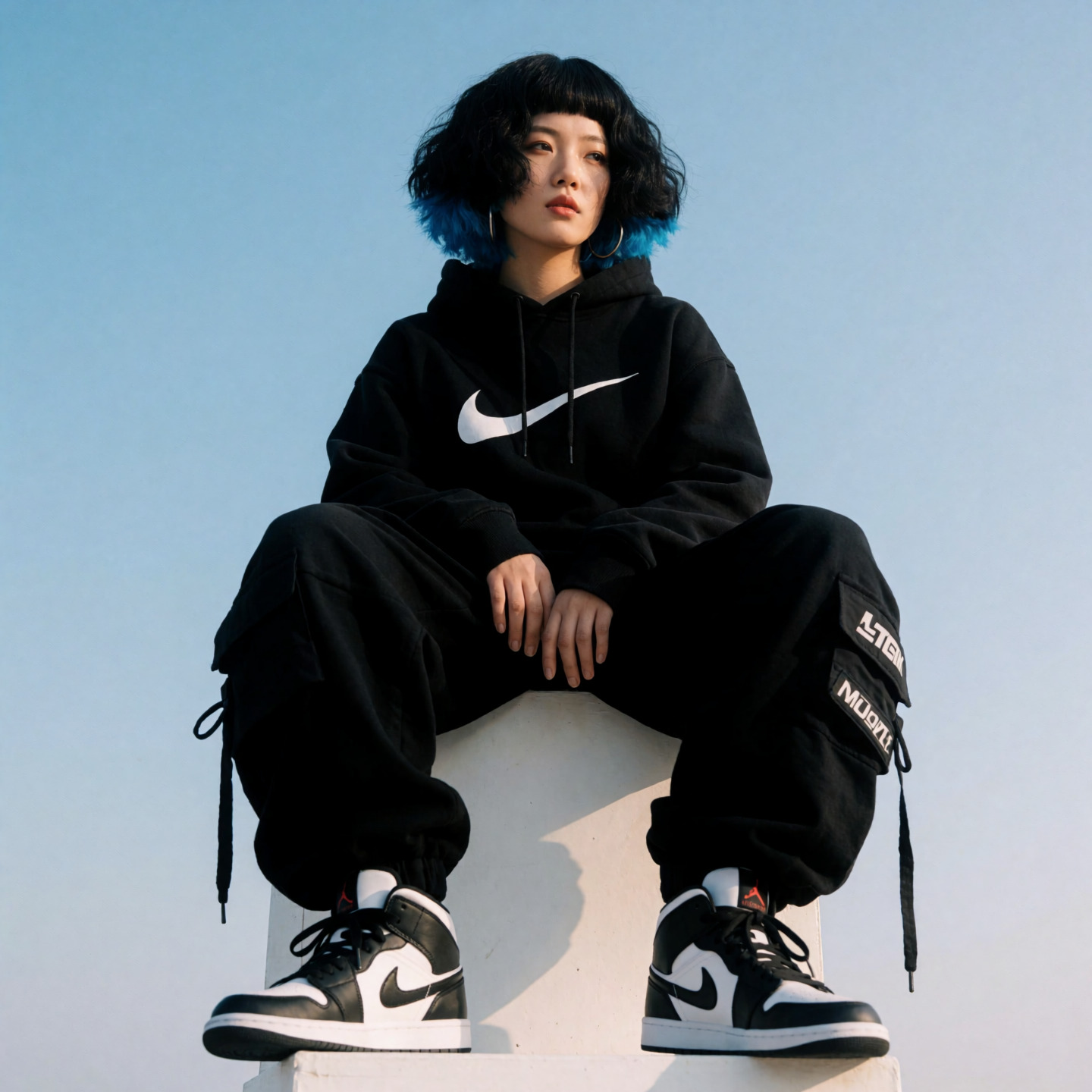
Low angle, full-body fashion photograph of a korean woman with a chunky black bob haircut with bright blue tips and short blunt bangs, a broad korean nose and big round head and cheeks, hoop earrings, seated on a white box against a clear blue sky, wearing a black Nike symbol hoodie, oversized Japanese tech-wear sweatpants, and Air Jordan Mid 1 shoes, sunlight illuminating her face from the front while she gazes neutrally out of frame, centered in the composition with balanced framing, soft natural lighting enhancing textures and contours, no additional props or characters present, clean minimalist background emphasizing subject and outfit details.
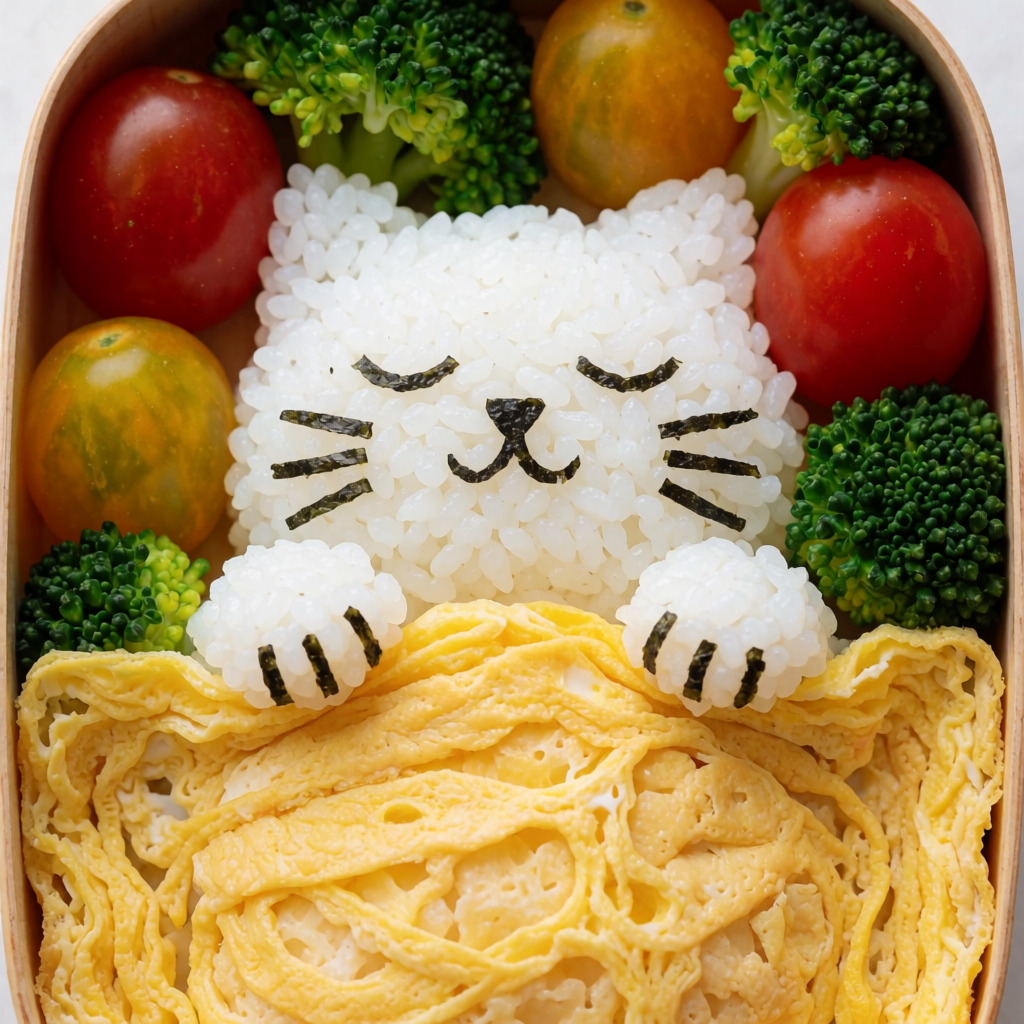
A perfectly arranged Japanese bento box featuring a sleeping cat made of fluffy white rice, with nori details for its eyes and whiskers, snuggled under a blanket made of a thin egg omelette. Surrounding the rice-cat are colorful cherry tomatoes and broccoli florets. Bright, flat-lay food photography
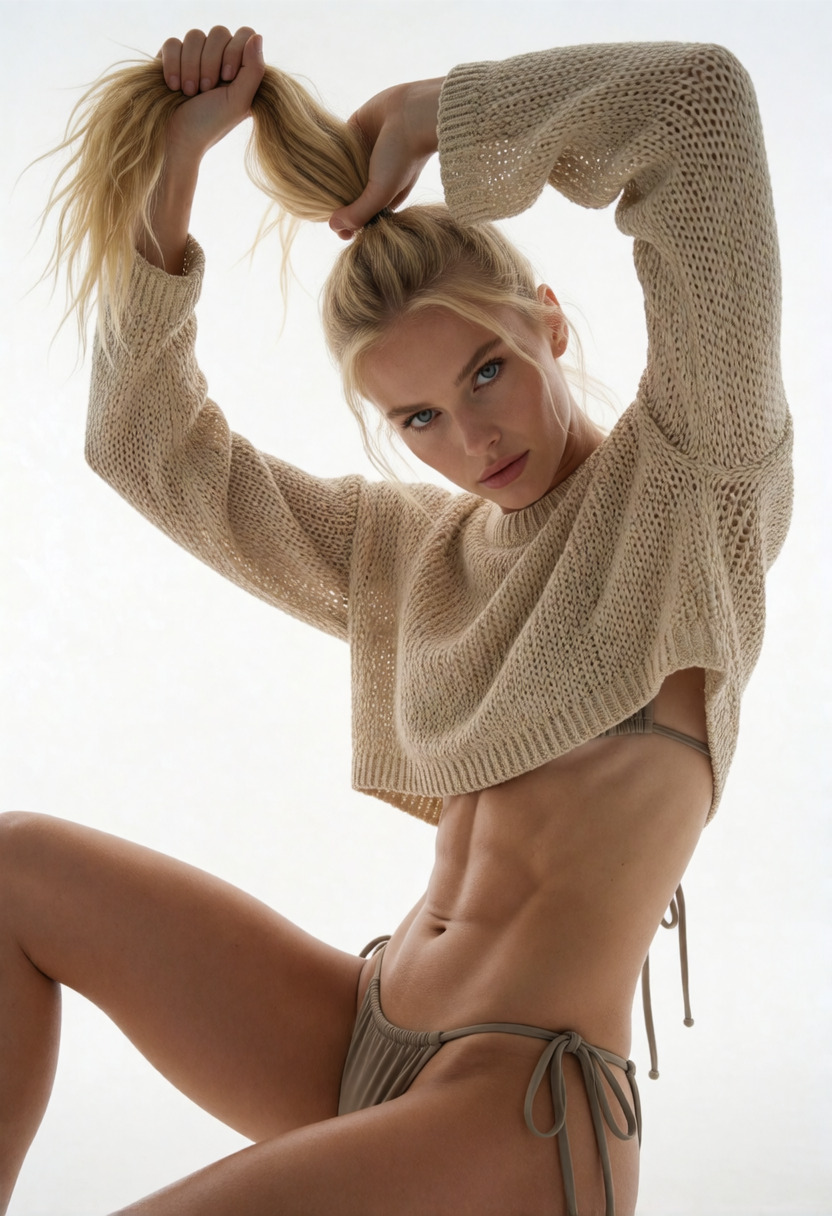
1. Subject: A dynamic studio portrait of an athletic blonde woman in a beige knit crop top posing creatively. 2. Background: A seamless, completely solid minimalist white studio backdrop with no shadows or details. 3. Coordinates: Head and intense blue eyes of the model, tilted diagonally as she looks down the lens. 4. Coordinates: Both hands raised high above her head, tightly gripping and lifting her long blonde ponytail. 5. Coordinates: Long sleeves of a loose, textured beige open-knit cropped sweater framing her face. 6. Coordinates: A lean, highly defined athletic torso with prominent abdominal muscles in sharp focus. 7. Coordinates: Her right leg bent sharply at the knee, extending towards the lower left foreground. 8. Coordinates: String bikini bottoms in a matching muted beige hue tied at the hip. 9. Lighting: High-key studio lighting, intense softboxes from both sides erasing background shadows, crisp highlights on abdominal definition. 10. Style & Render: Professional fashion lookbook photography, ultra-sharp details, visible fabric weave texture, clean commercial color grading.
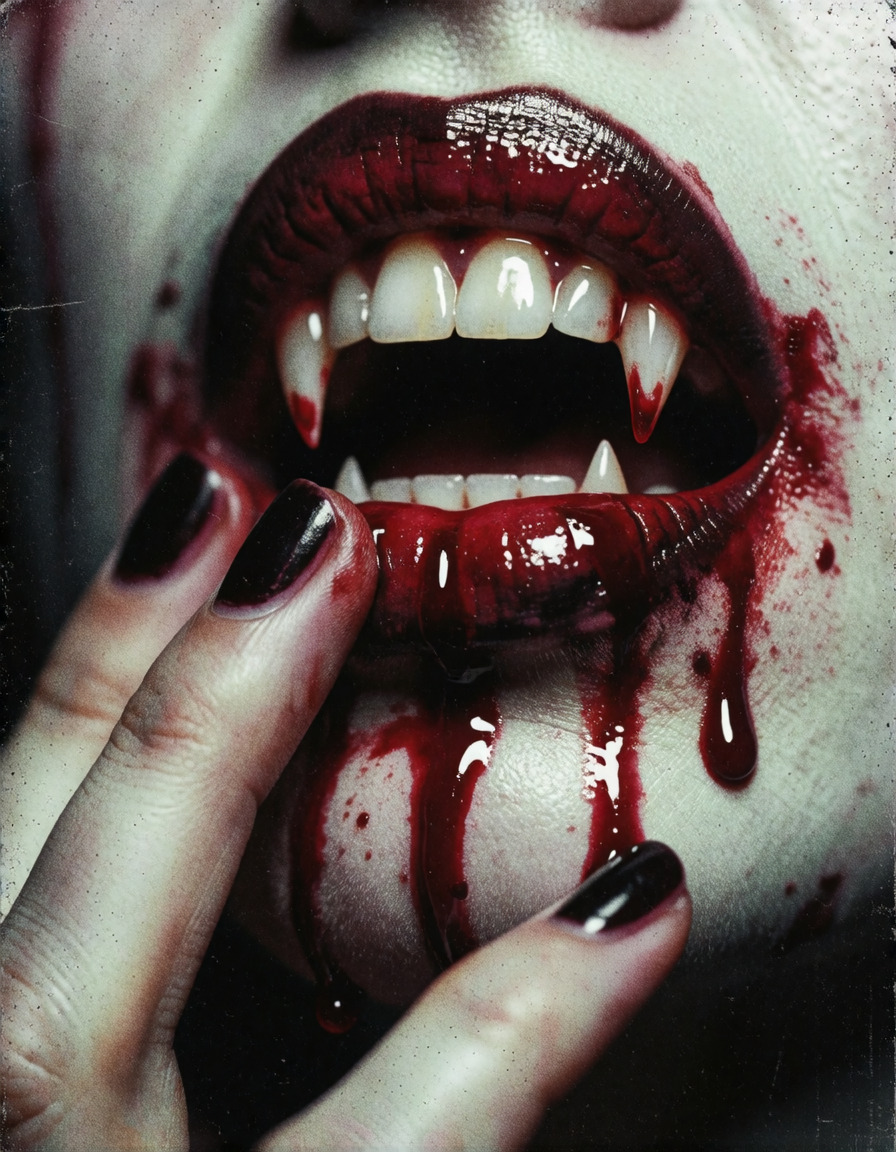
@4ESTHGPT, @NJSW33T. A gritty, high-contrast close-up portrait of a vampire's mouth, slightly open to reveal sharp, glistening white fangs. Deep crimson blood drips slowly from the tips of the sharp fangs, pooling on the lower lip and trickling down the chin. A hand with dark-painted fingernails gently touches the lips, smearing the wet, glossy blood. The image is rendered in a highly stylized, colored xerox and punk zine aesthetic, featuring a pale, desaturated skin tone, glossy dark lipstick, and intense red blood that stands out against the gritty, grainy texture. The entire composition is covered in heavy noise, xerographic distortion, and a raw, low-fi photocopy texture, capturing a dark, seductive, and rebellious atmosphere
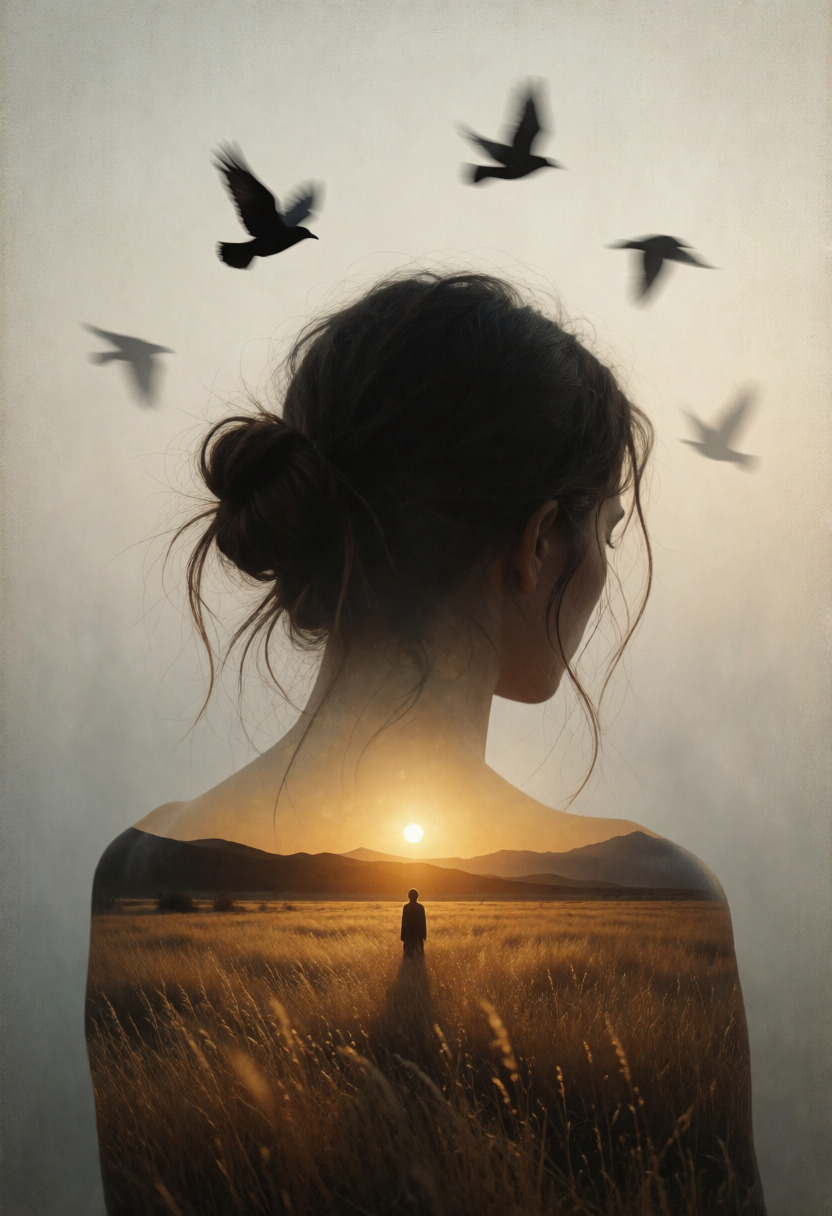
A surreal double exposure portrait of a woman seen from behind, her head and bare shoulders forming a dark silhouette against a muted misty sky. Her hair is loosely tied in a messy bun with fine stray strands. Inside the silhouette is a vast golden field at sunset, with tall dry grass, distant dark mountains, a glowing low sun, and a lone small figure standing in the center facing the horizon. Above her head, black birds fly in scattered motion, their silhouettes fading into the pale sky. Dreamlike conceptual realism, vertical composition, centered subject, soft film grain, subtle canvas texture, warm amber light inside the body, cool gray beige background, quiet melancholy mood, symbolic atmosphere, painterly photoreal detail, elegant contrast between inner landscape and outer shadow.A surreal double exposure portrait of a woman seen from behind, her head and bare shoulders forming a dark silhouette against a muted misty sky. Her hair is loosely tied in a messy bun with fine stray strands. Inside the silhouette is a vast golden field at sunset, with tall dry grass, distant dark mountains, a glowing low sun, and a lone small figure standing in the center facing the horizon. Above her head, black birds fly in scattered motion, their silhouettes fading into the pale sky. Dreamlike conceptual realism, vertical composition, centered subject, soft film grain, subtle canvas texture, warm amber light inside the body, cool gray beige background, quiet melancholy mood, symbolic atmosphere, painterly photoreal detail, elegant contrast between inner landscape and outer shadow. dramatic and timeless mood, balanced composition suitable for a gallery poster, a masterpiece, award winning,
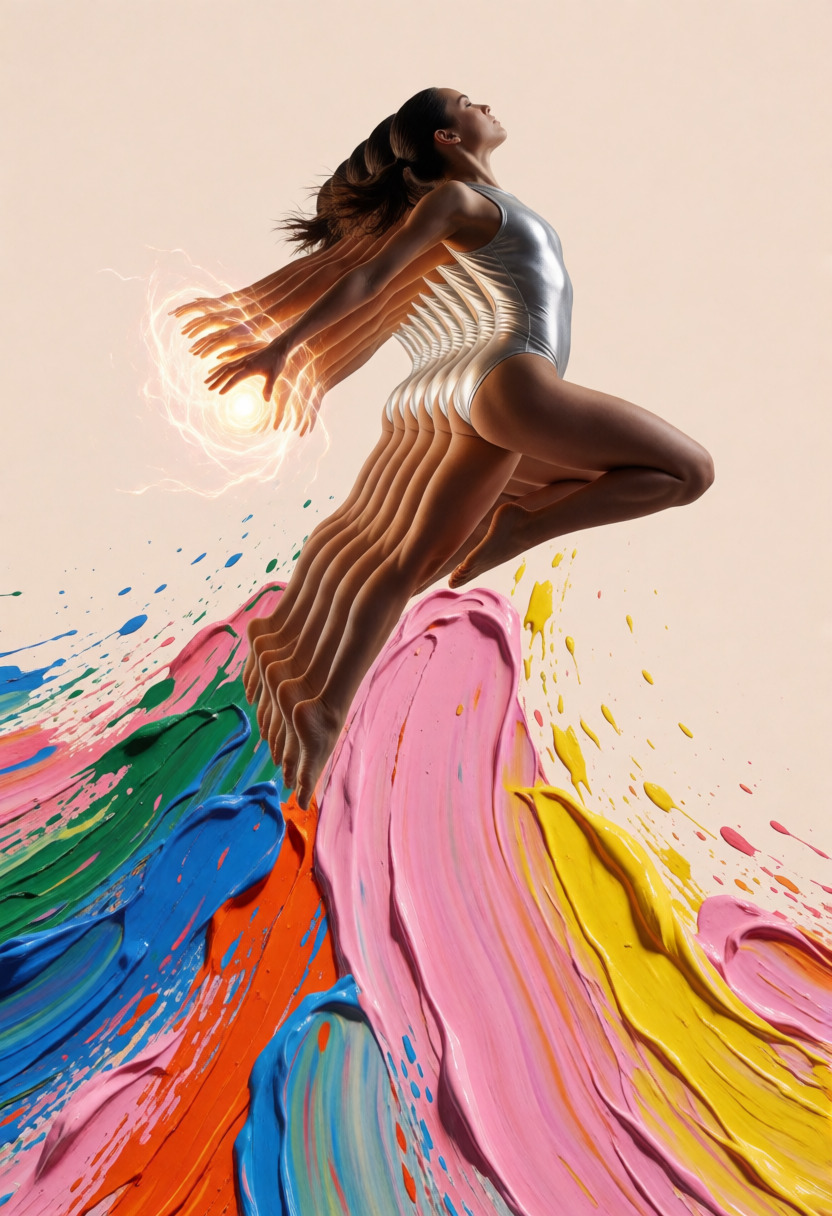
A mixed-media collage features a female athlete leaping upward, leaving a stroboscopic trail of multiple limbs. Clad in a metallic silver bodysuit, she grasps glowing energy orbs in her sequentially trailing hands. Thick, sweeping impasto brushstrokes in vibrant pink, yellow, blue, green, and orange radiate downwards from her figure, creating an energetic wake of paint splatters. Set against a solid pale beige background, the low-angle composition blends photorealistic motion photography with expressive digital painting
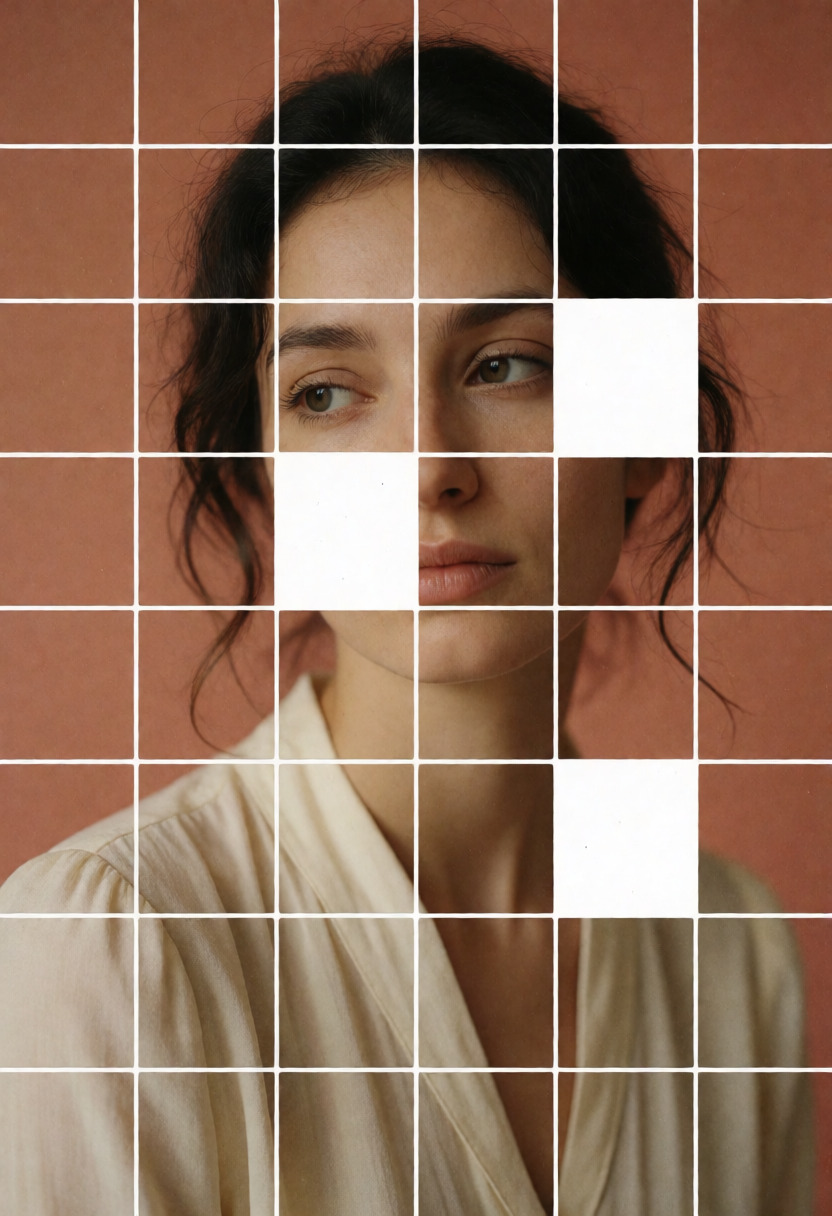
Analog collage portrait of a young woman with loose dark hair and a calm gaze, structured within a 24x24 grid of equal square tiles, most tiles correctly assembled to reveal her face, neck, and soft cream blouse against a muted terracotta background, but a deliberate scatter of roughly eight tiles are displaced — rotated ninety degrees or transposed to wrong positions across the grid — creating intentional visual ruptures where an eye lands near her shoulder and a section of background invades her jawline, raw white tile borders accentuate each seam, warm directional studio lighting, fine grain matte paper texture, mid-century editorial aesthetic, high-contrast graphic composition, the disorder itself reads as design
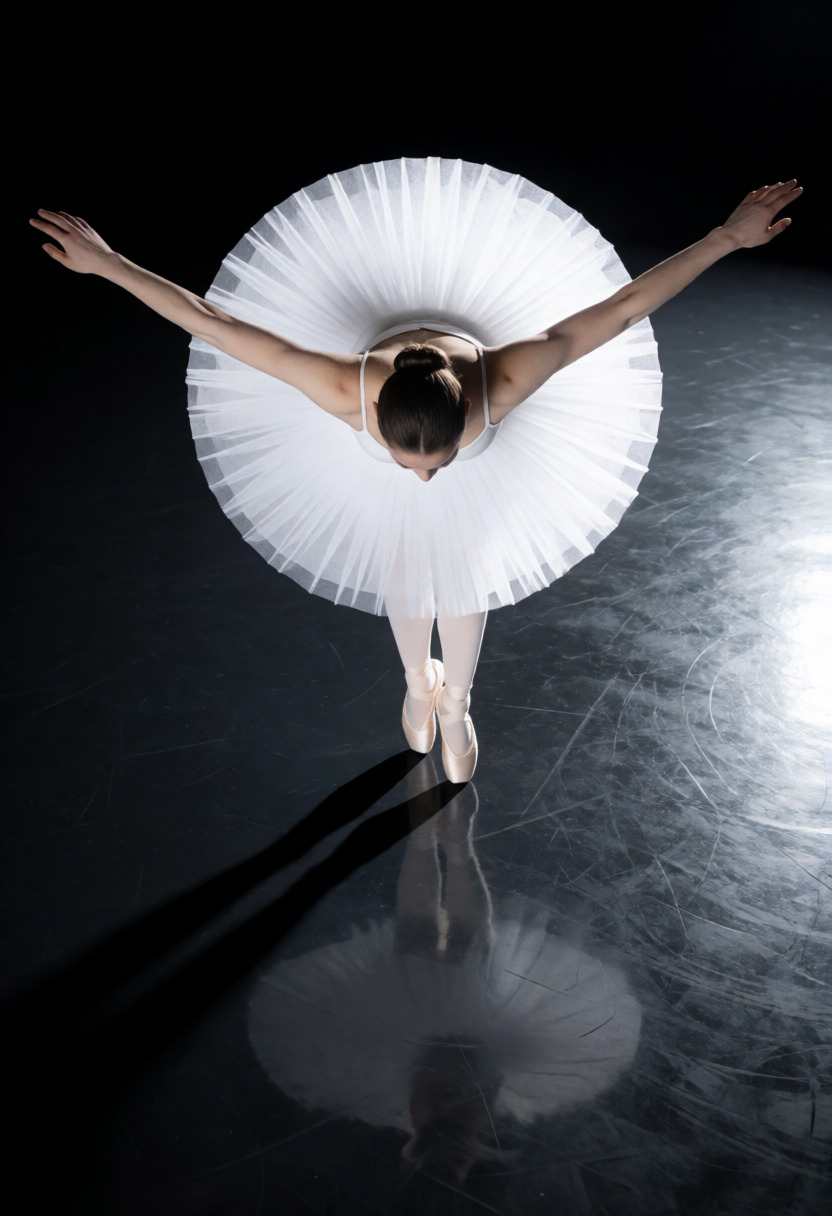
A ballerina caught mid-leap photographed from directly above, extreme overhead foreshortening compresses the full body into an abstract geometric shape — arms wide, tutu a white halo, pointed feet impossibly small below, camera tilted 22° dutch angle, polished black marley floor as a mirror beneath, high-key studio lighting bleaches the tutu to pure white against deep charcoal, long shadow cutting diagonally across the composition, architectural minimalism, Helmut Newton severity, absolute stillness in motion.
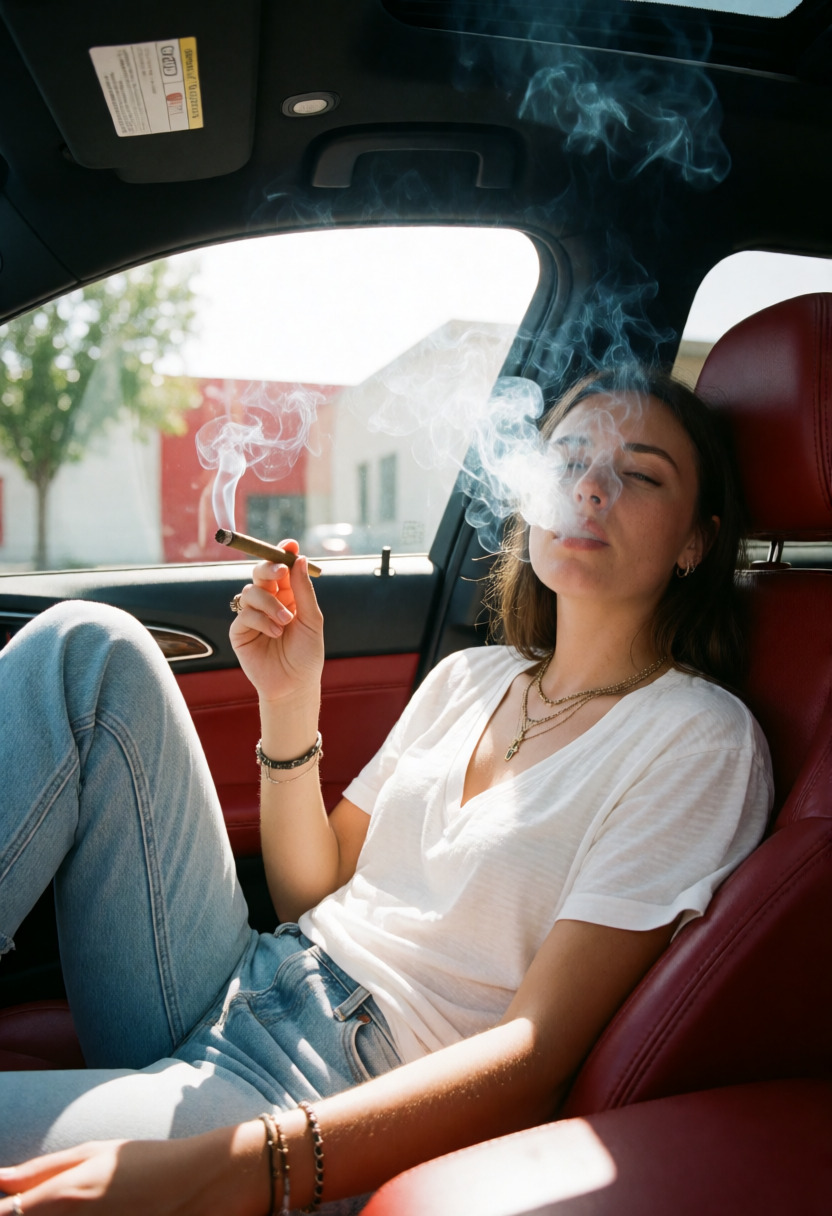
Shot on an iPhone inside a parked car, bright midday sunlight through the windows, casual social-media photo style. Young woman reclining in a red leather passenger seat with one knee raised toward the camera and the other leg folded across the seat. She wears a loose white V-neck T-shirt, light blue jeans, layered necklaces, bracelets, and a ring. One hand holds a lit rolled weed blunt near the window while smoke drifts across her face and curls around the car roof. Her facial expression is hazy and relaxed: eyes partly obscured by smoke, eyelids lowered, brows calm, lips slightly parted as if exhaling, jaw loose, dreamy detached mood. Background shows the car door, window glare, outdoor buildings and trees, red interior panels, and strong sun reflections. Authentic iPhone photo, natural harsh daylight, soft smoke haze, candid car-seat composition.
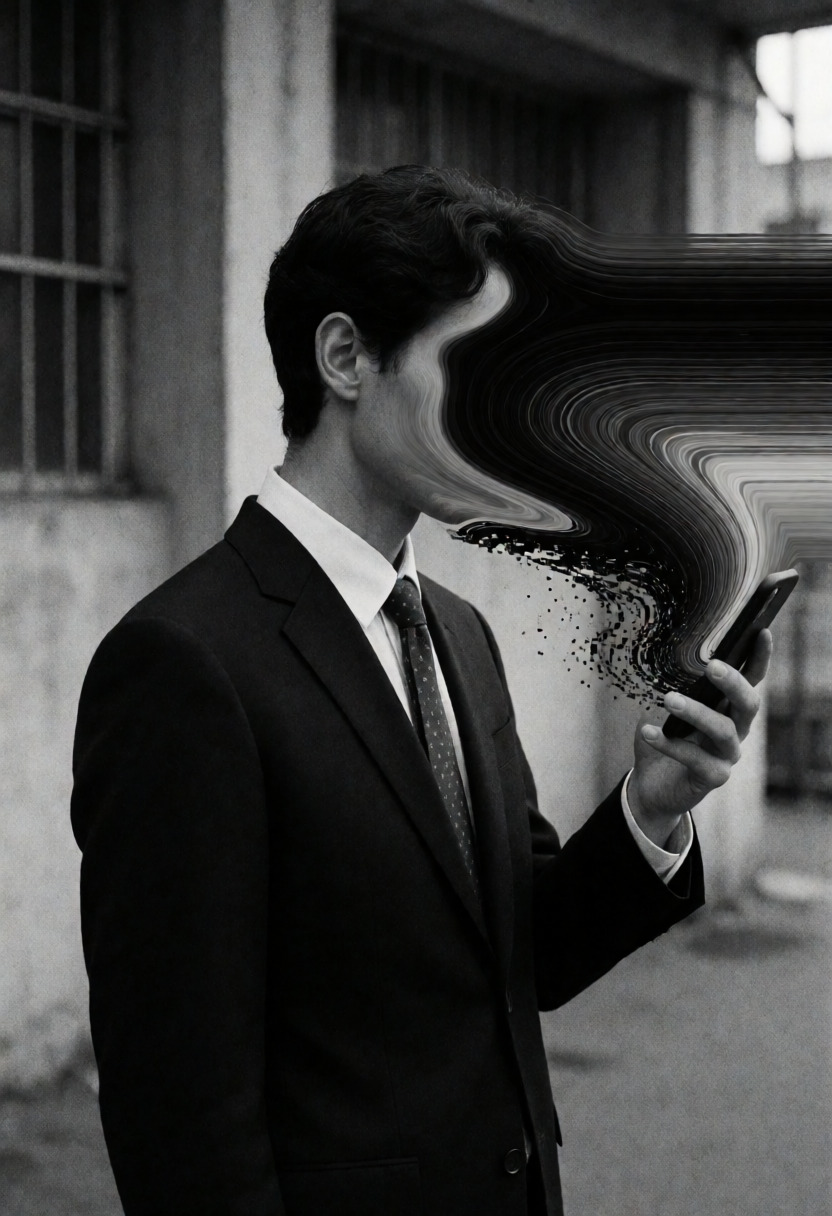
film grain, low contrast, long shadows, almost cinematic feel, moody photography, b&w photography This black and white portrait, rich in film grain, shows a man in profile, his face completely masked by a dense, fluid mass of swirling black and grey pixels and data-like horizontal lines. He has a slender build and dark, wavy hair combed back, with only his ear and jawline visible beneath the visual distortion. He is wearing a dark, tailored suit jacket over a crisp white shirt and a subtly patterned tie, his hand holding a smartphone up towards the pixelated void in a pose that merges human form with digital abstraction. The background is a stark, textured urban environment, with concrete pillars and a barred window hinting at an industrial or public space. The lighting is diffused but dramatic, casting soft, yet defined shadows that highlight the textures of his clothing and the harsh edges of the distortion, creating a scene of jarring contrast. The overall mood is unsettling and introspective, capturing an uncanny intersection of technology and identity in a raw, analog-film aesthetic.
Use a flat monthly plan for credit-free fair-use generation, or buy Spark packs when pay-as-you-go fits better. Both run on the same creator-owned GPU network.
∞
Unlimited plans
One flat price in the app. Generate under fair use without a per-image meter.
🧩
200+ models
Image, video, music, and language models in one workspace and one API key.
⚡
Pay-as-you-go Spark
Prefer pay-as-you-go? Call Krea 2 Turbo by id and pay with Spark packs.
🌐
Powered by people
Runs on a decentralized GPU network where workers share subscription revenue.
Krea 2 Turbo is an open-source, distilled version of Krea 2 for text-to-image and image-to-image generation, tuned for quick, high-quality creative iteration.
Does Krea 2 Turbo require Premium Spark?
No. Krea 2 Turbo is a standard open model on Sogni, not a Premium Spark or restricted partner model. You can run it in the Sogni app under fair-use plans or call it by model id through the API.
How much does Krea 2 Turbo cost through the API?
A 1024 × 1024, 4-step render quotes at about 1.22 Spark, roughly $0.006. Larger outputs scale with pixel count.
Is Krea 2 Turbo on Sogni unlimited?
Yes, credit-free fair-use. Covered jobs run on Sogni's shared GPU network and may queue at peak demand, but you are not blocked by a credit meter.
Do I need a GPU or ComfyUI?
No. Krea 2 Turbo runs through Sogni in the browser or app, with no local install and no graphics card required.
How does Krea 2 Turbo compare to other image models on Sogni?
Krea 2 Turbo is the fast, contemporary-look generalist. Z-Image Turbo is cheaper and the free-tier default, Qwen Image 2512 offers a strong alternative aesthetic, and Dark Beast Krea 2 v3 is the uncensored community fine-tune of the same Krea 2 base. All of them run online with no GPU.
Does Krea 2 Turbo support LoRAs?
Yes. Sogni ships 24 Krea 2 LoRAs you can attach in the browser without downloading anything or running ComfyUI locally, and up to eight can be stacked on one render. They cover prompt adherence, art direction, character traits, lighting, and detail. Unlimited members can also import their own compatible public Krea 2 LoRAs from Civitai or Hugging Face through My LoRAs in Sogni's LoRA explorer.
What are slider LoRAs and how do negative strengths work?
Most Krea 2 LoRAs are bipolar sliders rather than fixed styles: a positive strength applies the effect and a negative strength applies its opposite, with 0 doing nothing. Warm Light warms an image at +2 and cools it at -2, for example, so one LoRA covers both directions instead of needing a separate one for each.
Do Krea 2 LoRAs cost extra on Sogni?
No. Attaching LoRAs does not change the price of a render — a Krea 2 Turbo job costs the same with or without them, and they are covered by the same fair-use plans.
Does the order of stacked LoRAs matter?
Yes. LoRAs are applied in the order they are listed, and swapping two of them changes the image even at identical strengths — Krea 2 runs fp8-quantized, so the patches do not commute. Sogni lets you reorder the chain in the LoRAs panel.
How do I turn off the Sensitive Content Filter for Krea 2 LoRAs?
At app.sogni.ai, select your username in the top-right corner, then switch off Sensitive Content Filter under Content preferences. Confirm that you are 18 or older when prompted. Return to a compatible Krea 2 workflow and open Browse LoRAs to see the additional opt-in options. In the SDK, use the equivalent filter setting. Mature-theme generation is strictly opt-in.
How private is my use of this model on Sogni?
Sogni is built with privacy and creative freedom in mind. Your work remains your own, and inference runs through the Sogni Supernet, a decentralized network of creator GPUs, instead of requiring local hardware or a separate model host. Use is still governed by Sogni's Privacy Policy and Terms of Use.
Start with Krea 2 Turbo today
Create in the app, or build with the API. Your call.