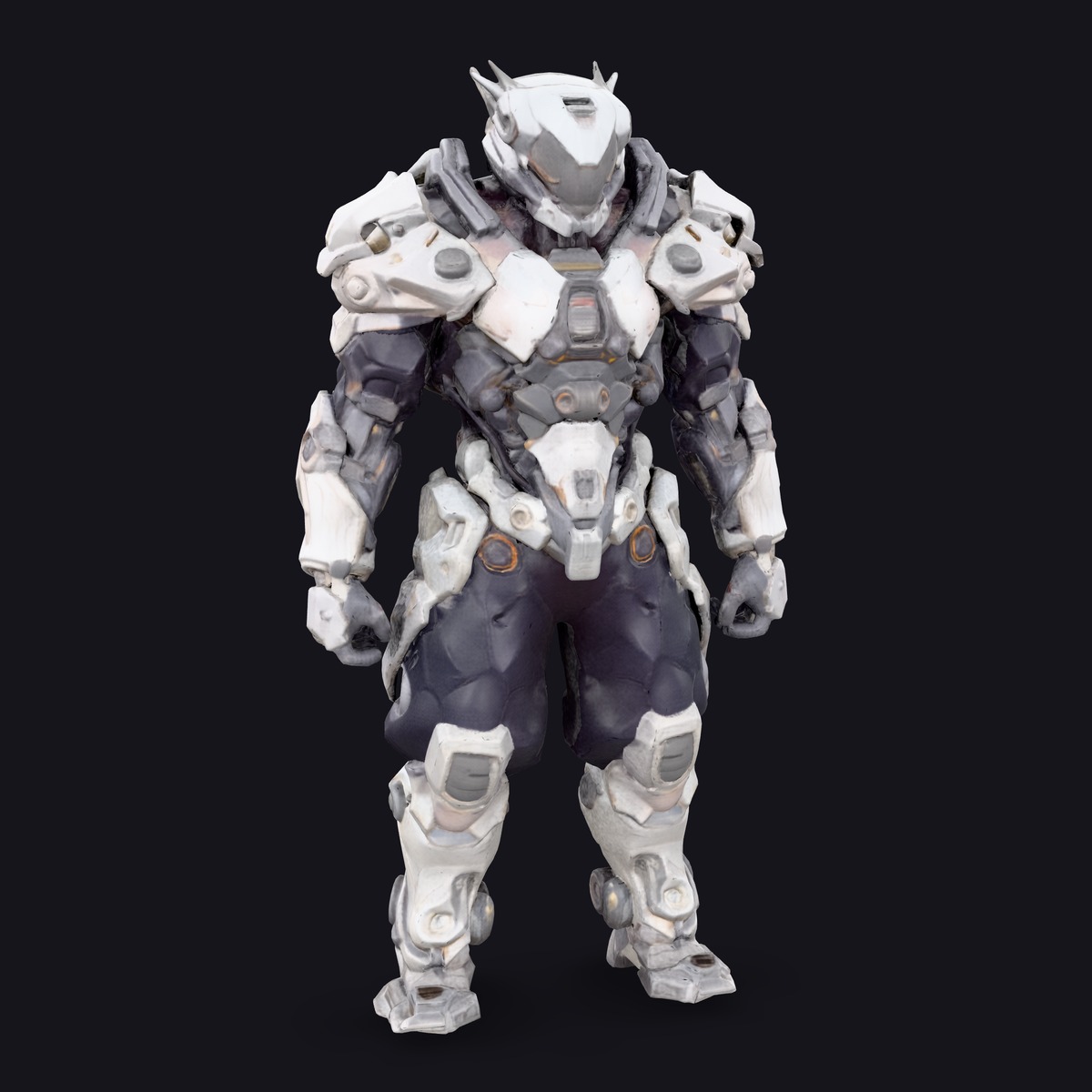
No prompt, no clicks. Upload an image and get the subject back on transparency.
About
BiRefNet removes backgrounds. There is no prompt and nothing to click: it finds the salient foreground on its own and returns either the matte for that subject or the subject already cut out on a transparent background.
Output dimensions always match the input. BiRefNet runs at a fixed 1024 internally and resizes the matte back to your source’s own width and height, which is also why the price is flat — the compute is the same whether you hand it a thumbnail or a full-resolution photograph.
The matte is soft rather than binary: edge pixels carry partial coverage, which is what keeps hair, fur and thin strokes intact instead of turning them into a jagged stencil. In one of our own tests it held the whiskers on a line drawing — the kind of detail that separates a usable cut-out from one you have to repaint by hand.
Set applyMask to get the RGBA cut-out instead of the bare matte. The alpha channel is the same matte either way, so the second form is strictly more useful when you want pixels rather than a mask.
BiRefNet is prompt-free by design, and that is the trade. When you need a specific object out of a busy frame rather than "whatever is in front", that is a different job and a different model.
One measured run on an RTX 5090 took about 1.0 second warm — a single run rather than a benchmark. In the Sogni app you reach it from any image you have generated or uploaded: open its menu and choose Remove background. It runs on the Sogni Supernet, a decentralized network of creator GPUs, so there is nothing to install.
Prompting tips
There is no prompt, so everything depends on the picture you hand it:
One obvious subject — BiRefNet decides what the foreground is. A frame with a single clear subject gives it an easy decision; a crowded scene makes it guess.
Leave a little room — A subject cropped hard against the frame edge has no background to separate from on that side. A small margin gives the matte somewhere to resolve.
Separation beats resolution — Tonal or colour contrast between subject and background matters more than megapixels — the compute is identical at every input size anyway.
Trust it with fine detail — Hair, fur, whiskers and thin strokes are what the soft matte exists for. Do not pre-crop them away in the hope of helping.
Ask for the cut-out when you want pixels — Set applyMask to get an RGBA image instead of the bare matte. The alpha channel carries the same matte, so nothing is lost by taking the more useful form.
Matte or cut-out
One switch decides what comes back. Both forms are the same matte; the second one has already applied it.
Request
You get
Use it when
applyMask: false — default
The bare foreground matte, at the source size.
You are compositing yourself, or feeding the matte into another step.
applyMask: true
The source image with the matte as its alpha channel.
You want the subject on transparency and nothing else to do.
Pricing
Use pay-as-you-go Spark packs for each render (1 Spark = $0.005), or choose a flat-rate Sogni plan for credit-free fair-use generation in the app.
Configuration
Spark
USD
One image · any source size (flat — compute does not depend on the input size)
1.00 Spark
$0.005
One flat rate at any source size. BiRefNet always preprocesses to a fixed 1024 and resizes the matte back, so the compute per request is constant however large the image is.
1 Spark = $0.005. Pay as you go with Spark packs, or remove backgrounds under fair use on a flat monthly Sogni plan.
API
One Sogni API key reaches every model on the Supernet — call BiRefNet with the exact model id.
import { readFileSync } from 'node:fs';
import { SogniClient } from '@sogni-ai/sogni-client';

const client = await SogniClient.createInstance({
  appId: crypto.randomUUID(),
  apiKey: process.env.SOGNI_API_KEY,
  network: 'fast',
});

const project = await client.projects.create({
  type: 'image',
  modelId: 'birefnet_image_background_removal_fp16',
  positivePrompt: '',
  numberOfMedia: 1,
  startingImage: readFileSync('portrait.jpg'),
  applyMask: true, // RGBA cut-out instead of the bare matte
});

const [url] = await project.waitForCompletion();
console.log(url); // PNG at the source image's own size
import asyncio, os
from sogni_client import SogniClient

async def main():
    async with await SogniClient.create(
        api_key=os.environ["SOGNI_API_KEY"],
        app_id="birefnet-example",
    ) as sogni:
        project = await sogni.projects.create(
            type="image",
            model_id="birefnet_image_background_removal_fp16",
            positive_prompt="",
            number_of_media=1,
            starting_image="portrait.jpg",
            apply_mask=True,  # RGBA cut-out instead of the bare matte
        )
        for url in await project.wait_for_completion():
            print(url)  # PNG at the source image's own size

asyncio.run(main())
Call birefnet_image_background_removal_fp16 with a source image and no prompt. Background removal is not a Creative Agent tool, so there is no REST workflow alias — use the JavaScript or Python SDK. Full reference at docs.sogni.ai.
Why run it on Sogni
Subscriptions or Spark
Use a flat monthly plan for credit-free fair-use generation, or buy Spark packs when pay-as-you-go fits better. Both run on the same creator-owned GPU network.
∞
Unlimited plans
One flat price in the app. Generate under fair use without a per-image meter.
🧩
200+ models
Image, video, music, and language models in one workspace and one API key.
⚡
Pay-as-you-go Spark
Prefer pay-as-you-go? Call BiRefNet by id and pay with Spark packs.
🌐
Powered by people
Runs on a decentralized GPU network where workers share subscription revenue.
BiRefNet separates foreground from background and takes no prompt, so it is the right tool whenever the picture has one clear subject and the edge quality matters. SAM 3 selects an object you name, click or box, so it is the right tool when a picture holds several things and you need one of them. They combine well: let SAM 3 decide which object and crop the image down to it, then let BiRefNet matte that crop, where the subject is now the only thing in frame. One practical difference to code against — SAM 3's mask is binary, two levels, while BiRefNet returns a real soft matte across the full range. Threshold at half-opaque rather than at pure white, or you will measure a fraction of the coverage and crop the subject to a sliver.
What does BiRefNet return?
By default, the foreground matte at your source image’s own dimensions. With applyMask set, the source image carrying that matte as its alpha channel — the subject already cut out on transparency. The alpha is the same matte, so the cut-out is recoverable back to a mask if you need one.
Do I write a prompt?
No. BiRefNet takes a source image and nothing else. It finds the salient foreground itself, which is what makes it fast and cheap — and also what makes it the wrong tool when you need one specific object out of a busy frame.
Will the output be a different size from my image?
Never. BiRefNet runs at a fixed 1024 internally and resizes the matte back to your source’s exact width and height, so what comes back always lines up pixel-for-pixel with what you sent.
Does a larger image cost more?
No — $0.005 (1 Spark) an image whatever the size. Because the model always preprocesses to a fixed 1024, the compute genuinely does not depend on your input dimensions, so billing by megapixel would charge for work nobody does.
How well does it handle hair and fine edges?
That is what it is for. The matte is soft rather than binary — edge pixels carry partial coverage — which is what preserves hair, fur and thin lines. In one of our own tests it held the whiskers on a line drawing intact.
How fast is it?
One measured run on an RTX 5090 took about 1.0 second warm. That is a single run rather than a benchmark, and your job runs on whichever eligible Supernet worker picks it up, so treat it as an order of magnitude.
Do I need a GPU or ComfyUI?
No. BiRefNet runs on the Sogni Supernet — a decentralized network of creator GPUs — with no local install, no nodes and no graphics card required.
Start with BiRefNet today
Create in the app, or build with the API. Your call.