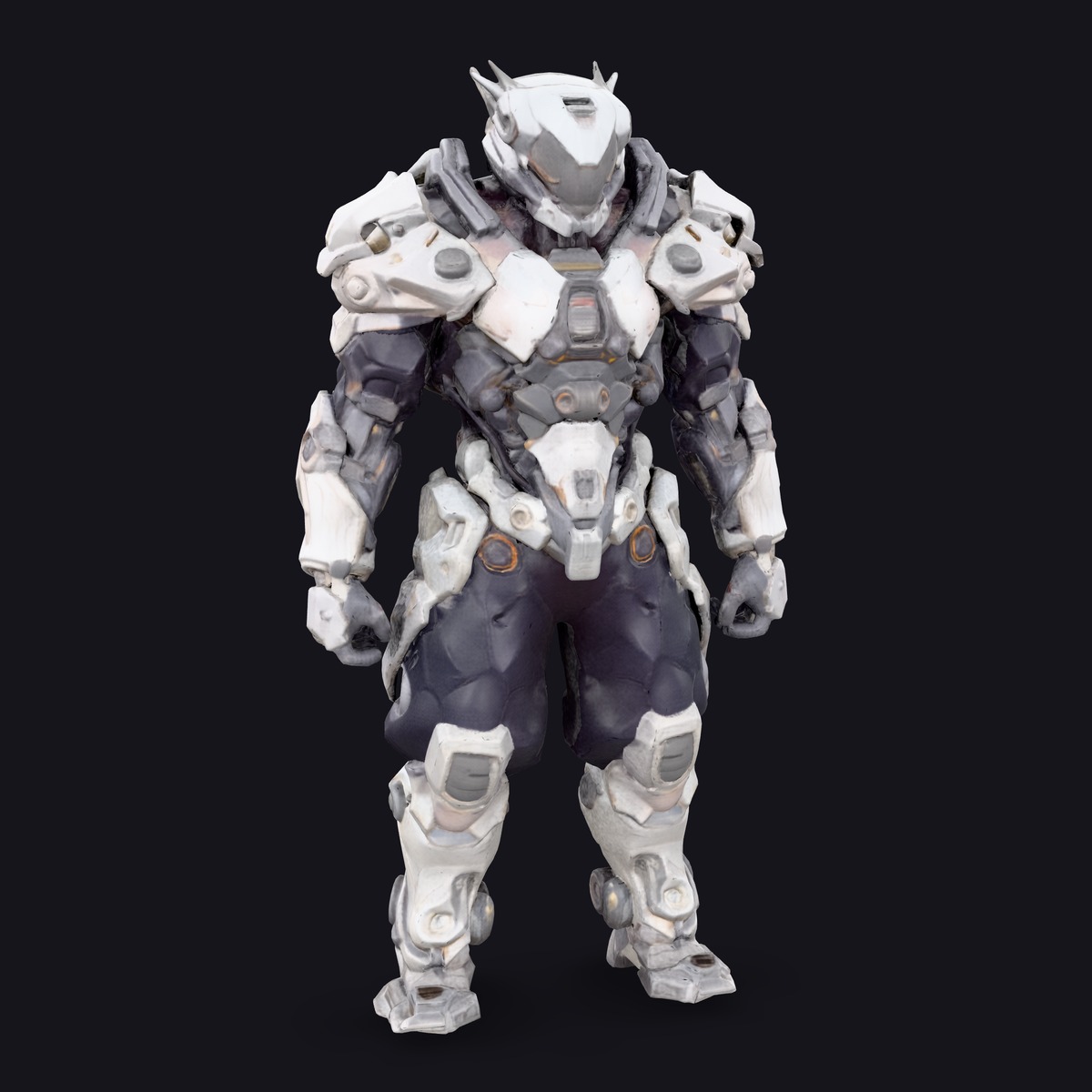
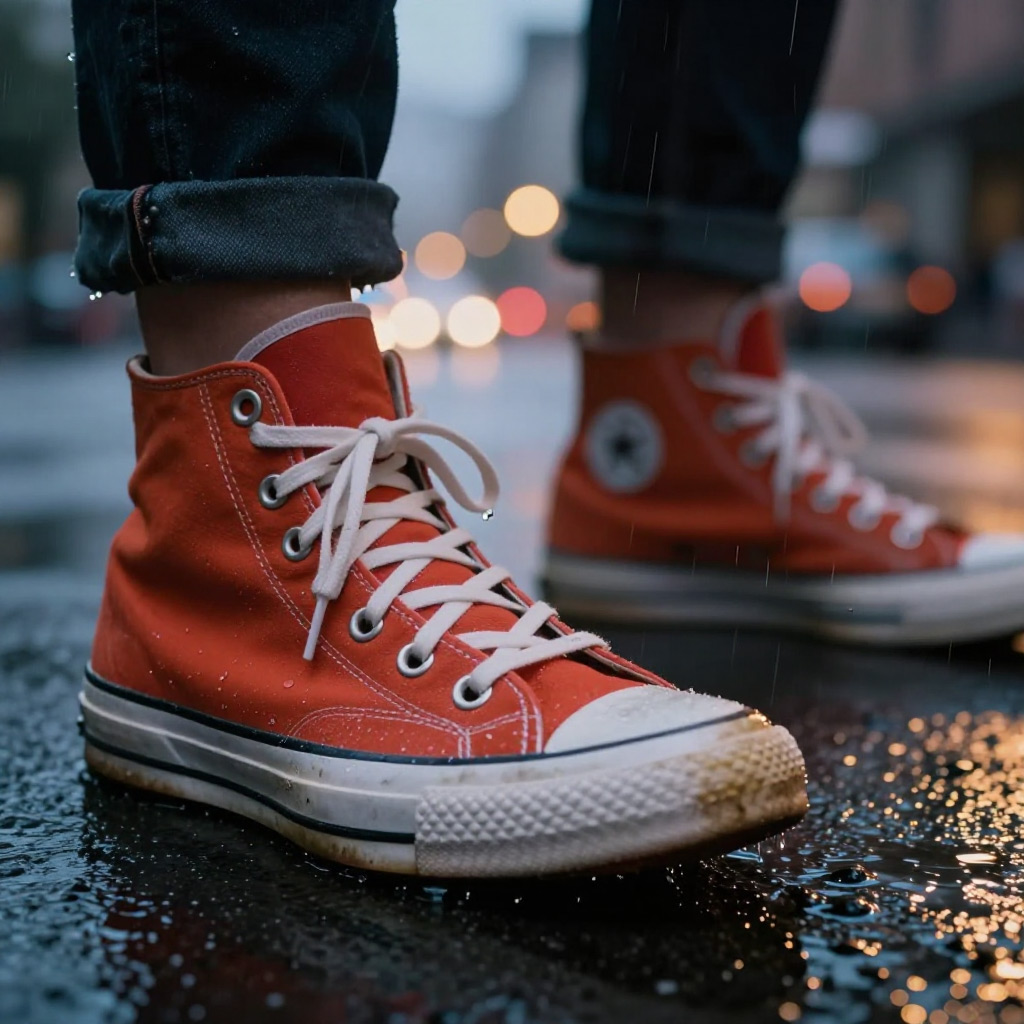
Name a thing in your picture and get it back — a pixel-exact mask, or the object itself cut out on transparency, at the source image’s own resolution for half a cent.
The prompt names the object to select, not the picture to make. $0.005 a request, any source size.
About
SAM 3 selects things. You give it an image and say which object you want — "the red ceramic teapot" — and it hands that object back as a mask, or as the object itself cut out on a transparent background. It is Meta’s Segment Anything Model 3, run on Sogni as a utility workflow rather than a generator.
That distinction is the single most important thing to understand about it, and the thing people get wrong first. The prompt is not a description of an image you want made. It is a name for something already in the picture you supplied. "A beautiful teapot, studio lighting, 8k" is a prompt for an image model; "the teapot on the left" is a prompt for SAM 3.
What comes back is lossless and full size: a binary PNG mask at the source image’s own width and height, or — with applyMask — the source carrying that mask as its alpha channel, so the selection is a ready-to-use cut-out and the mask is still recoverable from it. Nothing is resampled, resized or re-rendered.
You can point at the thing you want three ways. A text prompt names a concept and SAM 3 finds every instance of it. Click points say "this, here", with negative points to push the selection off a neighbour. Boxes act as examples of the concept, and a negative box excludes one instance of a text-prompted concept — every dog in the photo except that one. A threshold decides how confident a match has to be, and maxInstances keeps only the strongest handful.
SAM 3 is deterministic. The same image with the same selection returns the same mask every time, so re-rolling a seed does nothing at all and there is no seed control to re-roll. A mask is also not a generated image: it cannot be upscaled, enhanced or restyled, because there is nothing there to invent.
Pricing is flat at $0.005 per request whatever the source size, and that is honest rather than generous: SAM 3’s encoder resizes internally to a fixed resolution, so a four-megapixel photo genuinely costs the same to segment as a small thumbnail. Charging by the megapixel would have been charging for work nobody does.
In the Sogni app you reach it from any image you have generated or uploaded: open its menu and choose Cut out an object. You can also call it by model id from the JavaScript or Python SDK. It runs on the Sogni Supernet, a decentralized network of creator GPUs, so the 3.45GB checkpoint stays on somebody else’s machine.
Prompting tips
Almost every disappointing SAM 3 result comes from writing an image-generator prompt. The prompt names something already in your picture, and SAM 3 hands that thing back:
Name it, do not describe it — "the red ceramic teapot" works. "a beautiful teapot, studio lighting, 8k" does not. Adjectives only earn their place when they tell one object in the frame apart from another.
It can only select what is there — SAM 3 never invents. If you name something the image does not contain, there is nothing to return — which is exactly why an empty result usually means the prompt, not the model.
Click when words get ambiguous — A positive point is unambiguous where "the cup" is not. Add negative points to push the selection off a neighbouring object it keeps grabbing.
Boxes are examples, not crops — A positive box shows SAM 3 an example of the thing you mean. A negative box excludes one instance of a text-prompted concept, so it needs a text prompt alongside it to make sense.
Move the threshold before you rewrite — It defaults to 0.5. Lower it when a real match is being rejected; raise it when the selection is bleeding into things you did not ask for.
Cap the instances — A text prompt returns every match above the threshold, merged into one mask. Set maxInstances to 1 when you want only the strongest match instead.
Three ways to point at what you want
Every request carries one source image and one bounded selection. Coordinates are normalized from 0 to 1, so they describe the original image whatever its size.
Selection
What you send
Best for
Text
text: "the red ceramic teapot"
Naming a concept in plain words. Matches every instance above the threshold and unions them into one mask.
Points
points: [{ x, y, label }]
Saying "this, here". Positive points add, negative points push the selection off a neighbouring object.
Boxes
boxes: [{ x0, y0, x1, y1, label }]
Showing an example of the concept. A negative box excludes one instance of a text-prompted concept.
Text and point prompts cannot be combined in one request. Points accept at most one box, and a negative box requires a text prompt.
The rest of the request
Field
Range
Default
What it does
threshold
0–1
0.5
With points, a pass/fail gate on the best candidate. With text, the detection filter applied to concept matches.
maxInstances
1–16
every match
Keep only the highest-scoring selections.
applyMask
boolean
false
Return the selection cut out as an RGBA PNG instead of the bare mask.
multimask
boolean
true
Choose among whole / part / subpart candidates for one ambiguous click. Point prompts only.
Pricing
Use pay-as-you-go Spark packs for each render (1 Spark = $0.005), or choose a flat-rate Sogni plan for credit-free fair-use generation in the app.
Configuration
Spark
USD
One selection · any source size (flat — a 4000 × 3000 source costs what a 512 × 512 one does)
1.00 Spark
$0.005
One flat rate, any source size. Segmentation cost really is per-image rather than per-megapixel, because SAM 3 resizes to a fixed resolution inside its encoder before it looks at anything.
1 Spark = $0.005. Pay as you go with Spark packs, or select under fair use on a flat monthly Sogni plan.
API
One Sogni API key reaches every model on the Supernet — call SAM 3 with the exact model id.
import { readFileSync } from 'node:fs';
import { SogniClient } from '@sogni-ai/sogni-client';

const client = await SogniClient.createInstance({
  appId: crypto.randomUUID(),
  apiKey: process.env.SOGNI_API_KEY,
  network: 'fast',
});

const project = await client.projects.create({
  type: 'image',
  modelId: 'sam3_image_segment_bf16',
  positivePrompt: '',
  numberOfMedia: 1,
  startingImage: readFileSync('room.jpg'),
  sam3Prompt: {
    // Names the object to select — not a description of an image to make.
    text: 'the red ceramic teapot',
    applyMask: true, // RGBA cut-out instead of the bare mask
    maxInstances: 1, // strongest match only
  },
});

const [url] = await project.waitForCompletion();
console.log(url); // PNG at the source image's own size
import asyncio, os
from sogni_client import SogniClient

async def main():
    async with await SogniClient.create(
        api_key=os.environ["SOGNI_API_KEY"],
        app_id="sam3-example",
    ) as sogni:
        project = await sogni.projects.create(
            type="image",
            model_id="sam3_image_segment_bf16",
            positive_prompt="",
            number_of_media=1,
            starting_image="room.jpg",
            # The prompt names the object to select.
            sam3_prompt={
                "text": "the red ceramic teapot",
                "apply_mask": True,
                "max_instances": 1,
            },
        )
        for url in await project.wait_for_completion():
            print(url)  # PNG at the source image's own size

asyncio.run(main())
Call sam3_image_segment_bf16 with a source image and a bounded sam3Prompt. Segmentation is not a Creative Agent tool, so there is no REST workflow alias — use the JavaScript or Python SDK. Full reference at docs.sogni.ai.
Why run it on Sogni
Subscriptions or Spark
Use a flat monthly plan for credit-free fair-use generation, or buy Spark packs when pay-as-you-go fits better. Both run on the same creator-owned GPU network.
∞
Unlimited plans
One flat price in the app. Generate under fair use without a per-image meter.
🧩
200+ models
Image, video, music, and language models in one workspace and one API key.
⚡
Pay-as-you-go Spark
Prefer pay-as-you-go? Call SAM 3 by id and pay with Spark packs.
🌐
Powered by people
Runs on a decentralized GPU network where workers share subscription revenue.
Should I use SAM 3 or BiRefNet to remove a background?
BiRefNet, if the picture has one clear subject. It is built for exactly that job, takes no prompt, and returns a soft matte with antialiased edges, so hair, fur and fabric come out clean. SAM 3 returns a strictly binary mask, so its edges are hard and stair-stepped, and on a detailed subject it will leave specks of background behind and bite notches out of the silhouette. Use SAM 3 when the picture contains several things and you need one specific one — the job BiRefNet cannot do, because it has no idea which object you meant. For an object inside a busy scene, use both: SAM 3 to find it and crop to it, then BiRefNet to matte the crop.
What does SAM 3 return?
One lossless PNG at the source image’s own dimensions: a black-and-white binary mask by default, or — with applyMask set — the source image carrying that mask as its alpha channel, which is the selection already cut out on transparency. The mask is still recoverable from the cut-out, so the second form loses nothing.
Why did my SAM 3 job come back with nothing?
Almost always because the prompt named something that is not in the image. SAM 3 selects; it does not invent. Check that the object is actually visible, name it more plainly, lower the threshold below its 0.5 default so a marginal match is accepted, or click a positive point on the object instead of describing it.
What should I write in the prompt?
The name of the thing you want selected — "the red ceramic teapot", "the dog on the left", "every window". Not a description of an image you want generated. If a prompt would make sense to an image generator, it is probably the wrong prompt for SAM 3.
Why does changing the seed do nothing?
Because SAM 3 is deterministic. The same image with the same selection produces the same mask every time, so there is no randomness for a seed to shift and no re-roll to try. If the mask is wrong, change the selection: move the point, adjust the threshold, or name the object differently.
Can I upscale or enhance the mask?
No, and you would not want to. A mask is not a generated image — it is a pixel-exact record of which parts of your source belong to the selection, already at the source’s own resolution. Enhancing it would mean inventing coverage that was never measured. Upscale the source image first if you need a bigger mask.
Does a bigger image cost more?
No. Every request is $0.005 (1 Spark) whatever the source size. Segmentation genuinely is per-image rather than per-megapixel: SAM 3’s encoder resizes to a fixed resolution internally, so a 4000 × 3000 photo costs the same to segment as a 512 × 512 one.
How many objects can I select at once?
Up to 16. A text prompt matches every instance of the concept above the threshold and unions them into one mask; maxInstances caps that at the highest-scoring 1 to 16. On the point path the same setting picks among SAM’s whole / part / subpart candidates for the one object you clicked.
Can I combine a text prompt with clicks?
Not in the same request — text and point prompts are mutually exclusive. Points may carry at most one box alongside them, and a negative box needs a text prompt, because the interactive point path has no way to express "this concept, but not that instance".
Do I need a GPU or ComfyUI?
No. SAM 3 runs on the Sogni Supernet — a decentralized network of creator GPUs — so the pinned official 3.45GB checkpoint lives on the worker, not on your machine. No local install, no nodes, no graphics card required.
Start with SAM 3 today
Create in the app, or build with the API. Your call.