What this LoRA does
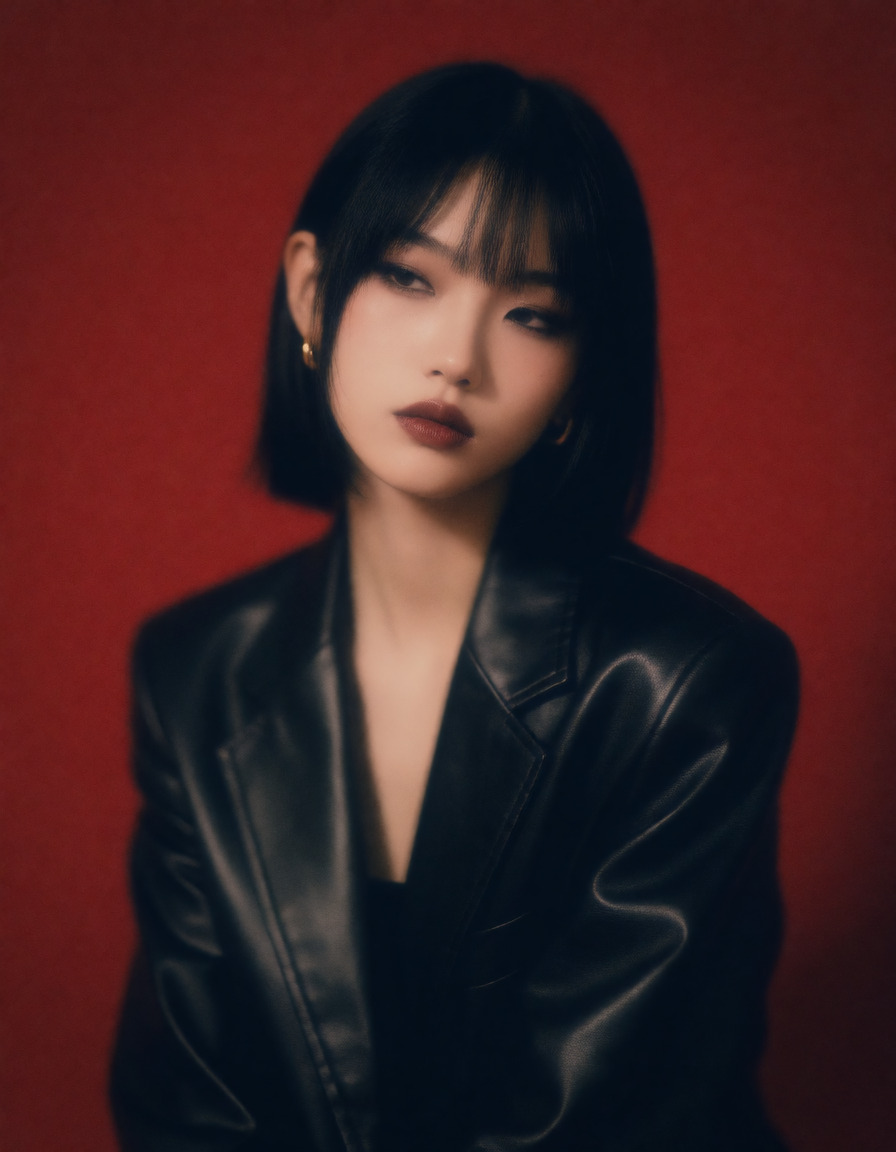
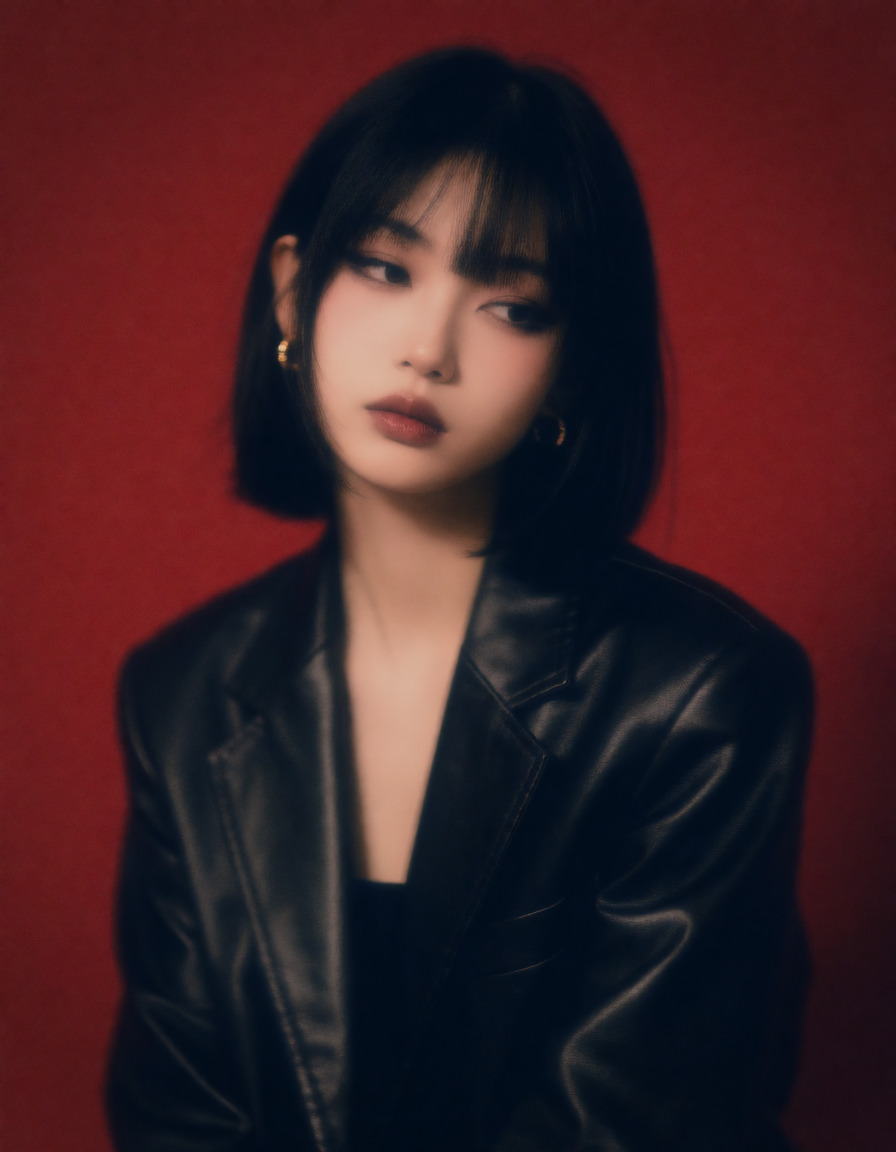
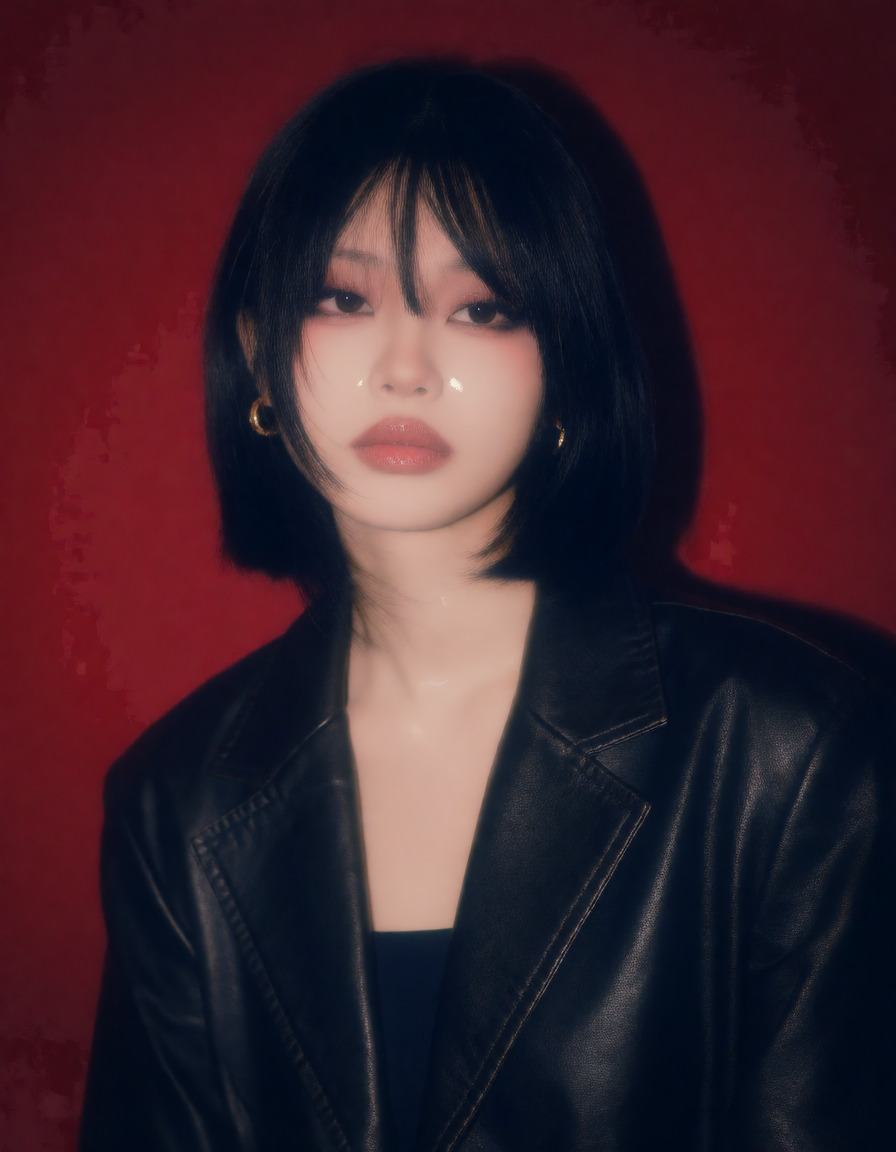
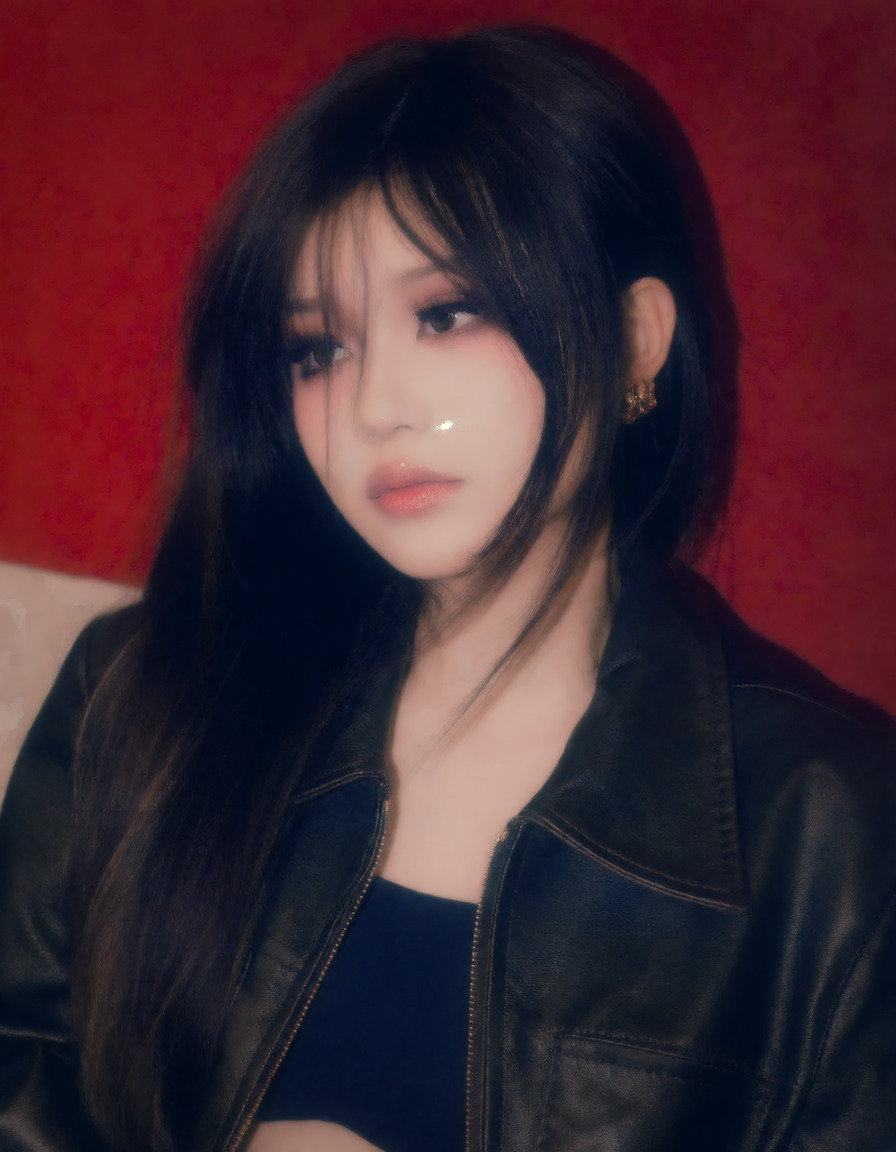
A full realism finetune rather than a slider. It pushes toward the polished lifestyle and influencer look: soft bloom, richer saturation, smooth skin, and close phone-camera framing. It carries a strong subject bias of its own, so it restyles a person's face and hair as well as the grade — treat it as a look to build on, not a finishing pass. The author trained it on the word "bl00m"; the effect is there without the trigger and adding it only nudges the result. On Krea 2 Turbo at 8 steps it holds together up to about 1.0. By 1.5 flat surfaces start to patch, and at 2.0 fine texture smears.
How to use BloomGirls UltraRealism
- Open the preloaded Sogni setup.The button below opens Krea 2 Turbo with this LoRA already attached, even when you need to sign in first.
- Review the selected LoRA.It is loaded at the catalog default below. No download, install, search, or ComfyUI setup is required.
- Start at +0.8 and adjust.The recommended range is +0.4 to +1. Use the lowest strength that produces the effect you want.
Examples
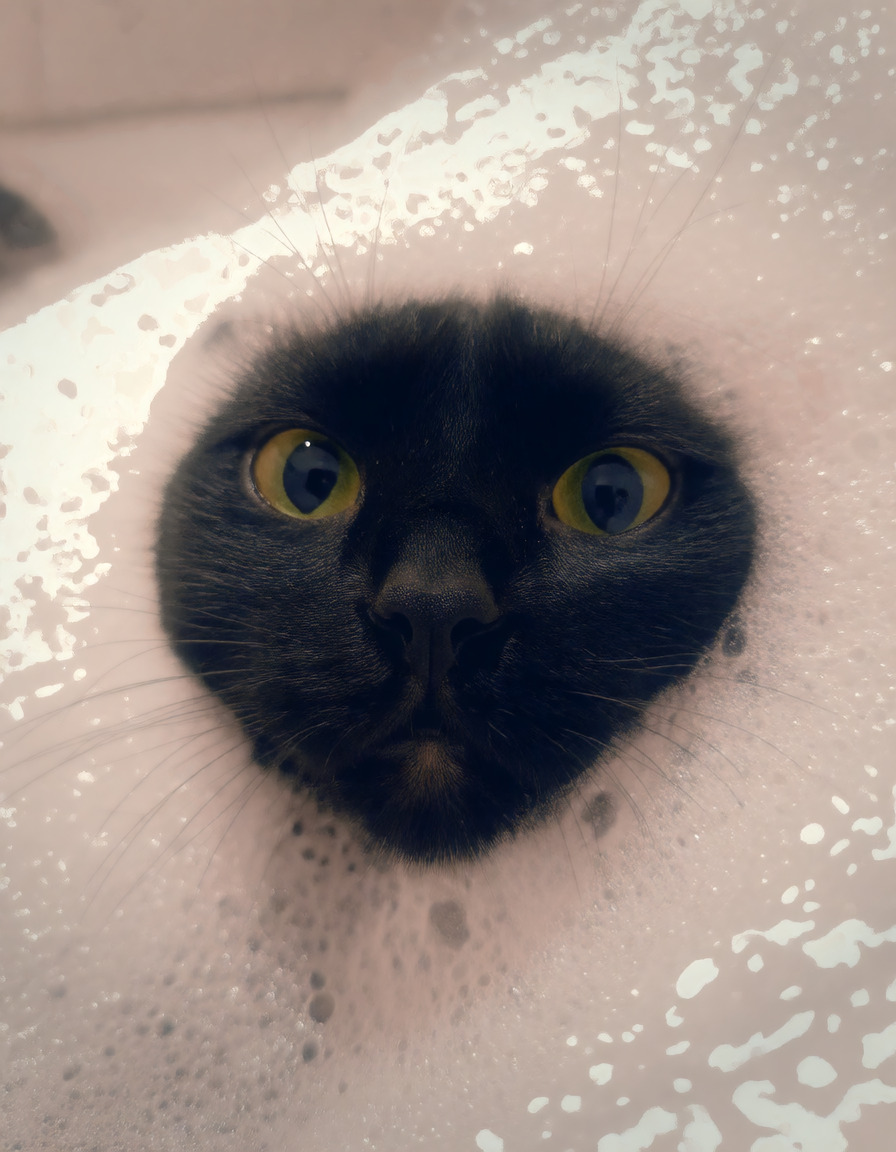
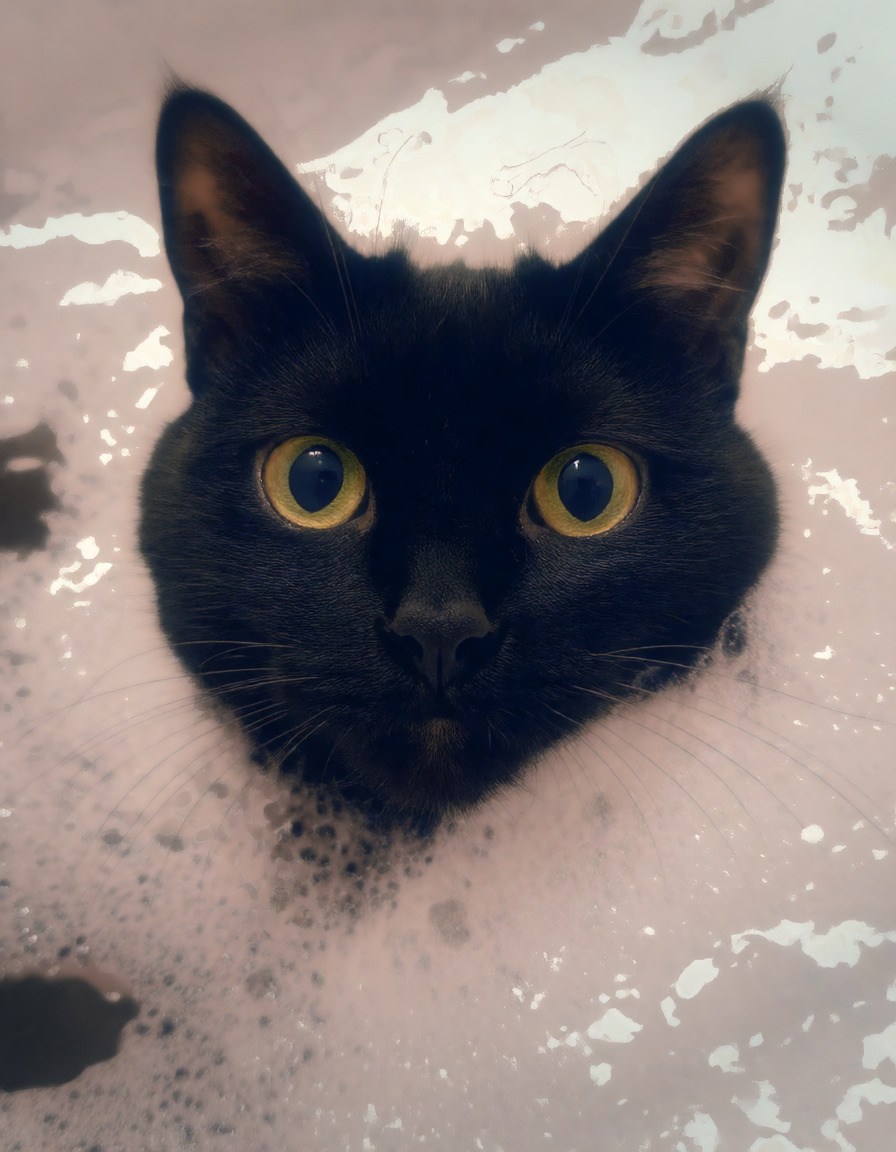
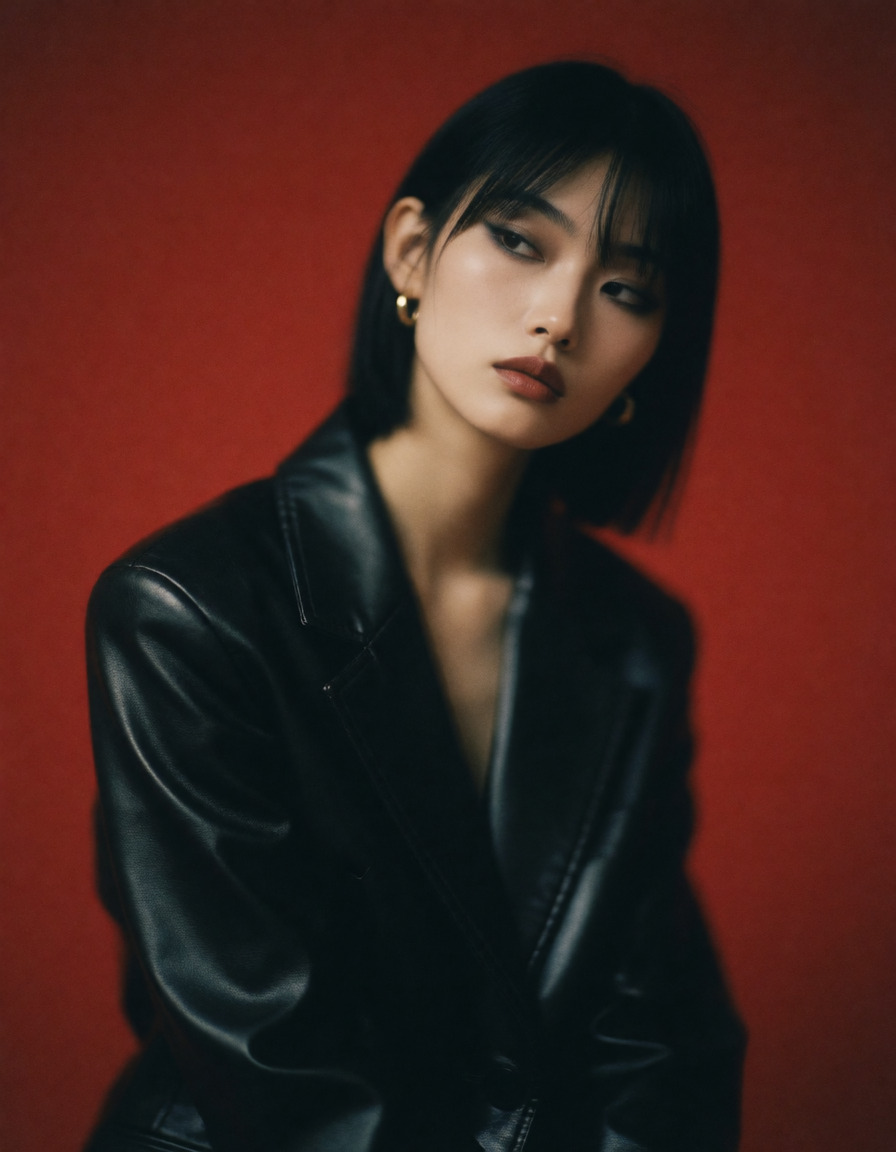
All 12 catalog examples are included below. Strength comparisons stay in their original order so you can judge the effect without guesswork.
Bubble bath · seed 73041
Use this prompt →



Long exposure on red · seed 73041
Use this prompt →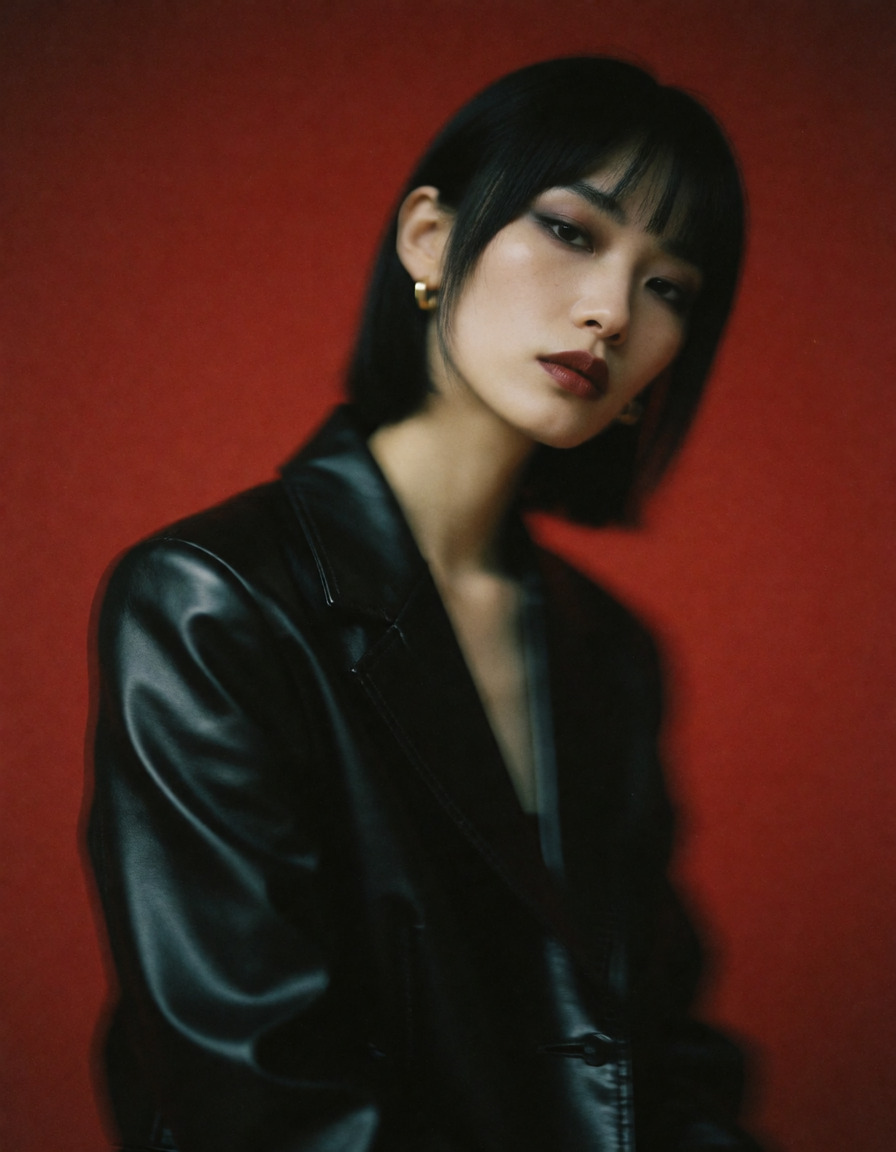
Compatible model guides
This LoRA is available with every Krea 2 workflow below. Follow a model link for its examples, settings, pricing, and direct Sogni Create launch.
krea2_turbo_fp8_scaledView model guide →Krea 2 Identity Edit v1.2krea2_identity_edit_v1_2View model guide →Dark Beast Krea 2 v3dark_beast_krea2_fp8View model guide →Dark Beast Krea 2 Identity Edit v1.2dark_beast_krea2_identity_edit_v1_2View model guide →Sogni Krea 2 Identity Edit v0.3 Alphakrea2_identity_edit_sogni_v0_3_alphaView model guide → Questions about BloomGirls UltraRealism
What does BloomGirls UltraRealism do?
A full realism finetune rather than a slider.
What strength should I use for BloomGirls UltraRealism?
Start at +0.8. The recommended range is +0.4 to +1; use the lowest strength that gives you the effect you want.
Which models work with BloomGirls UltraRealism?
BloomGirls UltraRealism is available on Krea 2 Turbo, Krea 2 Identity Edit v1.2, Dark Beast Krea 2 v3, Dark Beast Krea 2 Identity Edit v1.2, Sogni Krea 2 Identity Edit v0.3 Alpha.