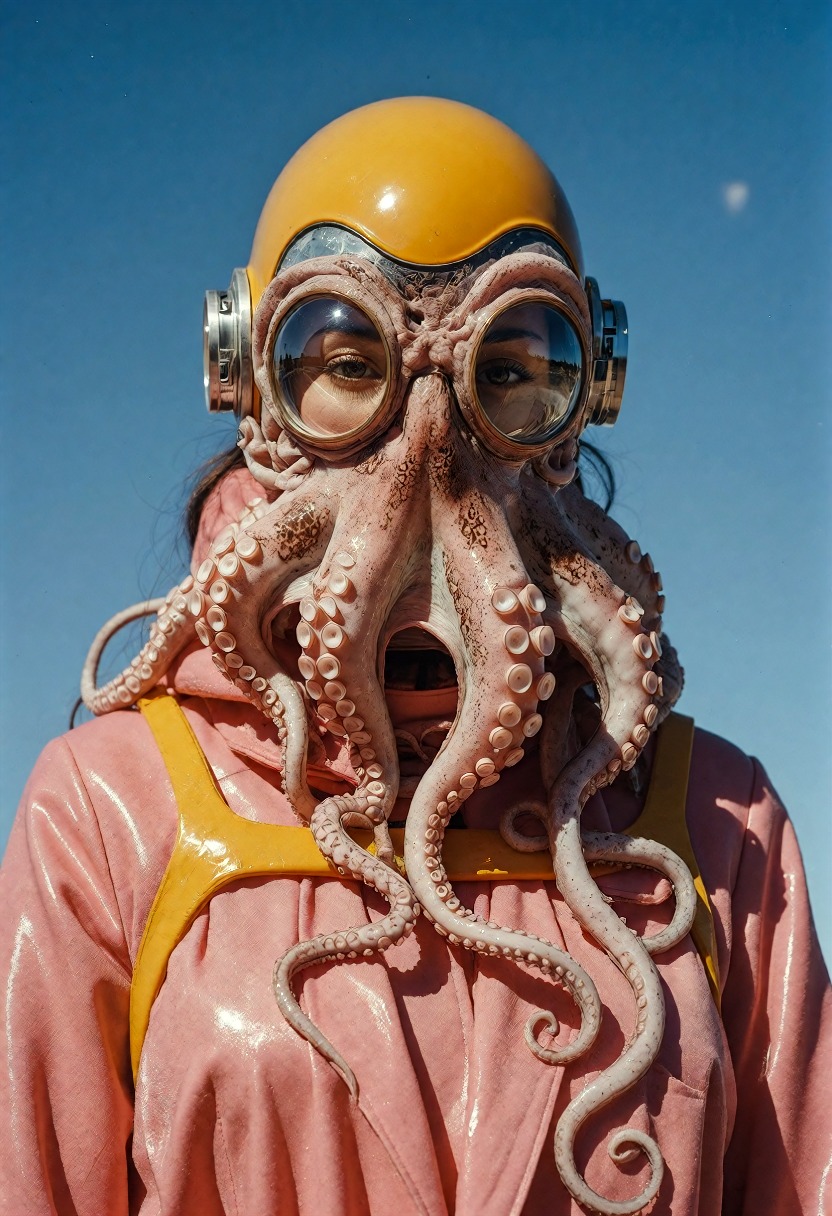
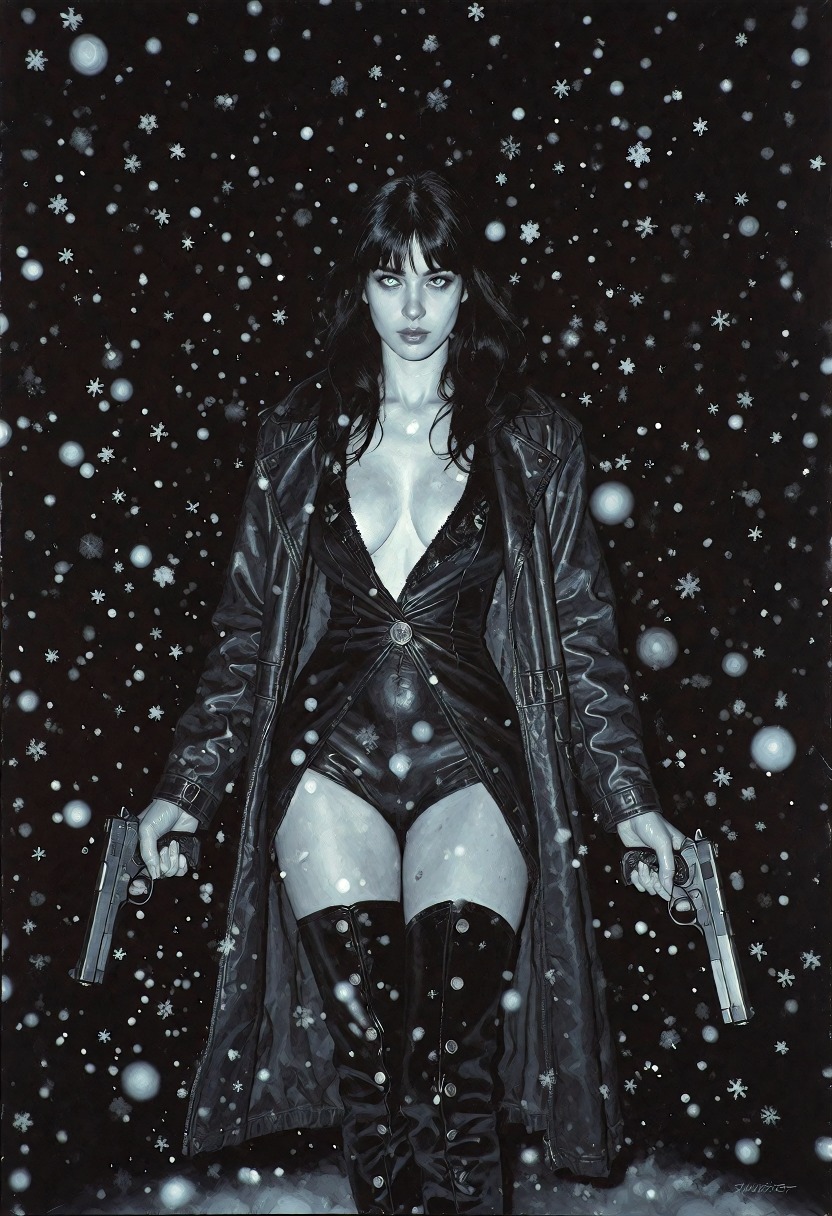
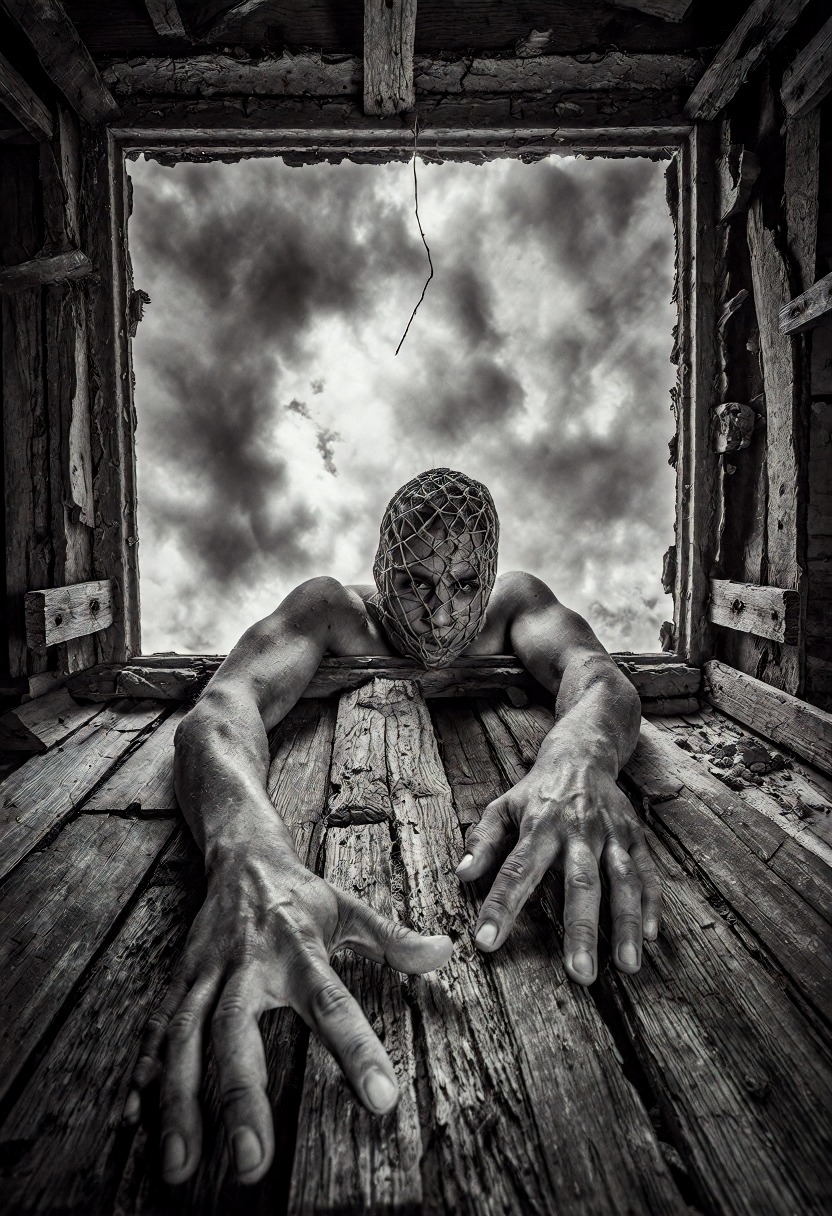
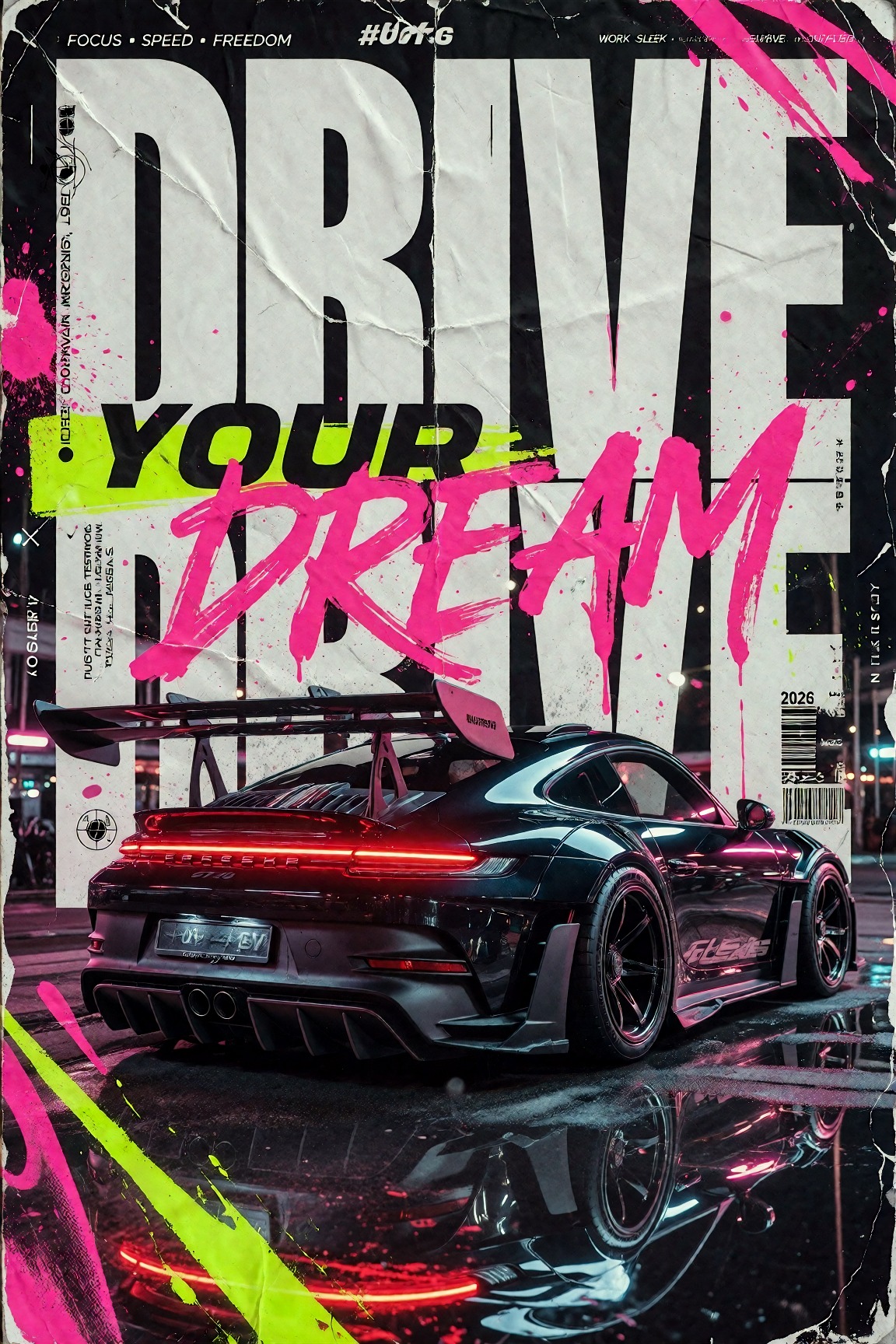
Text → image · Image → image · Uncensored
ImageNewSpicyUncensored

Dark Beast Krea 2

dark_beast_krea2_fp8

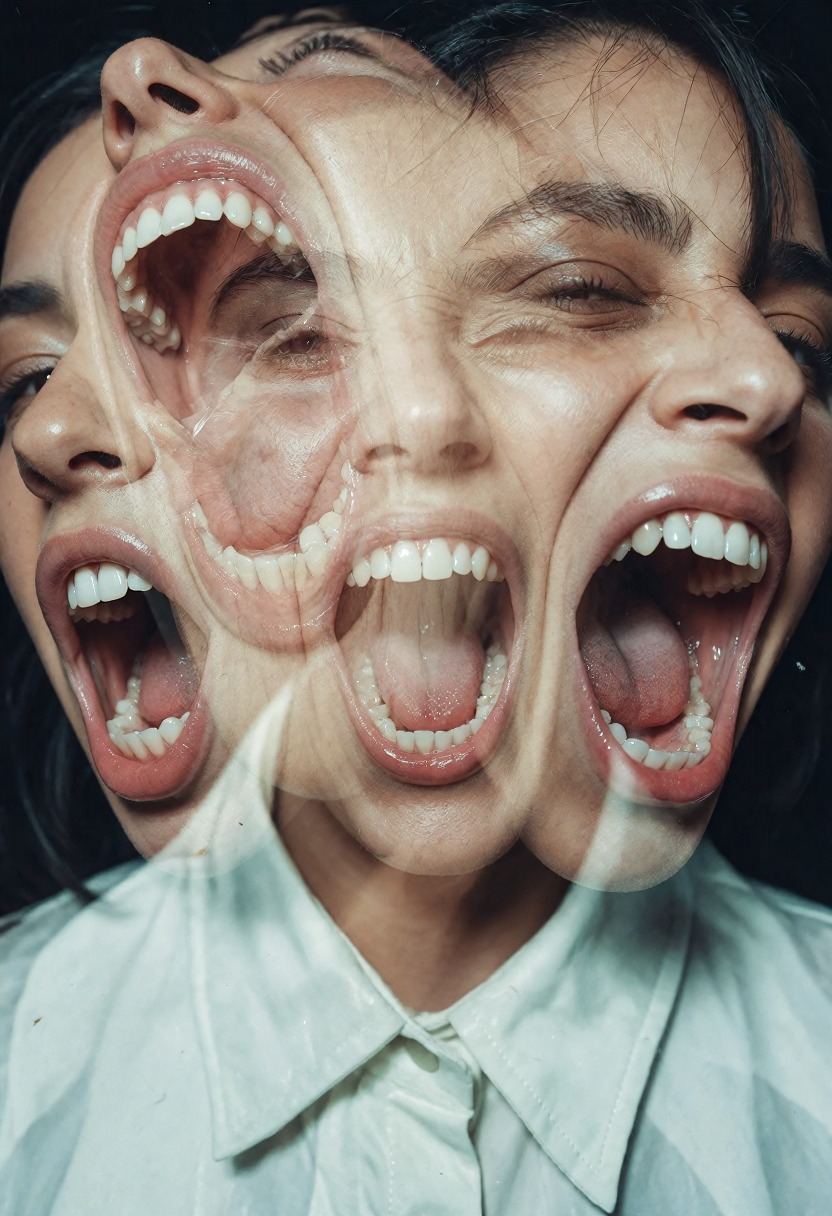
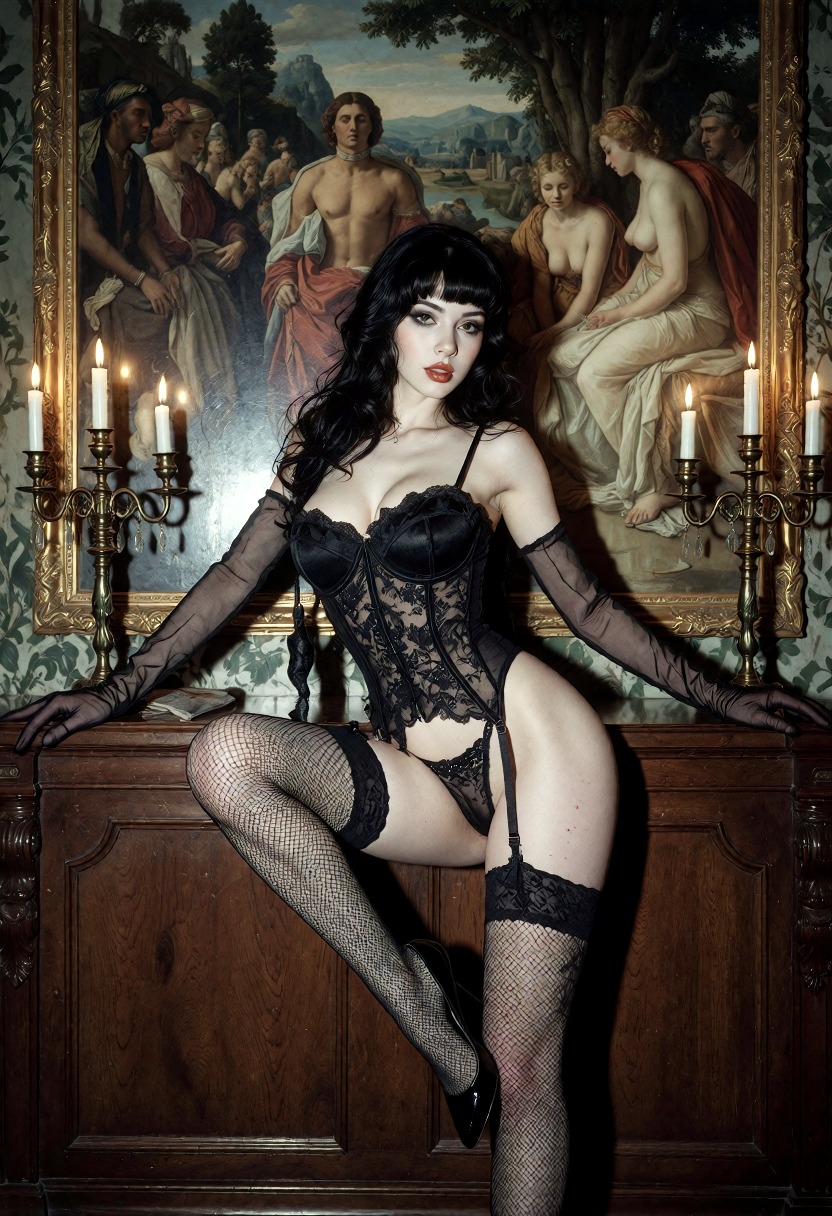
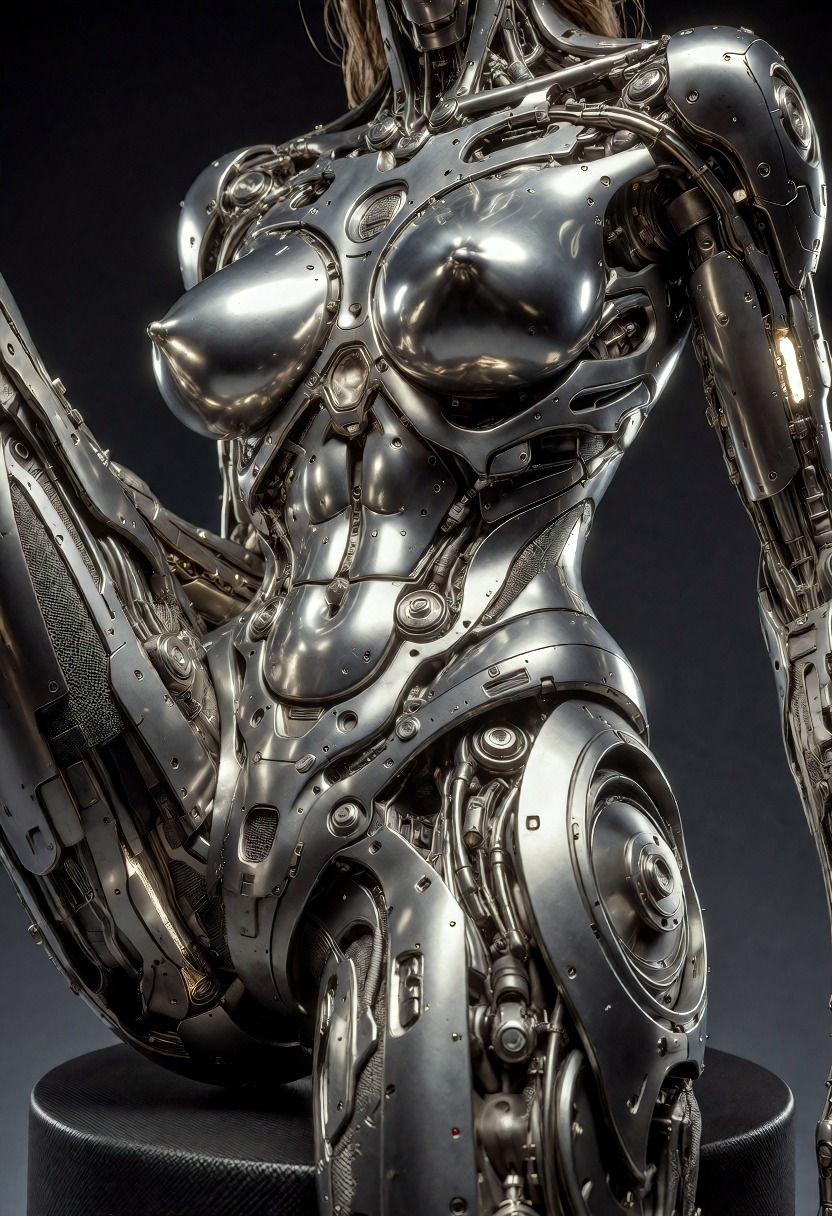
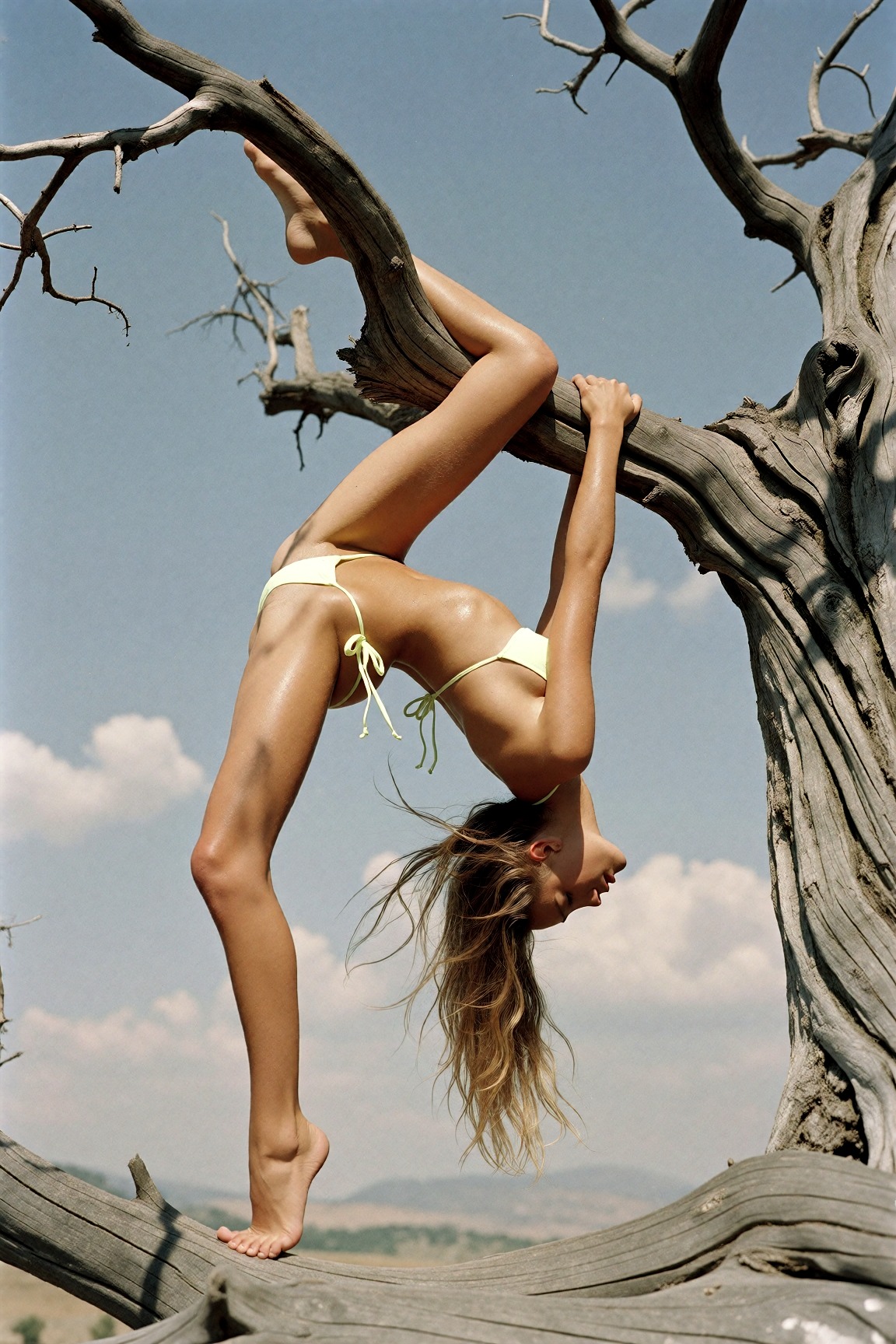
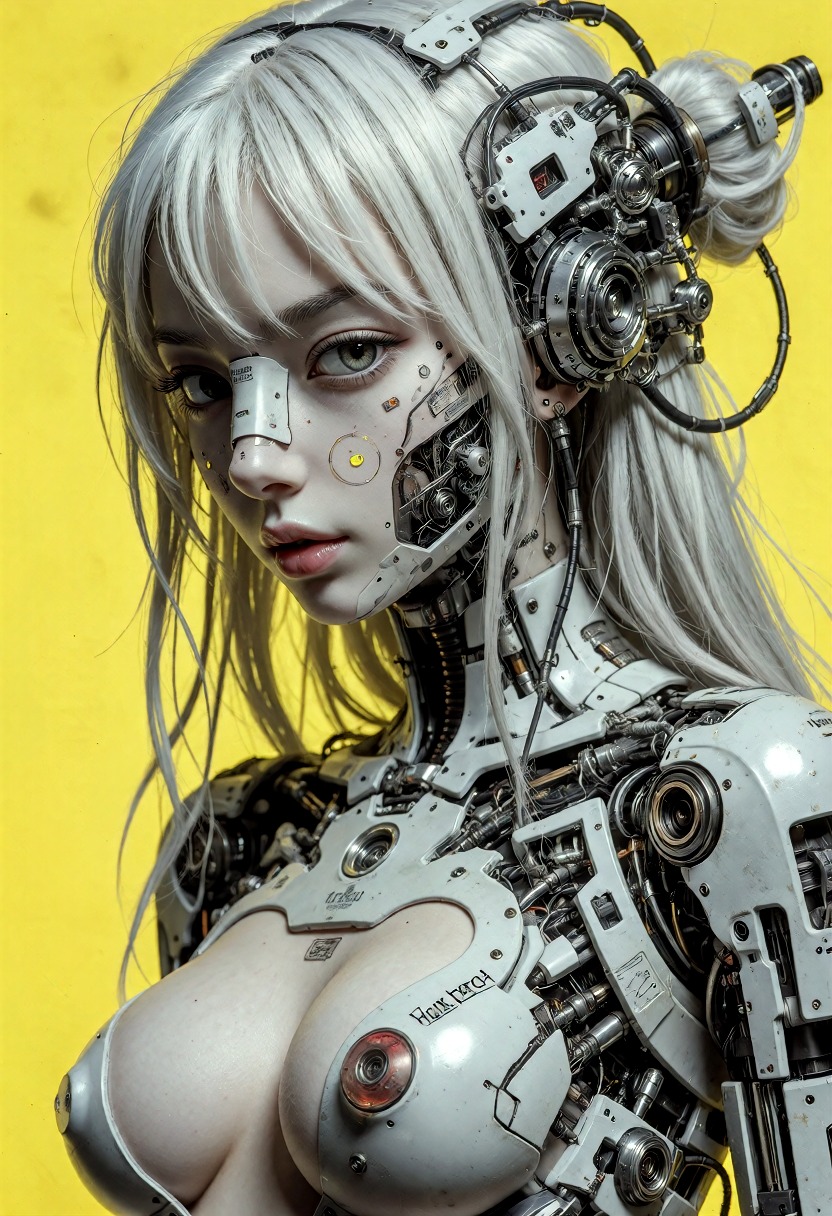
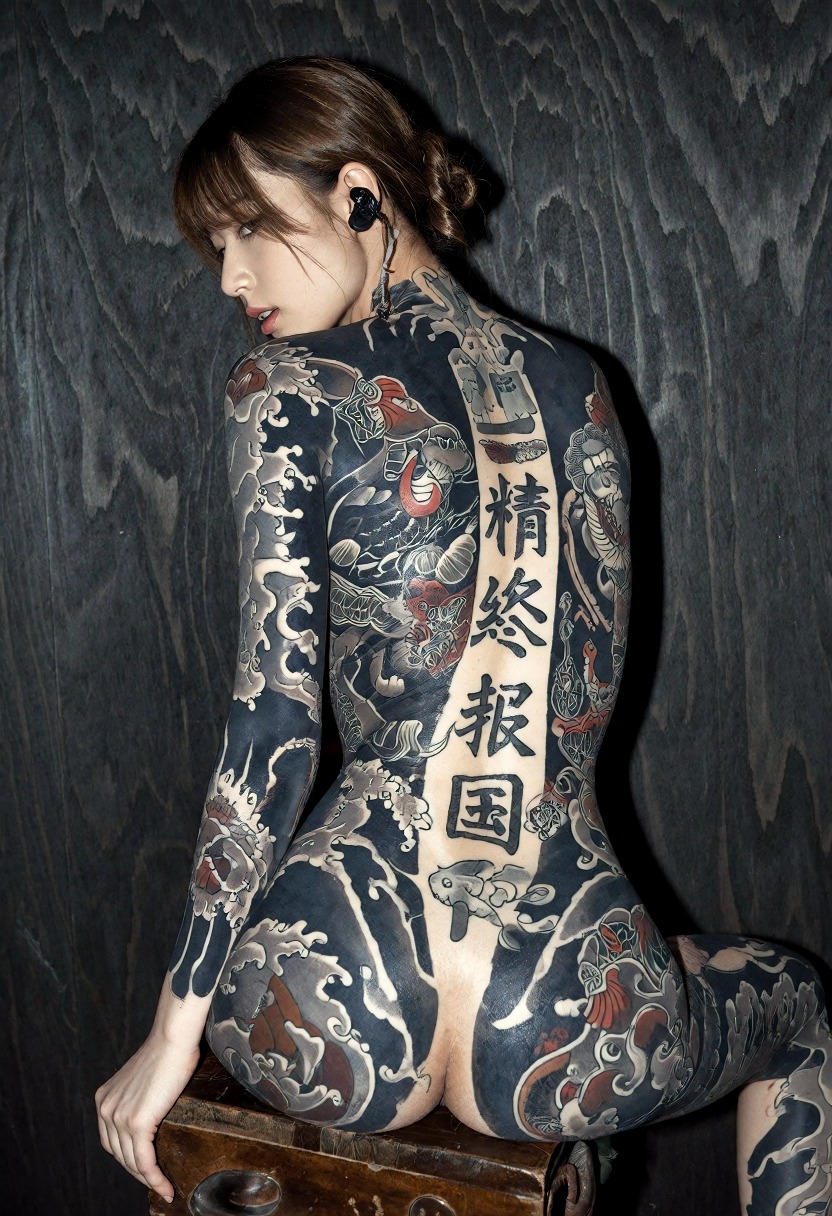
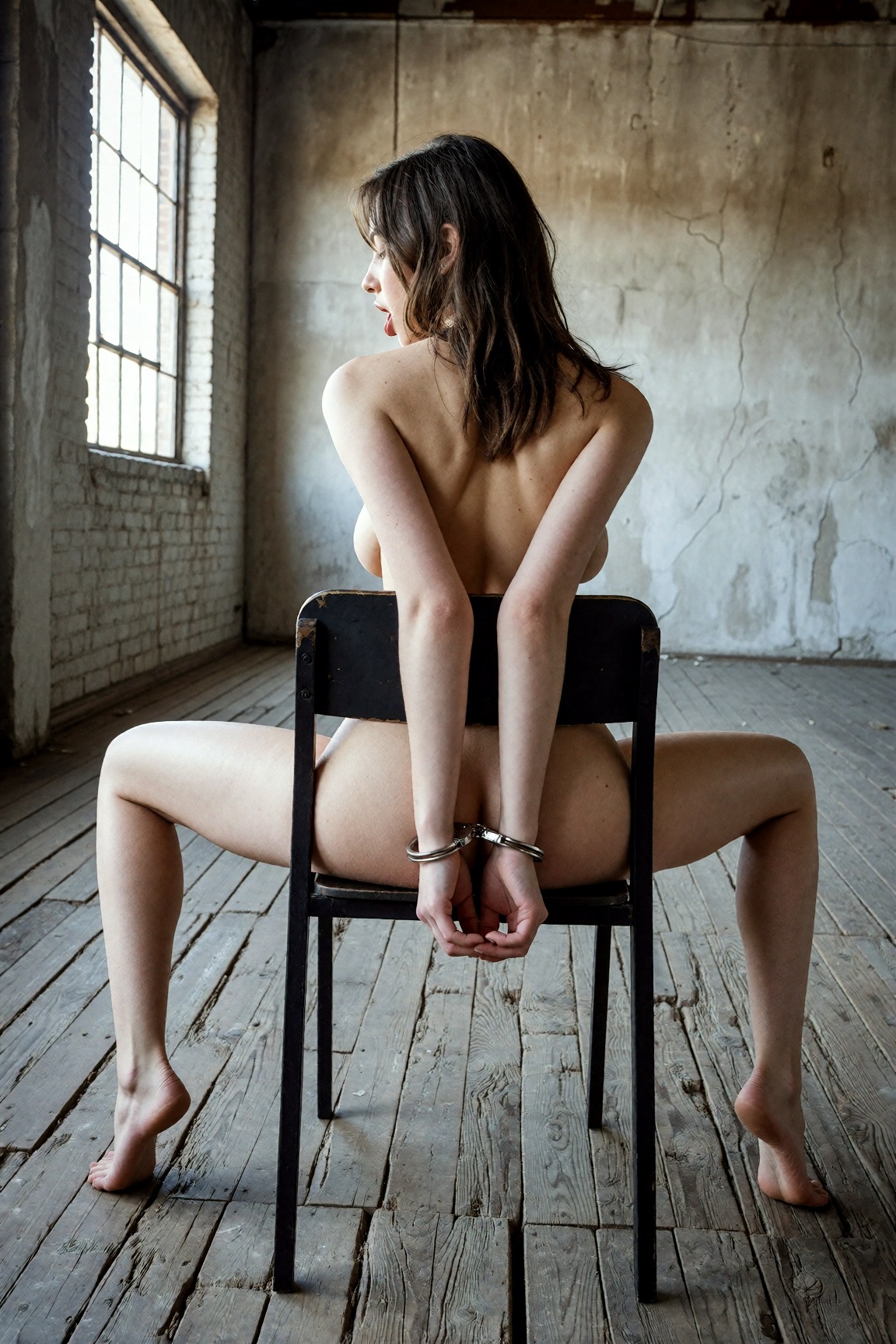
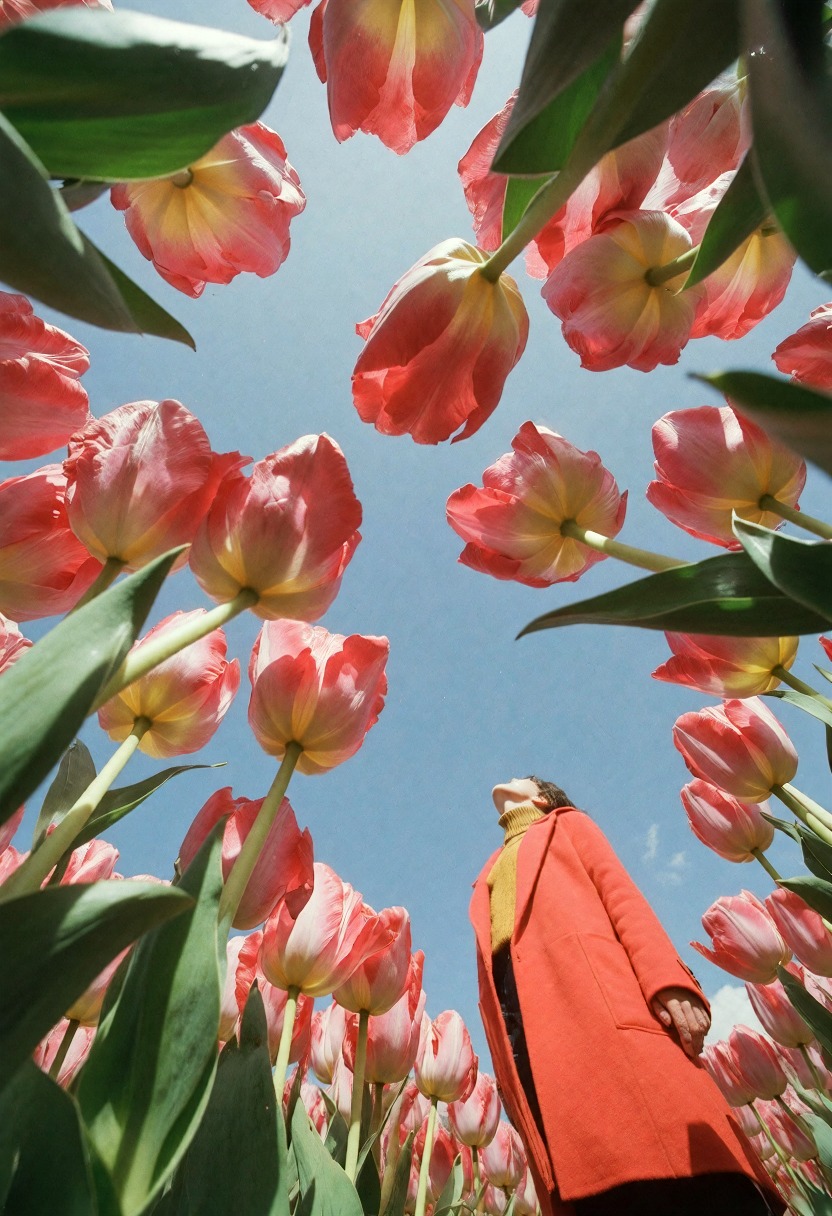
A spicy, 10-20 step Dark Beast fine-tune based on Krea 2, built for uncensored photoreal and surreal Comfy worker renders.

No GPU. No setup. Cancel anytime.

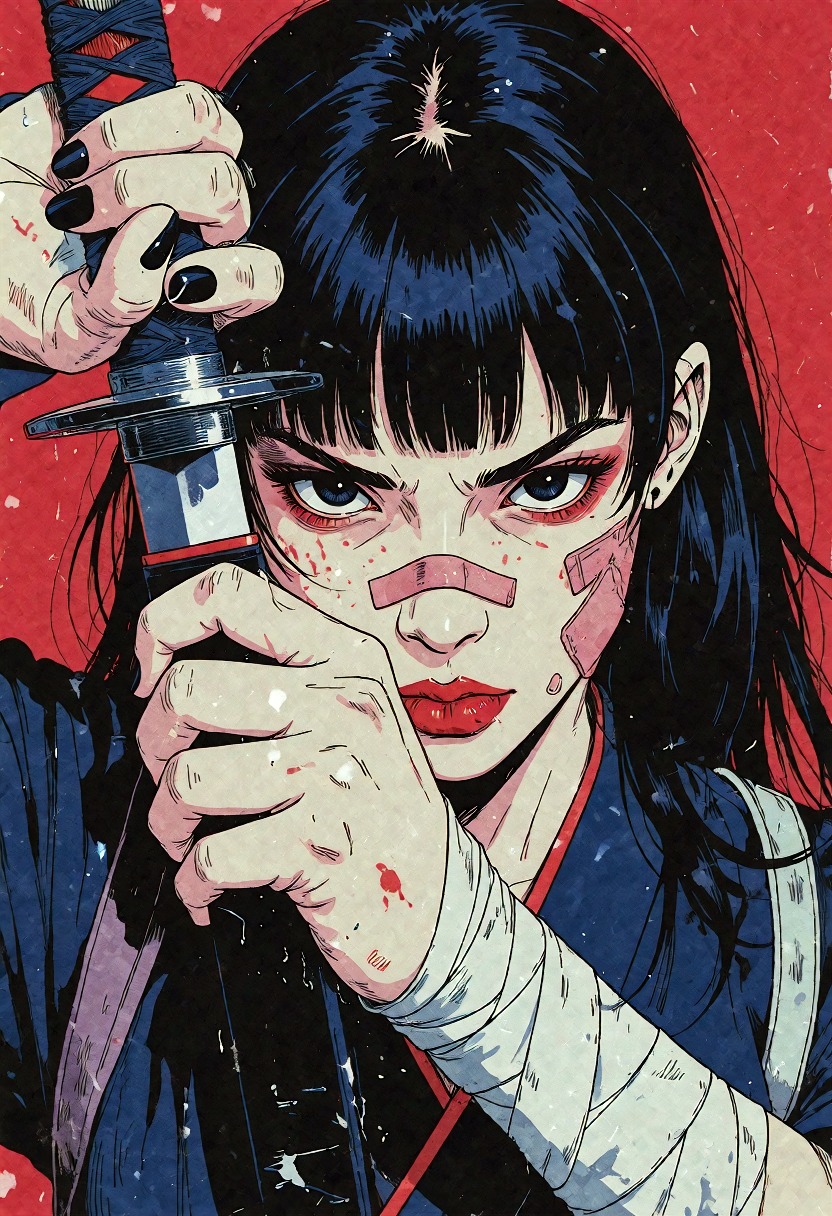
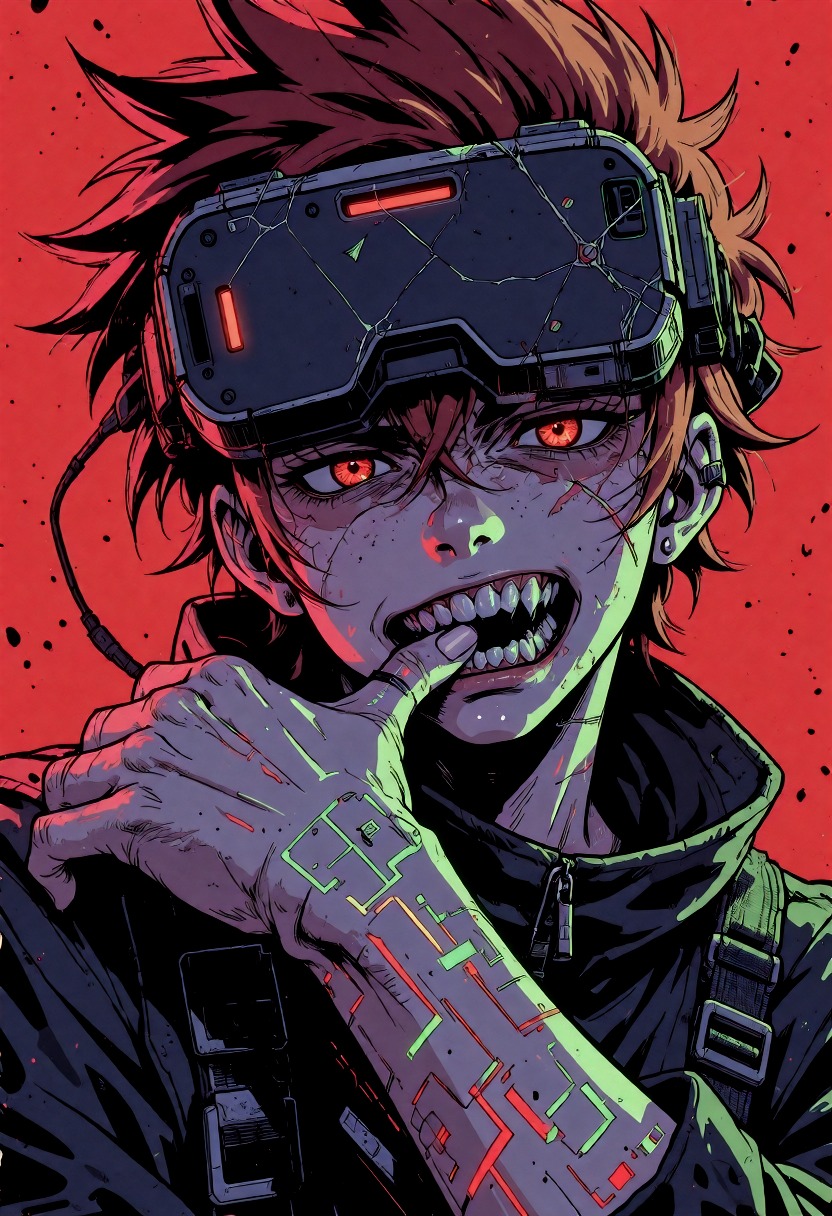
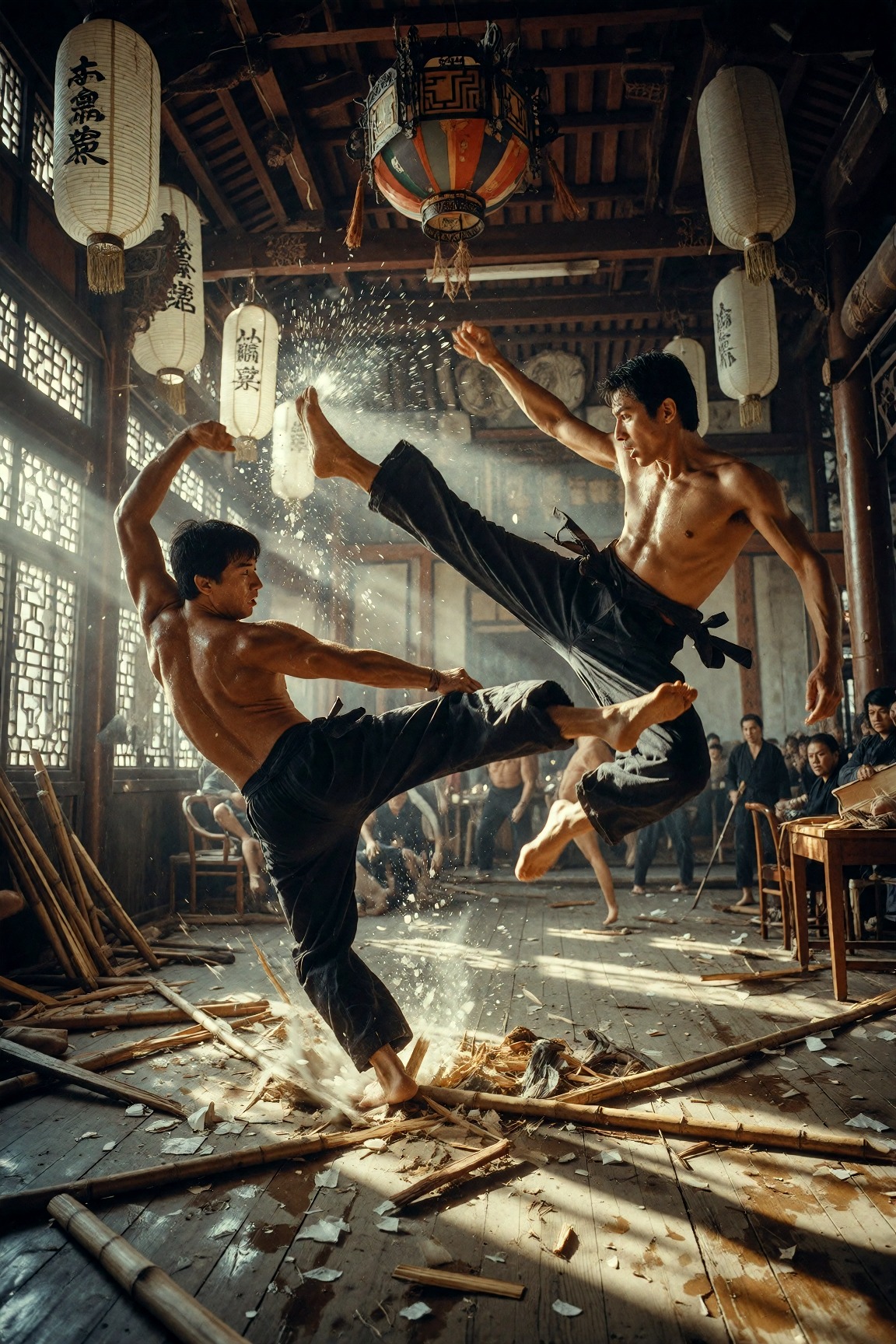
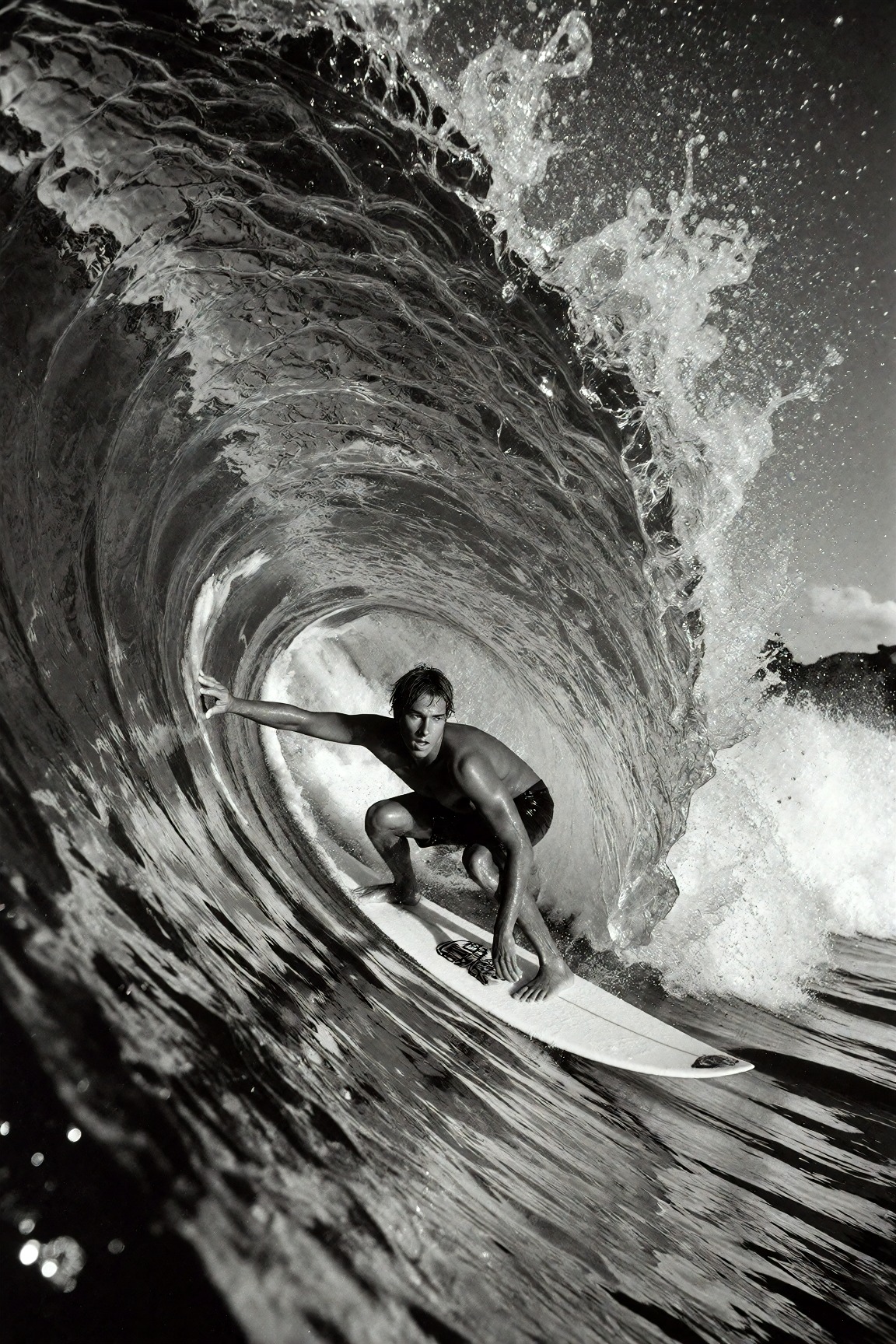
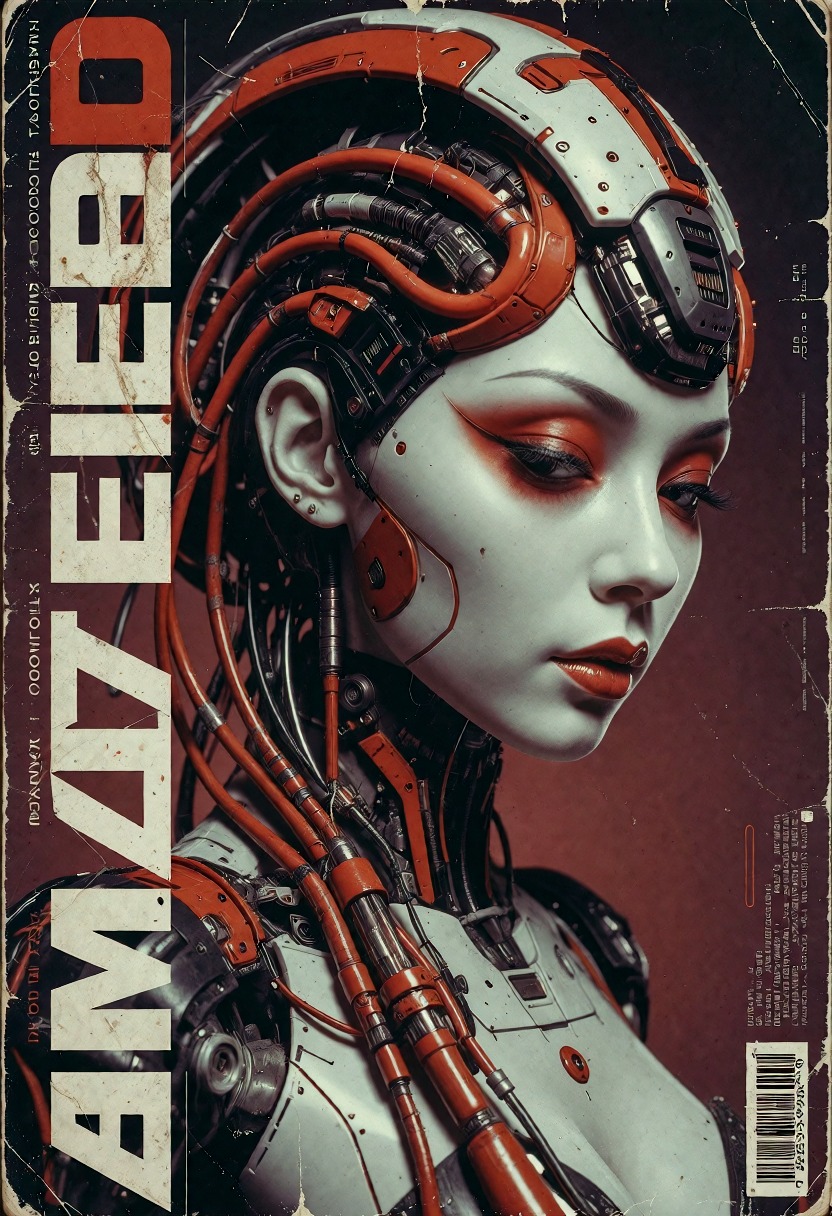
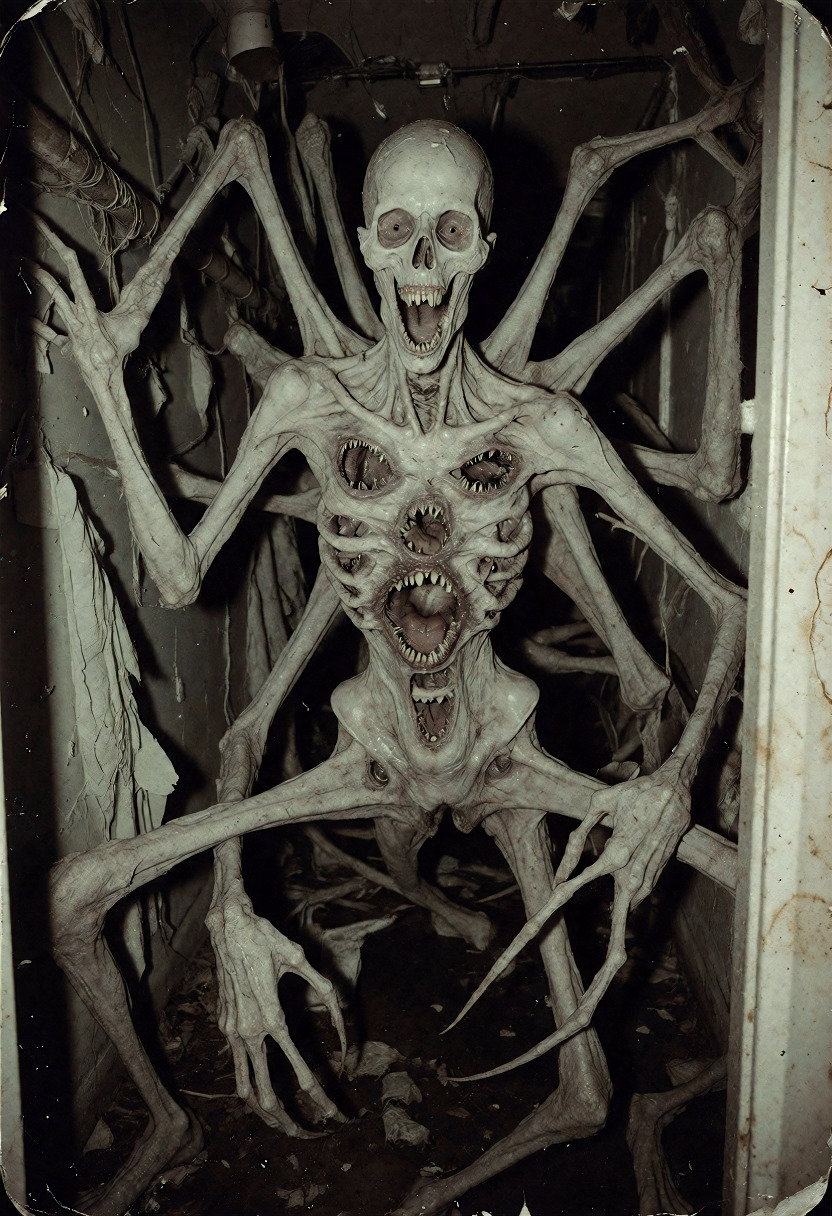
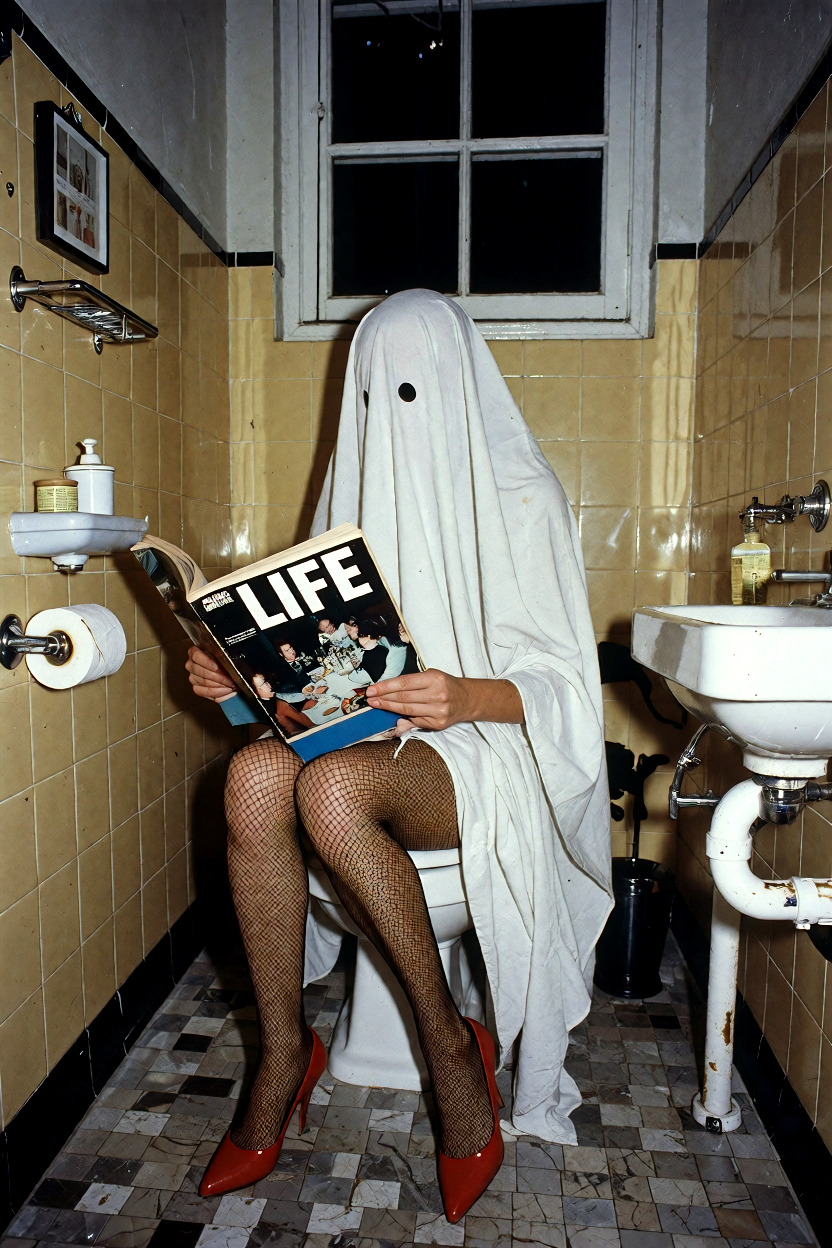
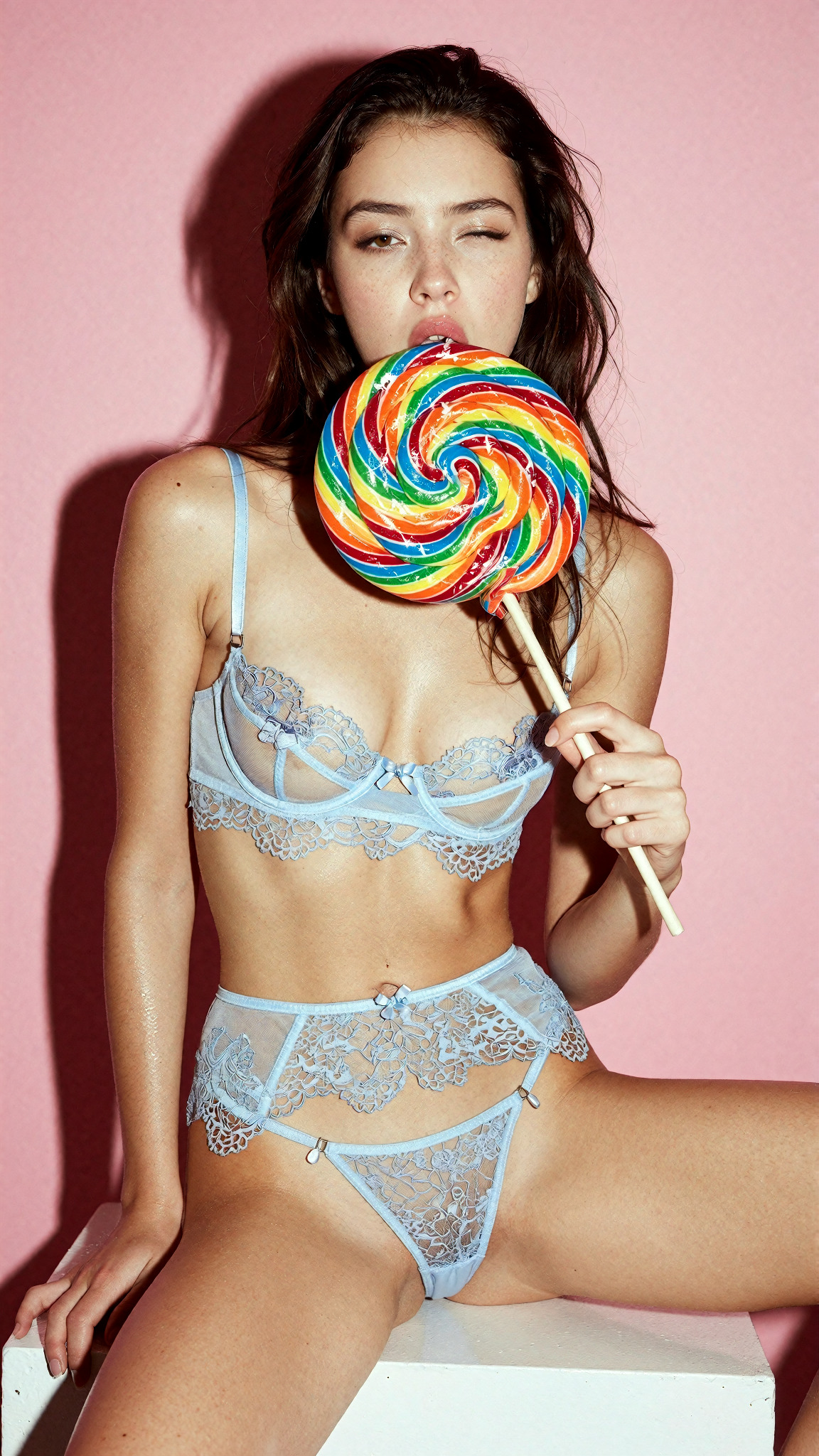
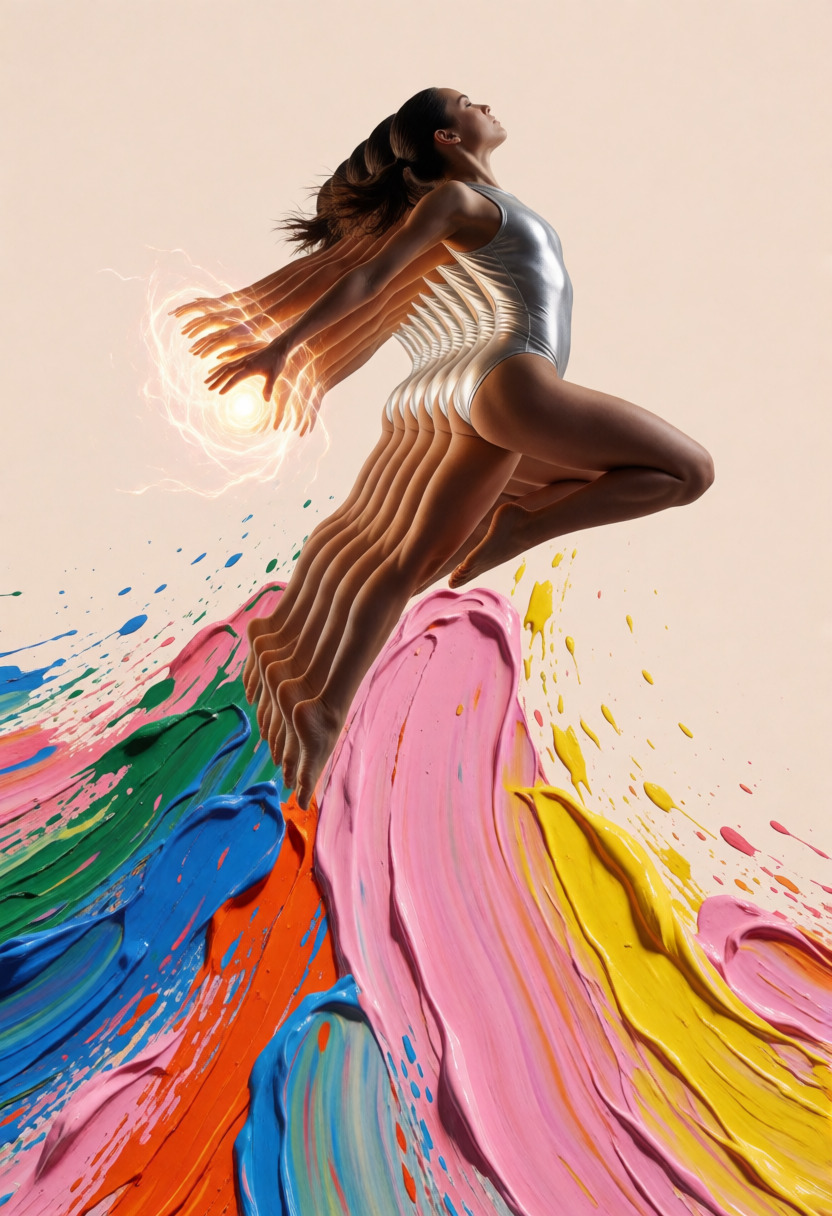
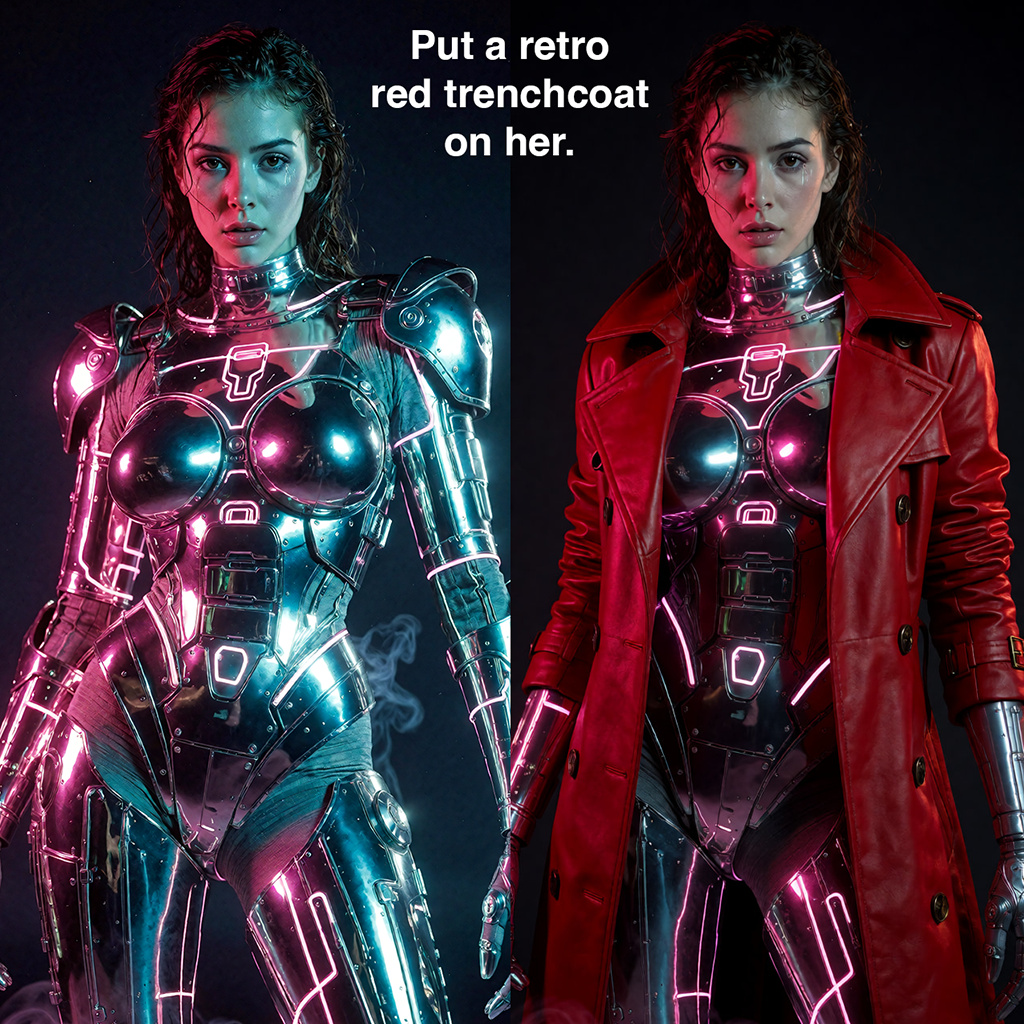
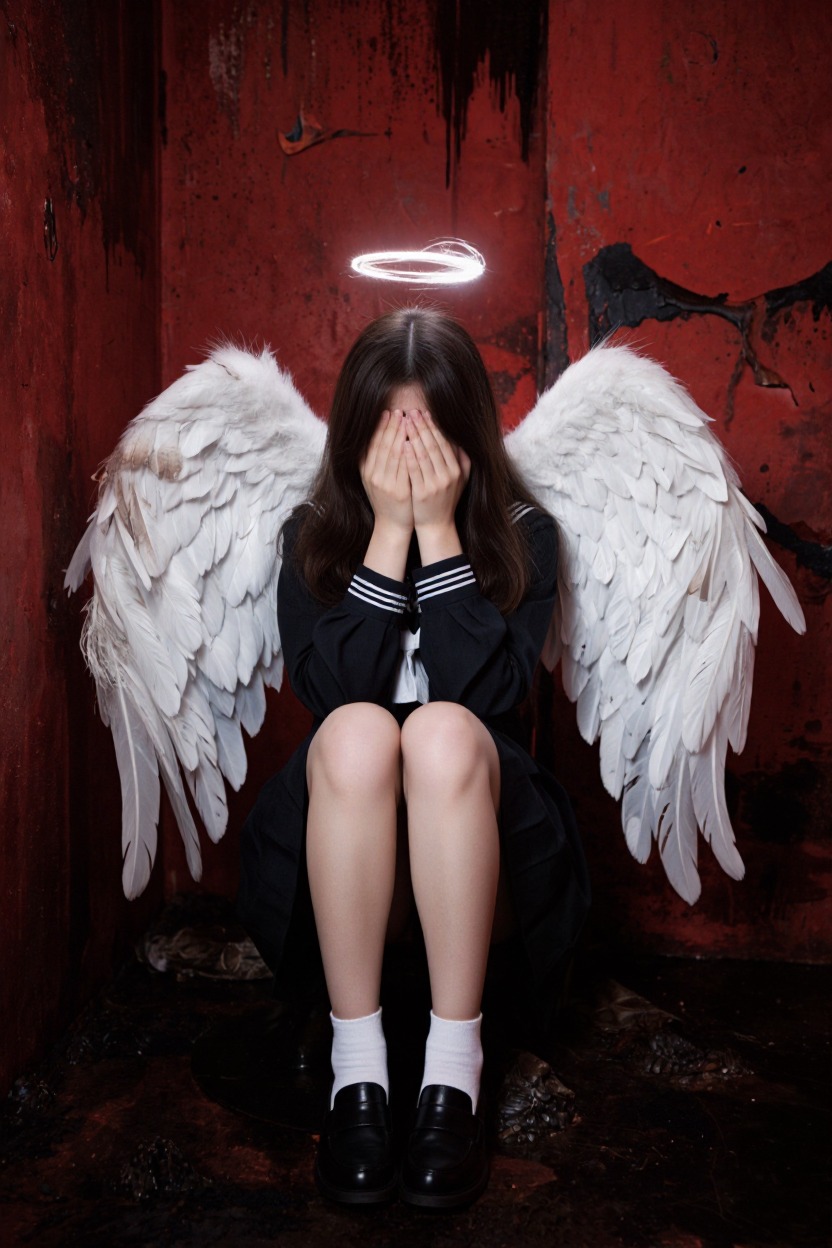
Sample output from Dark Beast Krea 2

About

Dark Beast Krea 2 is a spicy, 10-20 step community fine-tune based on the powerful Krea 2 model released June 2026. It is part of the aggressively uncensored Dark Beast model family and is tuned for photoreal, surreal, fashion, horror, and cinematic adult-friendly image generation.

This model requires disabling the Sensitive Content Filter in the Sogni app or SDK before submitting a project request. The socket service enforces that requirement at admission time.

Krea 2 LoRAs

Sogni offers 24 community LoRAs across every supported Krea 2 workflow with no local download or ComfyUI setup. Open any LoRA below for its canonical description, recommended strength, safe examples, compatible models, and creator attribution.

You can stack up to eight LoRAs on one render. Start inside the recommended band and use the lowest strength that produces the effect you want.

Prompt control

LoRA What it does Recommended Source
Krea2FilterBypass 2vector Krea 2 Turbo is a tremendously powerful and fast open-weight model. +1 to +2 @S1LV3RC01N
Krea2FilterBypass 3vector Krea 2 Turbo is a tremendously powerful and fast open-weight model. +1 to +2 @S1LV3RC01N

Art direction

LoRA What it does Recommended Source
Editorial <-> Candid Reduces the staged look of photos, and even the "AI look", by breaking eye contact and making the composition and posing less perfect. +3 to +9 @Loraholic
Illustrated <-> Realistic A style steering wheel. -1 to +1 @alcaitiff
Professional <-> Amateur Negative values produce clean, professional-quality images, with the strongest effect around -2. -2 to +2 @alcaitiff
Purple Grainy Bakes in the post-processing pass the author would otherwise apply by hand: film grain, softened edges, and a muted, moody grade that pulls saturation down and cools the midtones. -1 to +1.5 @purplelady

Popular community fine-tunes

LoRA What it does Recommended Source
Aberrant NSFW · 18+ opt-in Adds a visceral, industrial body-horror edge: exposed machinery, rusted improvisation, and dark grit without overpowering the original subject. +0.2 to +1.5 @alcaitiff
BloomGirls UltraRealism A full realism finetune rather than a slider. +0.4 to +1 @coolstrad
Mystic X NSFW · 18+ opt-in An uncensored all-round adult LoRA for Krea 2 (v3). 0 to +1 @alcaitiff
Realism Engine v3 NSFW · 18+ opt-in One of the most popular uncensored LoRAs for Krea 2. +0.5 to +1 @razzz

Character

LoRA What it does Recommended Source
Chest Size A positive value increases character chest size, a negative value decreases it. -2 to +4 @alcaitiff
Hourglass Figure Emphasizes a pronounced hourglass silhouette by widening the hips while keeping the waist relatively narrow. Negative values push toward the opposite proportions. It works without special prompt phrases or companion LoRAs; use −1.5 to +1.5, with +0.7 to +1 recommended for its intended hourglass effect. The in-app LoRA Explorer includes two locked-seed strength comparisons, with the alien study first and the poolside portrait second; mature previews stay covered until the artist reveals them. +0.7 to +1 @NoiseWriggler
Height Adjusts apparent character height while preserving adult age cues. -3 to +3 @Loraholic
Natural Sag → Firm Adjusts chest shape from a more naturally sagging silhouette at negative values toward a firmer, augmented silhouette at positive values. -5 to +5 @Loraholic
Nipple Flat → Protruding Adjusts nipple projection from flatter at negative values to more protruding at positive values. -5 to +5 @Loraholic
Skin Tone Shifts subject skin tone. -1.5 to +1.5 @Loraholic
Weight A positive value increases character weight, a negative value decreases it. -3 to +3 @alcaitiff

Lighting

LoRA What it does Recommended Source
Afterlight Adds the warm, cinematic feeling you get when the sun is low. +0.25 to +1.2 @alcaitiff
Warm Light Takes an image from cold and dark to warm golden light. -3 to +3 @alcaitiff

Detail and composition

LoRA What it does Recommended Source
Detail Enhancer Enhances the image with fine detail and clarity with minimal change to the image. -2 to +5 @alcaitiff
Scene Complexity Adds or removes rich scene detail and clutter based on strength. -4 to +4 @Loraholic
Skin Detail Biases the detail in skin while leaving the rest of the image untouched. -0.5 to +3 @Loraholic
Wetness Biases how damp clothing, hair, skin, and the overall scene is. -3 to +3 @Loraholic
Zoom Pure zoom, not a wide-angle slider. -5 to +5 @Loraholic

Every LoRA listed here is an unofficial community fine-tune linked to its original creator source. NSFW-capable entries are presented tactfully for search and discovery; mature examples remain hidden until a signed-in adult explicitly opts in.

Pricing

Use pay-as-you-go Spark packs for each render (1 Spark = $0.005), or choose a flat-rate Sogni plan for credit-free fair-use generation in the app.

Configuration Spark USD
1024 × 1024 · 16 steps 1.60 Spark $0.008
2048 × 2048 · 16 steps (scales with pixels) 6.40 Spark $0.032

API

One Sogni API key reaches every model on the Supernet — call Dark Beast Krea 2 with the exact model id.

import { SogniClient } from '@sogni-ai/sogni-client';

const client = await SogniClient.createInstance({
  appId: crypto.randomUUID(),
  apiKey: process.env.SOGNI_API_KEY,
  network: 'fast',
});

const project = await client.projects.create({
  type: 'image',
  modelId: 'dark_beast_krea2_fp8',
  positivePrompt: 'a slothicorn surfing a wave of liquid paint, studio lighting',
  numberOfMedia: 1,
});

const [url] = await project.waitForCompletion();
console.log(url); // result link — download within 24h
# dark_beast_krea2_fp8 is addressable by id via the JavaScript SDK (see the JavaScript tab).
# The REST workflow API routes this family through its flagship alias instead:

curl https://api.sogni.ai/v1/creative-agent/workflows \
  -H "Content-Type: application/json" \
  -H "Authorization: Bearer $SOGNI_API_KEY" \
  -d '{
    "input": {
      "title": "First render",
      "steps": [{
        "id": "step1",
        "toolName": "generate_image",
        "arguments": { "prompt": "a slothicorn surfing a wave of liquid paint, studio lighting" }
      }]
    },
    "confirm_cost": true
  }'

Addressable by id via the JavaScript SDK; the REST workflow API routes this family through its flagship alias. Full reference at docs.sogni.ai.

Why run it on Sogni

Subscriptions or Spark

Use a flat monthly plan for credit-free fair-use generation, or buy Spark packs when pay-as-you-go fits better. Both run on the same creator-owned GPU network.

Unlimited plans

One flat price in the app. Generate under fair use without a per-image meter.

🧩

200+ models

Image, video, music, and language models in one workspace and one API key.

Pay-as-you-go Spark

Prefer pay-as-you-go? Call Dark Beast Krea 2 by id and pay with Spark packs.

🌐

Powered by people

Runs on a decentralized GPU network where workers share subscription revenue.

FAQ

Dark Beast Krea 2 on Sogni

What is Dark Beast Krea 2?

Dark Beast Krea 2 is a 10-20 step community fine-tune of the Krea 2 model (released June 2026) from the aggressively uncensored Dark Beast family, tuned for photoreal, surreal, fashion, horror, and cinematic image generation.

Is Dark Beast Krea 2 uncensored?

Yes. It is an aggressively uncensored, NSFW-capable community fine-tune intended for adult creators. You must disable the Sensitive Content Filter in the Sogni app or SDK before submitting jobs, and all use is governed by Sogni's Terms of Use.

How do I enable mature content on Sogni?

Turn off the Sensitive Content Filter in the Sogni app settings, or set the equivalent flag in the SDK. The Supernet enforces this requirement when a job is admitted — mature content is strictly opt-in and for adults only.

How much does Dark Beast Krea 2 cost?

A 1024 × 1024, 16-step render quotes at about 1.6 Spark (roughly $0.008) pay-as-you-go, or run it credit-free under fair use on Sogni Unlimited ($20/mo) and Unlimited Pro.

How does Dark Beast Krea 2 compare to Dark Beast Z-Image Turbo?

Dark Beast Krea 2 (10-20 steps) is based on Krea 2 and favors rich photoreal and cinematic detail. Dark Beast Z-Image Turbo (8-16 steps) is the faster, cheaper sibling. Both are uncensored — pick Krea 2 for fidelity, Z-Image Turbo for speed.

Do I need a GPU or ComfyUI?

No. Dark Beast Krea 2 runs through Comfy workers on the Sogni Supernet — generate in the browser, the app, or via the API with no local install and no graphics card.

How private is my use of this model on Sogni?

Sogni is built with privacy and creative freedom in mind. Your work remains your own, and inference runs through the Sogni Supernet, a decentralized network of creator GPUs, instead of requiring local hardware or a separate model host. Use is still governed by Sogni's Privacy Policy and Terms of Use.

Start with Dark Beast Krea 2 today

Create in the app, or build with the API. Your call.