What this LoRA does
Enhances the image with fine detail and clarity with minimal change to the image. Sharpens all textures and surfaces. A negative value does the opposite.
How to use Detail Enhancer
- Open the preloaded Sogni setup.The button below opens Krea 2 Turbo with this LoRA already attached, even when you need to sign in first.
- Review the selected LoRA.It is loaded at the catalog default below. No download, install, search, or ComfyUI setup is required.
- Start at +1 and adjust.The recommended range is -2 to +5. Use the lowest strength that produces the effect you want.
Examples
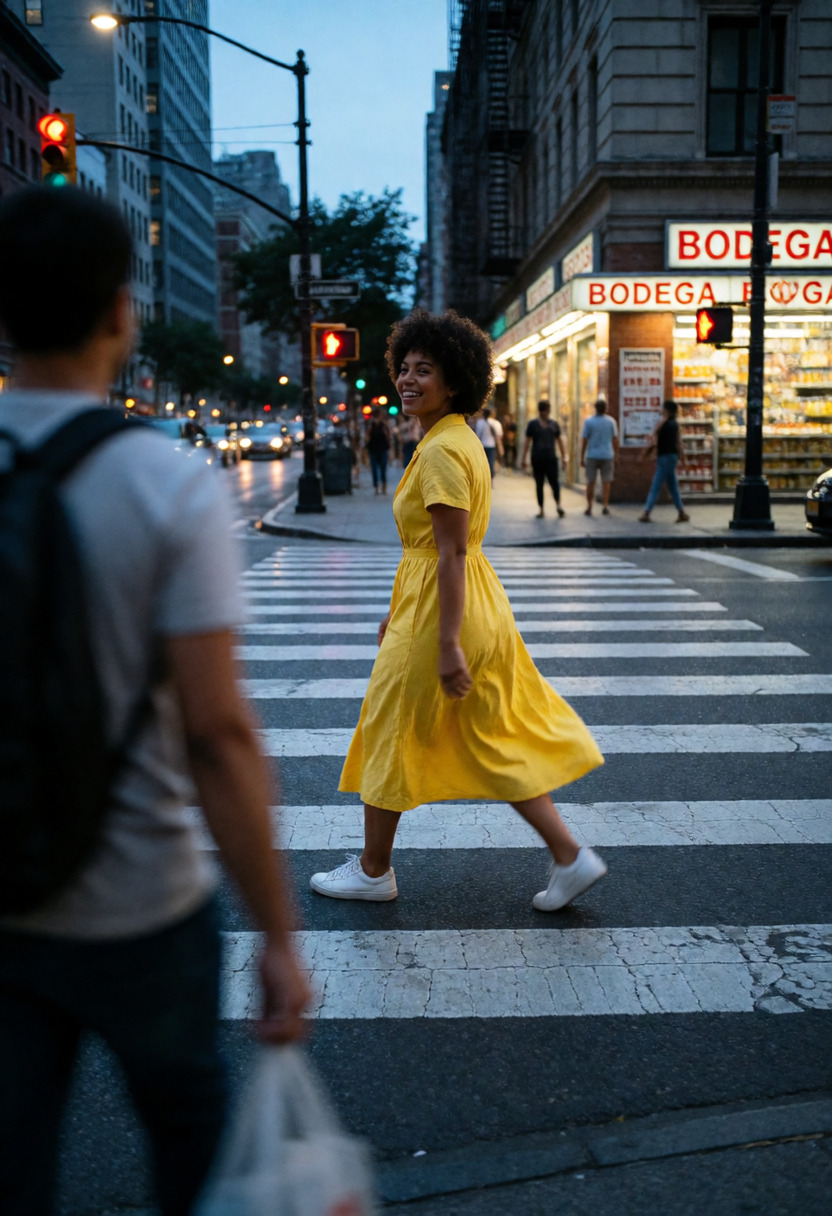
All 6 catalog examples are included below. Strength comparisons stay in their original order so you can judge the effect without guesswork.
Strength comparison
Use this prompt →




Compatible model guides
This LoRA is available with every Krea 2 workflow below. Follow a model link for its examples, settings, pricing, and direct Sogni Create launch.
Questions about Detail Enhancer
What does Detail Enhancer do?
Enhances the image with fine detail and clarity with minimal change to the image.
What strength should I use for Detail Enhancer?
Start at +1. The recommended range is -2 to +5; use the lowest strength that gives you the effect you want.
Which models work with Detail Enhancer?
Detail Enhancer is available on Krea 2 Turbo, Krea 2 Identity Edit v1.2, Dark Beast Krea 2 v3, Sogni Krea 2 Identity Edit v0.3 Alpha.