Image editing · Reference images
Image
Qwen Image Edit 2511
qwen_image_edit_2511_fp8 The strongest preservation editor — same face, same scene, new instruction.
No GPU. No setup. Cancel anytime.
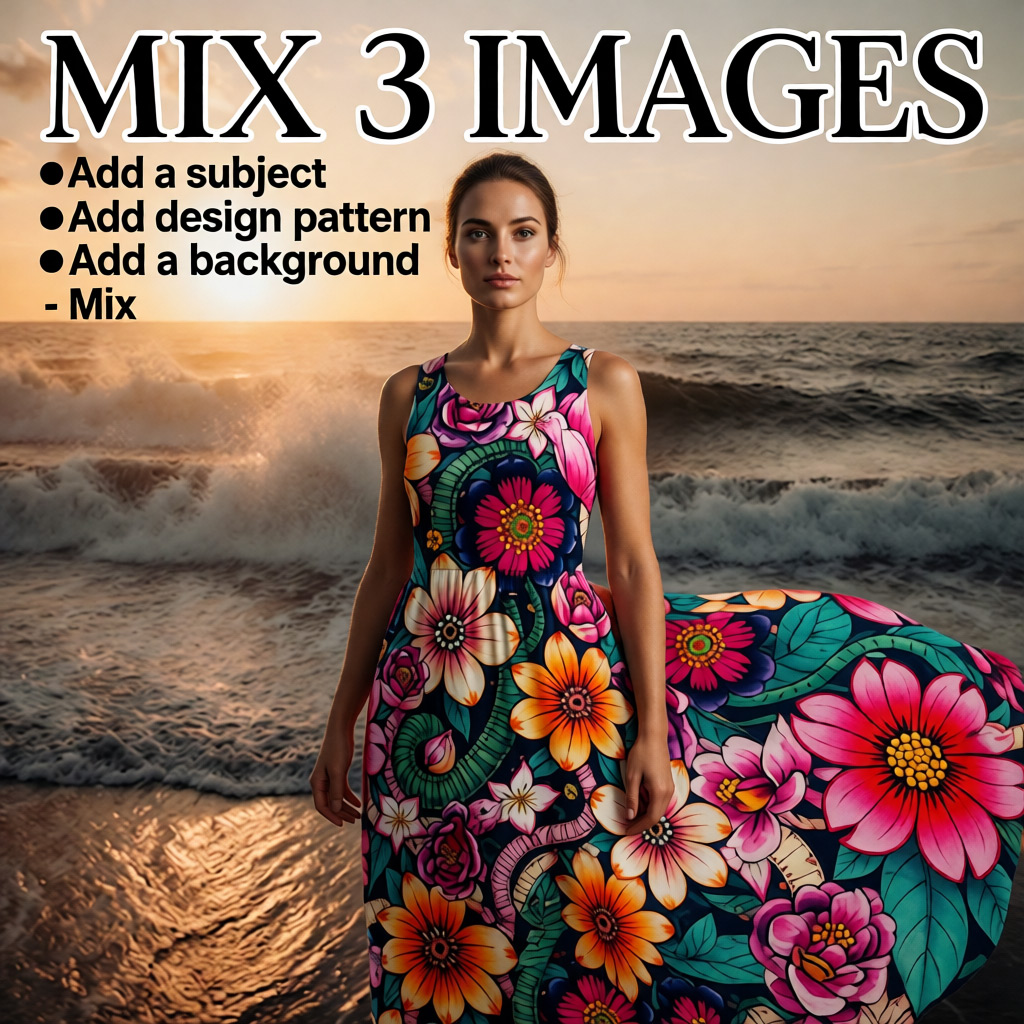
qwen_image_edit_2511_fp8 The strongest preservation editor — same face, same scene, new instruction.
No GPU. No setup. Cancel anytime.
Qwen Image Edit 2511 is the Supernet’s preservation-first editor: it follows edit instructions while keeping faces, products, and scene geometry intact, with up to three reference images for guided edits.
It is the engine behind Sogni’s context-editing and style-preserving workflows. The Lightning variant is the default editor in the hosted creative tools.
Use pay-as-you-go Spark packs for each render (1 Spark = $0.005), or choose a flat-rate Sogni plan for credit-free fair-use generation in the app.
| Configuration | Spark | USD |
|---|---|---|
| 1024 × 1024 · 20 steps · no refs | 4.15 Spark | $0.021 |
One Sogni API key reaches every model on the Supernet — call Qwen Image Edit 2511 with the exact model id.
import { SogniClient } from '@sogni-ai/sogni-client';

const client = await SogniClient.createInstance({
  appId: crypto.randomUUID(),
  apiKey: process.env.SOGNI_API_KEY,
  network: 'fast',
});

const project = await client.projects.create({
  type: 'image',
  modelId: 'qwen_image_edit_2511_fp8',
  positivePrompt: 'a slothicorn surfing a wave of liquid paint, studio lighting',
  numberOfMedia: 1,
});

const [url] = await project.waitForCompletion();
console.log(url); // result link — download within 24h
curl https://api.sogni.ai/v1/creative-agent/workflows \
-H "Content-Type: application/json" \
-H "Authorization: Bearer $SOGNI_API_KEY" \
-d '{
"input": {
"title": "First render",
"steps": [{
"id": "step1",
"toolName": "generate_image",
"arguments": { "prompt": "a slothicorn surfing a wave of liquid paint, studio lighting", "model": "qwen" }
}]
},
"confirm_cost": true
}' REST workflow alias: qwen. Pin the exact id with the SDK. Full reference at docs.sogni.ai.
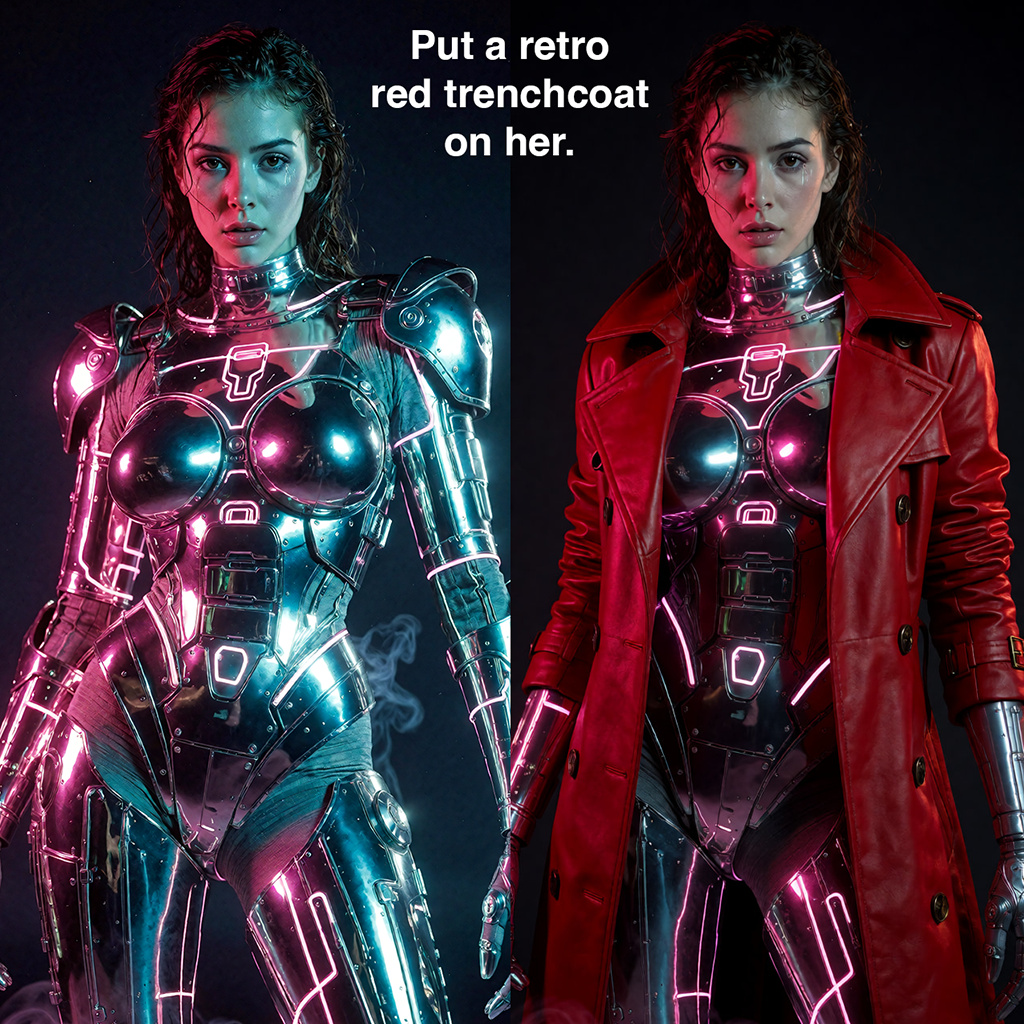
Real generations from Sogni. Hit Use prompt to open the app with Qwen Image Edit 2511 selected and the full prompt preloaded.
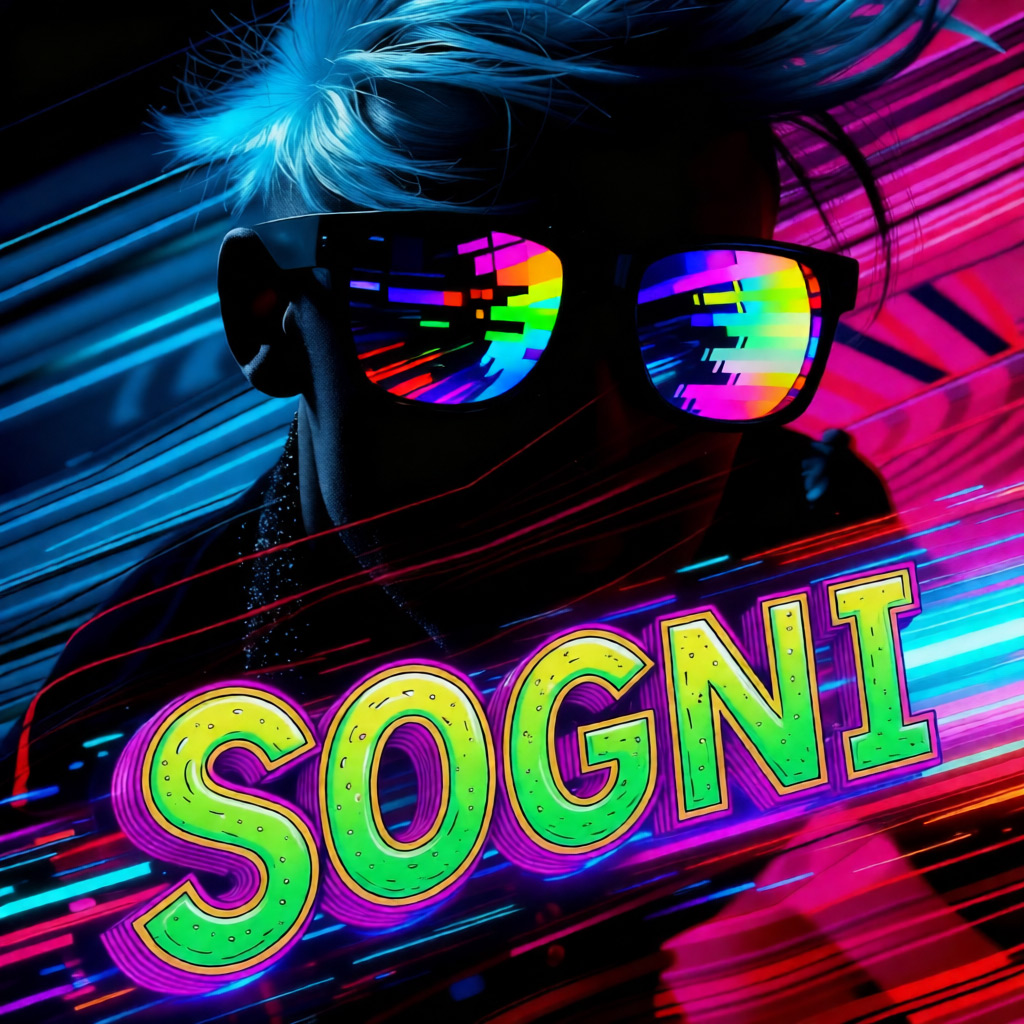
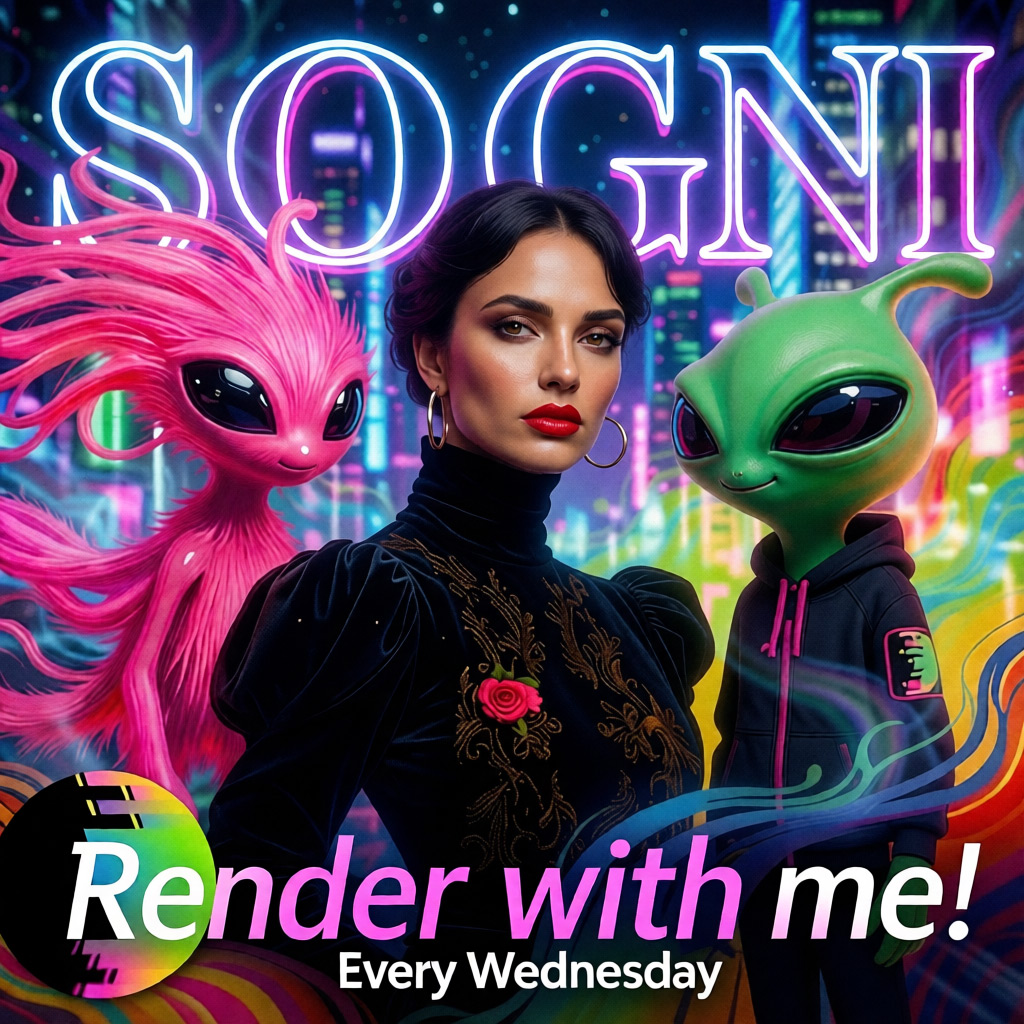
Use a flat monthly plan for credit-free fair-use generation, or buy Spark packs when pay-as-you-go fits better. Both run on the same creator-owned GPU network.
One flat price in the app. Generate under fair use without a per-image meter.
Image, video, music, and language models in one workspace and one API key.
Prefer pay-as-you-go? Call Qwen Image Edit 2511 by id and pay with Spark packs.
Runs on a decentralized GPU network where workers share subscription revenue.
 ImageNewUncensored Krea 2 Identity Edit LoRA v1.2 The new v1.2 identity-preserving Krea 2 LoRA on Sogni: restage people, swap faces or references, change outfits, inpaint, outpaint, and keep the parts you did not ask to change. from 5.19 Spark · $0.026 ImageFast Qwen Image Edit 2511 Lightning The default editor in Sogni’s creative tools — fast, faithful edits. from 2.10 Spark · $0.011
  ImagePremiumPartner GPT Image 2 OpenAI’s image model through the Sogni API — 16 references, superb instructions. from 13.7 Spark · $0.069
 Qwen Image Edit 2511 is a leading open-source, instruction-based image editing model from Alibaba. You give it a photo and a plain-text instruction, and it makes the edit — swapping objects and backgrounds, adding or rewriting in-image text, restyling, and refining details — while preserving subject and identity. It supports multi-image edits (combine up to three references) and is released under the permissive Apache-2.0 license.
Yes — image editing starts from your own photo. Qwen Image Edit 2511 transforms an image you provide according to your instruction, so you upload a source picture and then describe the change. When you hit "Use prompt" on an example, it loads the model and the edit instruction into the app — you just add your own image.
Qwen Image Edit 2511. It comes in two builds under one flat unlimited price: a fast turbo default (2511 Lightning) that's selected for you, and a max-fidelity version you can switch to in the model picker. Looking for pure image generation instead of editing? That's a separate model, Qwen Image 2512.
Yes — covered jobs are credit-free under fair use. There are no per-image credits to buy, but published plan concurrency, queue limits, and fair-use controls apply. Jobs run on Sogni's shared GPU network, so wait times can vary with demand and available capacity.
Sogni offers both subscription plans and Pay-As-You-Go Spark packs. Sogni Unlimited is $20/month (or $199/year), Unlimited Pro is $50/month (or $498/year), and Spark packs let you pay per eligible render without a subscription. Every plan starts with a 3-day free trial and you can cancel anytime.
Absolutely — Qwen Image Edit 2511 follows long, structured instructions faithfully. The examples above show complete, unedited prompts and the exact result each produced. Hit "Use prompt" to load the full instruction into the app, add your image, and reproduce or remix the edit.
Create in the app, or build with the API. Your call.